
Skip to content
TechBone
Realme

Realme: Show or Hide App Suggestions in the App Drawer

Every time you open the app drawer on your Realme phone, a row of suggested apps shows up above your full app list, picked based on what you have opened recently. If you find that suggestion bar distracting, or you just do not want Realme UI displaying your last-used apps at the top, that behavior comes from a single toggle you may not have noticed yet.

3 min3 steps
VersionAndroid 11 · Realme UI 2

Step by step

1 / 3

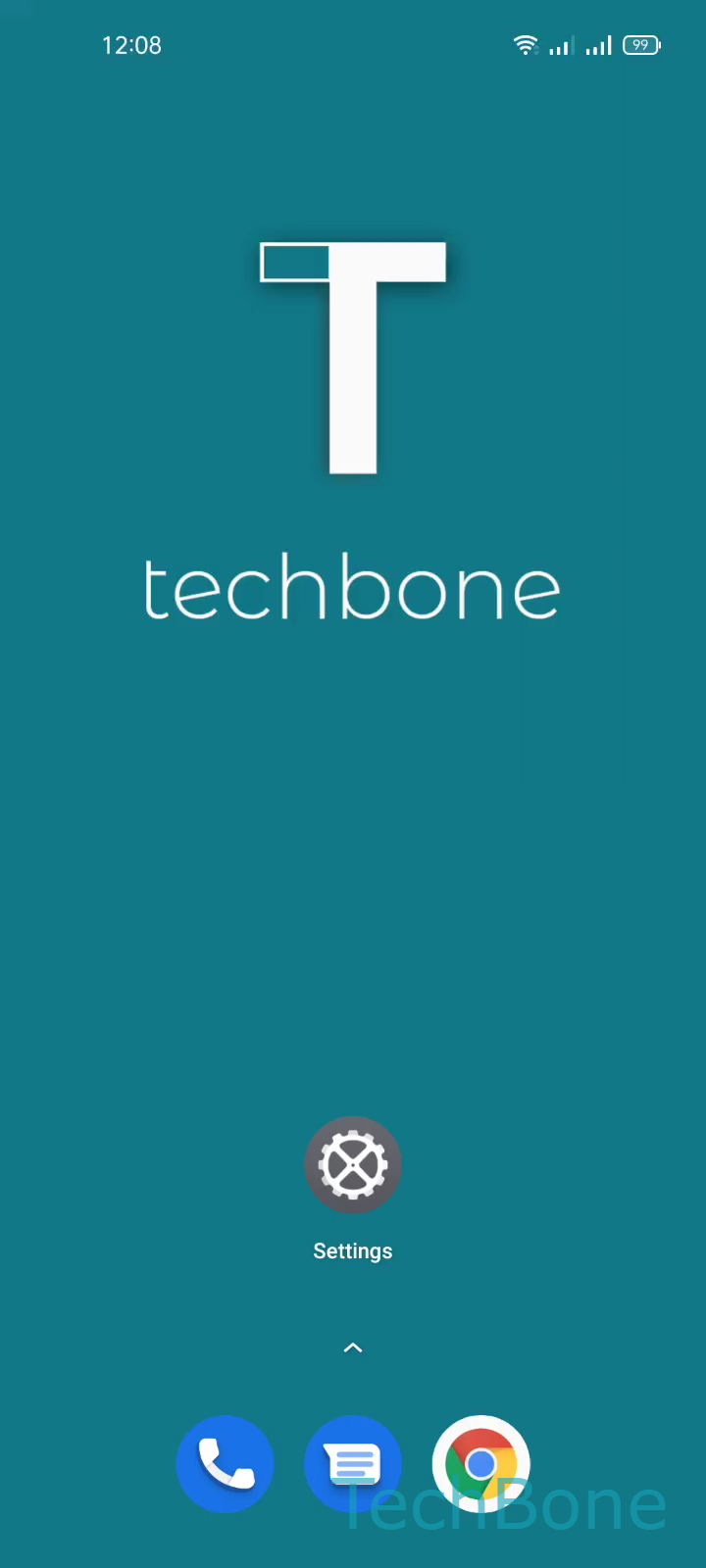
Step 1 of 3: Tap on **Settings**

1

Tap on Settings

Live simulator

Android 11 · Realme UI 2
Show or Hide App Suggestions in the App Drawer – Realme UI 2: step 1 – Tap on Settings
Tap on Settings
1 / 3

Scroll or use the buttons for the next step

Feedback

Was the guide correct?

Help others: confirm the path or report a problem.

29

Confirmations

Forum verified this path

Realme

Show or Hide App Suggestions in the App Drawer auf Realme

Realme UI tracks which apps you open most often and displays a shortcut row for them at the top of the app drawer. This is meant to save you a swipe or two, but it also means anyone glancing at your phone can see your recent activity at a glance.

The setting behind this behavior sits in the home screen preferences, not inside the app drawer itself. To turn it off or back on, go to Tap on SettingsTap on Home screen & Lock screenEnable or disable Show app suggestions.

Disabling the toggle removes the suggestion row completely, leaving only your alphabetically or manually sorted app list in the drawer. Enabling it again brings the shortcuts back immediately, no restart needed.

Turning suggestions off is worth doing if you share your phone occasionally, use it for work and personal apps together, or simply prefer a cleaner drawer layout. If you rely on quick access to your most-used apps, keeping the suggestions on can still save time.

Frequently asked questions

No. Disabling Show app suggestions only hides the shortcut row in the app drawer. Realme UI still tracks usage internally for other features like battery optimization.