
Skip to content
TechBone
Realme

Realme: Uninstall Apps via App Management

If the press-and-hold shortcut on the home screen does not offer an Uninstall option, or the app icon is grayed out, the system settings still let you remove it. This happens with apps that were installed through certain sources or that sit in a folder where the long-press menu behaves differently. The settings route works for almost every app on the device, regardless of how it was installed.

5 min6 steps
VersionAndroid 11 · Realme UI 2

Step by step

1 / 6

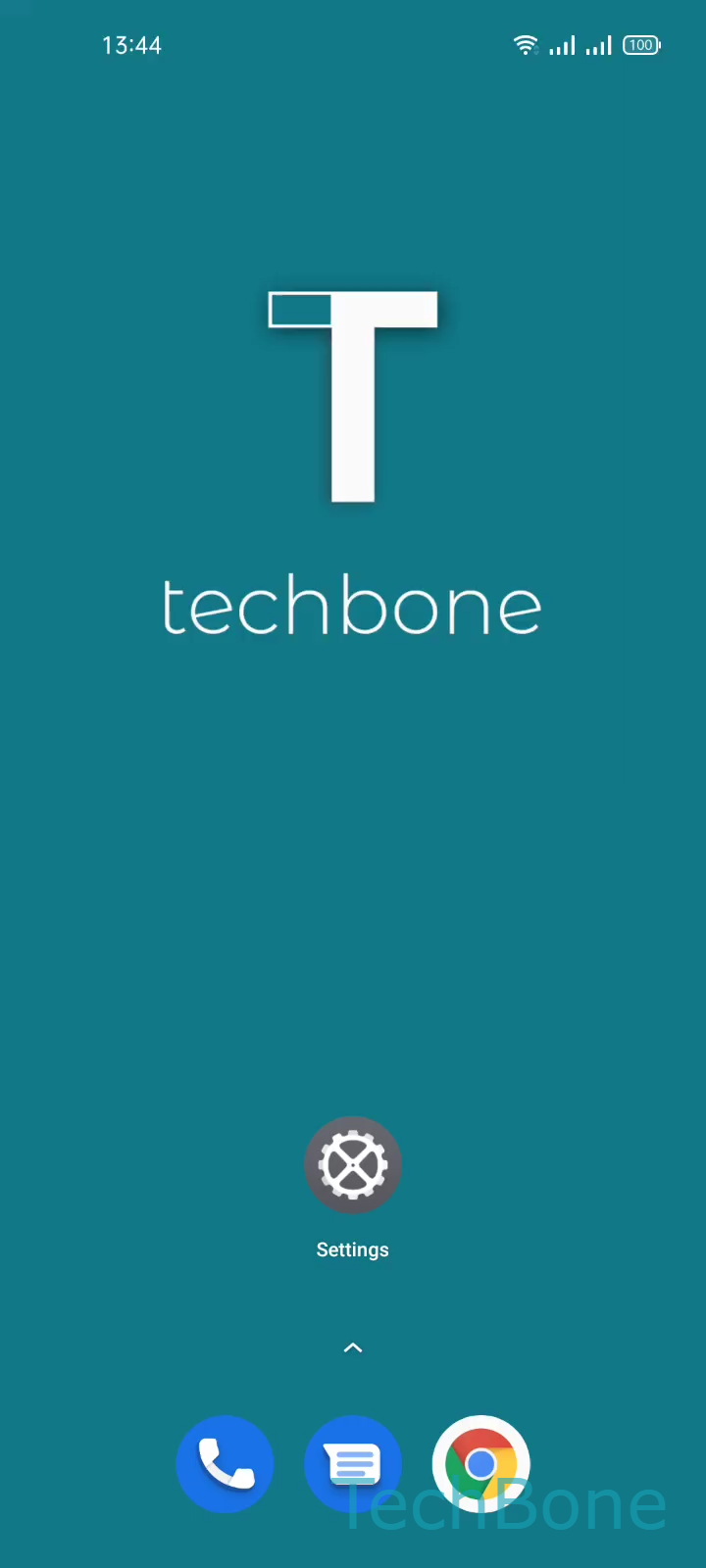
Step 1 of 6: Tap on **Settings**

1

Tap on Settings

Live simulator

Android 11 · Realme UI 2
Uninstall Apps via App Management – Realme UI 2: step 1 – Tap on Settings
Tap on Settings
1 / 6

Scroll or use the buttons for the next step

Feedback

Was the guide correct?

Help others: confirm the path or report a problem.

103

Confirmations

Forum verified this path

Realme

Uninstall Apps via App Management auf Realme

On Realme UI, most apps can be removed straight from the home screen by pressing and holding the icon until a shortcut menu appears. This works for the majority of downloaded apps, but it is not always reliable. Some app icons open a different quick menu, some sit inside folders where the long-press gesture behaves inconsistently, and system-adjacent apps often skip the shortcut entirely.

The App management screen inside Settings is the more consistent way to uninstall an app. It lists every installed application in one place, independent of home screen layout or folder structure.

To remove an app this way:

Tap on SettingsTap on App managementTap on App listChoose an AppTap on UninstallTap on OK

This confirms the removal and deletes the app along with its cache. Personal data tied to a cloud account, such as messages backed up online, is not affected. Use this route whenever the home screen shortcut is missing, grayed out, or when you want to check exactly which apps are currently installed before removing several at once.

Frequently asked questions

Some pre-installed or system-linked apps hide the Uninstall option from the quick shortcut menu on purpose. Removing them safely is only possible through Tap on SettingsTap on App managementTap on App list, and even there, some system apps only offer a Disable option instead.