Skip to content
TechBone
Realme

Realme: Turn On App Lock for Individual Apps

Anyone who picks up your unlocked Realme phone can open banking apps, messengers, or your gallery without a second check. App lock closes that gap by asking for an extra password before a chosen app opens, but the option only appears once a privacy password exists on the device. Without that password set first, the switch for locking individual apps stays inactive.

3 min4 steps
VersionAndroid 11 · Realme UI 2

Step by step

1 / 4

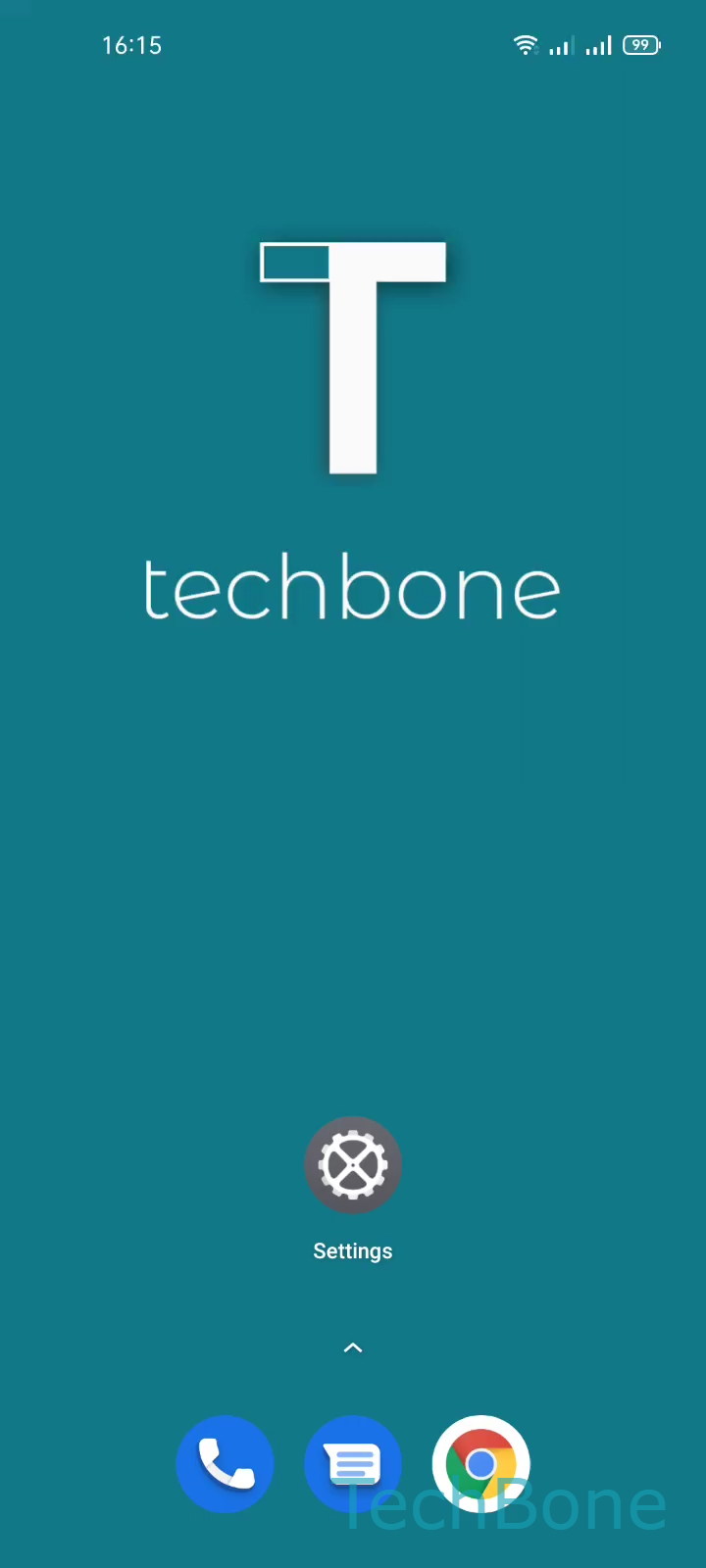
Step 1 of 4: Tap on **Settings**

1

Tap on Settings

Live simulator

Android 11 · Realme UI 2
Set Up App Lock for Individual Apps – Realme UI 2: step 1 – Tap on Settings
Tap on Settings
1 / 4

Scroll or use the buttons for the next step

Feedback

Was the guide correct?

Help others: confirm the path or report a problem.

100

Confirmations

Forum verified this path

Realme

Set Up App Lock for Individual Apps auf Realme

App lock on Realme devices only becomes selectable once a privacy password exists. Without that password, the toggle next to each app stays inactive because Realme UI ties app lock directly to the privacy lock screen.

Once the password is set, you can require it before specific apps open, even right after unlocking your phone with a fingerprint or face scan. This keeps banking apps, messengers, or gallery folders private if someone else handles your already unlocked device.

To turn it on, open SettingsPrivacyApp lock. Set your privacy password if you have not done so, then switch on the toggle next to every app you want to protect.

Locked apps show a small padlock icon in the app drawer and on the home screen. Realme UI asks for the privacy password, or a matching biometric if app lock supports it on your model, the first time you open one of these apps after unlocking the phone.

Losing the privacy password usually means recovering access through your Realme account. Keep that in mind before locking apps you need every day.

Frequently asked questions

Every app installed on your Realme device appears in SettingsPrivacyApp lock, so you can pick individual apps like messengers, galleries, or banking apps instead of locking the whole phone.