
Realme
Remove App Shortcuts from the Home Screen auf Realme
A crowded home screen on a Realme phone usually happens because every newly installed app automatically gets a shortcut placed on it. Over time, rarely used icons push the apps you actually open every day further down or onto extra screens.
Removing a shortcut only affects the home screen layout. The app itself remains installed, keeps its data, and can still run background tasks or push notifications until you uninstall it separately.
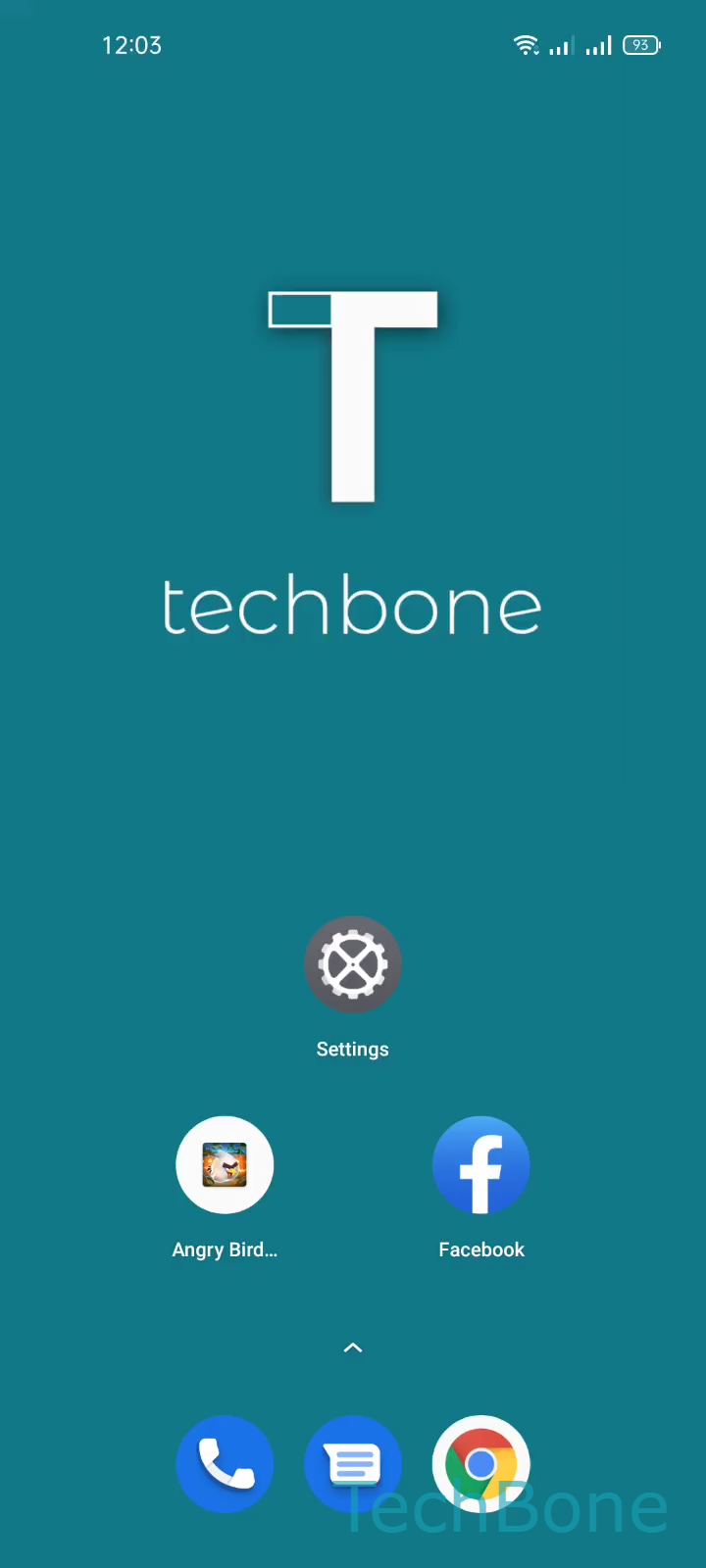
To remove one or more shortcuts: Tap and hold a free area on Home screen ➔ Select one or more App shortcuts ➔ Tap on Remove ➔ Tap on Remove to confirm.
This selection mode lets you mark several icons at once before removing them together, which is faster than dragging each one individually. If the goal is to free up storage or stop an app from running entirely, removing the shortcut is not enough - the app needs to be uninstalled through its app info page instead.
A removed shortcut can always be added back from the app drawer, so nothing is lost by cleaning up the home screen this way.