Skip to content
TechBone
Realme

Realme: Turn On or Off Auto Answer for Calls

When a Bluetooth headset stays connected, your Realme phone can pick up incoming calls before you even reach for the screen. This happens because Auto answer accepts calls automatically after a set delay, and that delay can feel too short or too long for how you actually use your headset. If calls get answered while you are still walking to a quiet spot, the setting needs adjusting instead of switching off entirely.

6 min7 steps
VersionAndroid 11 · Realme UI 2

Step by step

1 / 7

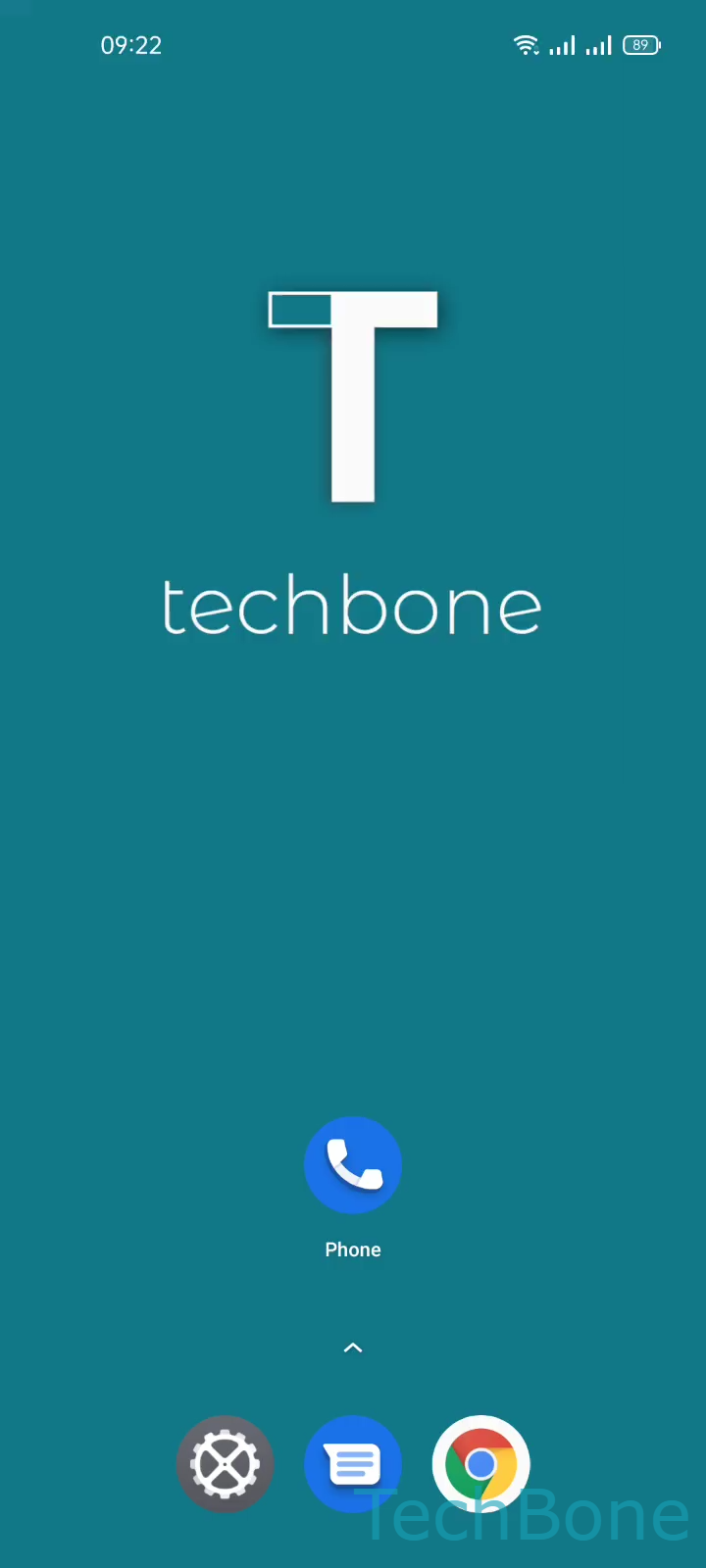
Step 1 of 7: Tap on **Phone**

1

Tap on Phone

Live simulator

Android 11 · Realme UI 2
Auto Answer Calls Setup – Realme UI 2: step 1 – Tap on Phone
Tap on Phone
1 / 7

Scroll or use the buttons for the next step

Feedback

Was the guide correct?

Help others: confirm the path or report a problem.

24

Confirmations

Forum verified this path

Realme

Auto Answer Calls Setup auf Realme

Auto answer is a Realme UI feature that accepts incoming calls automatically once a Bluetooth headset or headphones are paired with the phone. It exists so you do not have to touch the screen while driving or working with your hands full, but the built-in delay does not always match how quickly you can react.

By default, the phone waits a few seconds before picking up. If that window feels too short, calls get answered before you are ready to speak; if it feels too long, the caller hears several rings even though your headset is already connected.

To change the behavior, open Tap on PhoneOpen the MenuTap on SettingsTap on Calling accountsTap on Auto answer. From there you can Enable or disable Auto answer and, when it is active, Set the Delay in seconds.

Turning the feature off is the right move if you prefer to always answer manually, even with a headset connected. Adjusting the delay instead makes sense if the automatic pickup itself is useful but the timing feels off.

Frequently asked questions

Yes, the setting activates automatic call pickup specifically when a Bluetooth headset or headphones are connected to your phone.