Skip to content
TechBone
Realme

Realme: Send a Photo or Video via Bluetooth

If the Bluetooth option is missing from the share menu, or a paired smart TV never shows up in the device list, transferring a photo or video from your Realme phone stalls before it even starts. This usually comes down to how the Gallery app builds its share list and whether the receiving device is currently discoverable. Range and pairing status also affect which devices actually appear as available.

3 min4 steps
VersionAndroid 11 · Realme UI 2

Step by step

1 / 4

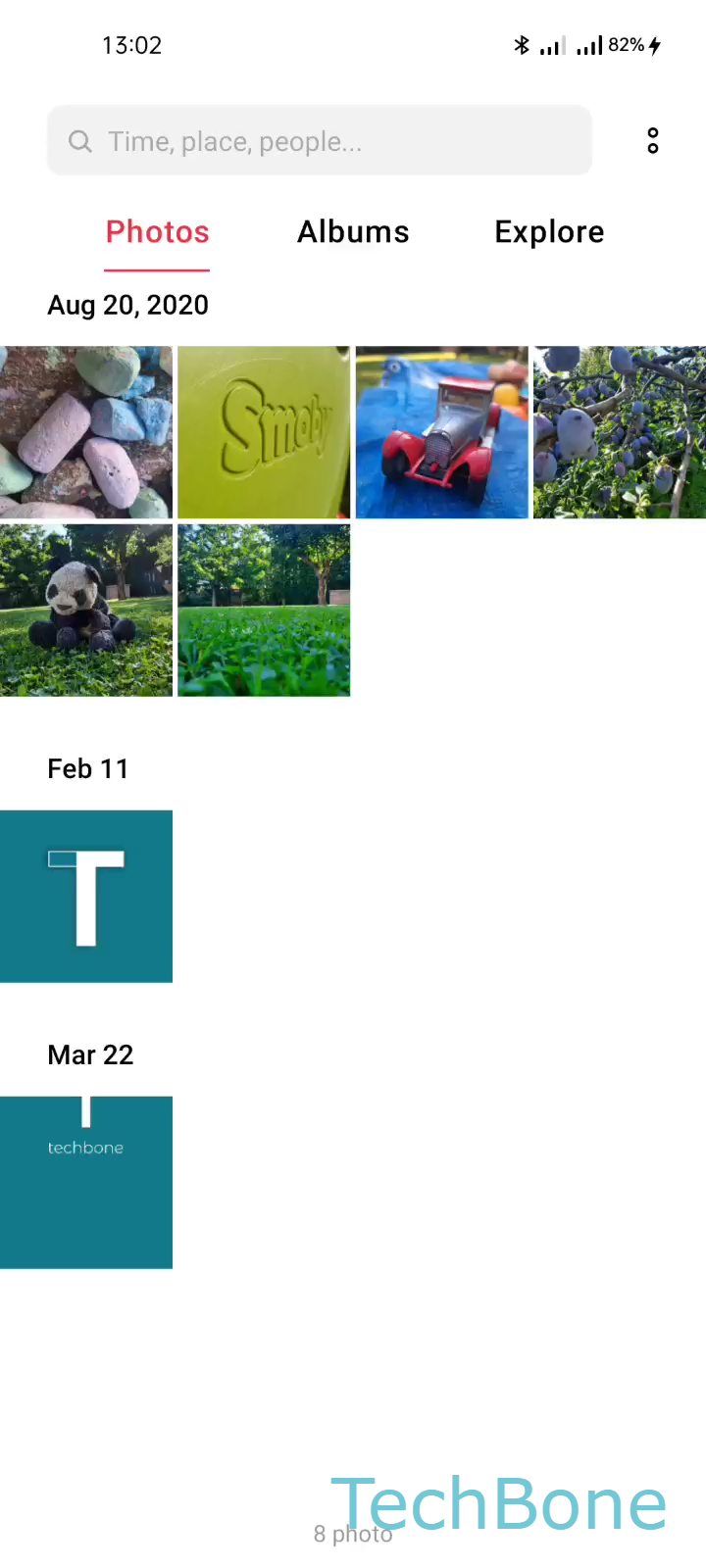
Step 1 of 4: Choose a **Photo/Video**

1

Choose a Photo/Video

Live simulator

Android 11 · Realme UI 2
Send Photos and Videos via Bluetooth – Realme UI 2: step 1 – Choose a Photo/Video
Choose a Photo/Video
1 / 4

Scroll or use the buttons for the next step

Feedback

Was the guide correct?

Help others: confirm the path or report a problem.

13

Confirmations

Forum verified this path

Realme

Send Photos and Videos via Bluetooth auf Realme

Bluetooth file transfer on Realme phones runs through the Gallery share sheet, not a separate app. That is why the option only appears when a photo or video is already selected and the receiving device is turned on, discoverable, and within range.

Open the file you want to send and follow this path: Choose a Photo/VideoTap on SendTap on BluetoothChoose an AvailableBluetooth Device. The last step only lists devices that are already paired and currently reachable, so a TV in standby or a laptop with Bluetooth turned off will not show up at all.

Distance matters more than most people expect. Even a paired device can drop off the available list once you move a few meters away or a wall blocks the signal.

For large video files, Bluetooth is noticeably slower than Wi-Fi Direct or a cable transfer. If a transfer seems stuck, check whether the file size is the actual bottleneck before assuming the connection failed.

Printers behave differently: only models with Bluetooth print support and the correct driver profile will accept a PDF sent this way, so not every paired printer works.

Frequently asked questions

The TV must be paired already and Bluetooth must be active on its side, not just powered on. If it is still missing after re-pairing, move both devices closer together and try Tap on Bluetooth again from the share menu.