
Realme
Send Photos and Videos via Bluetooth auf Realme
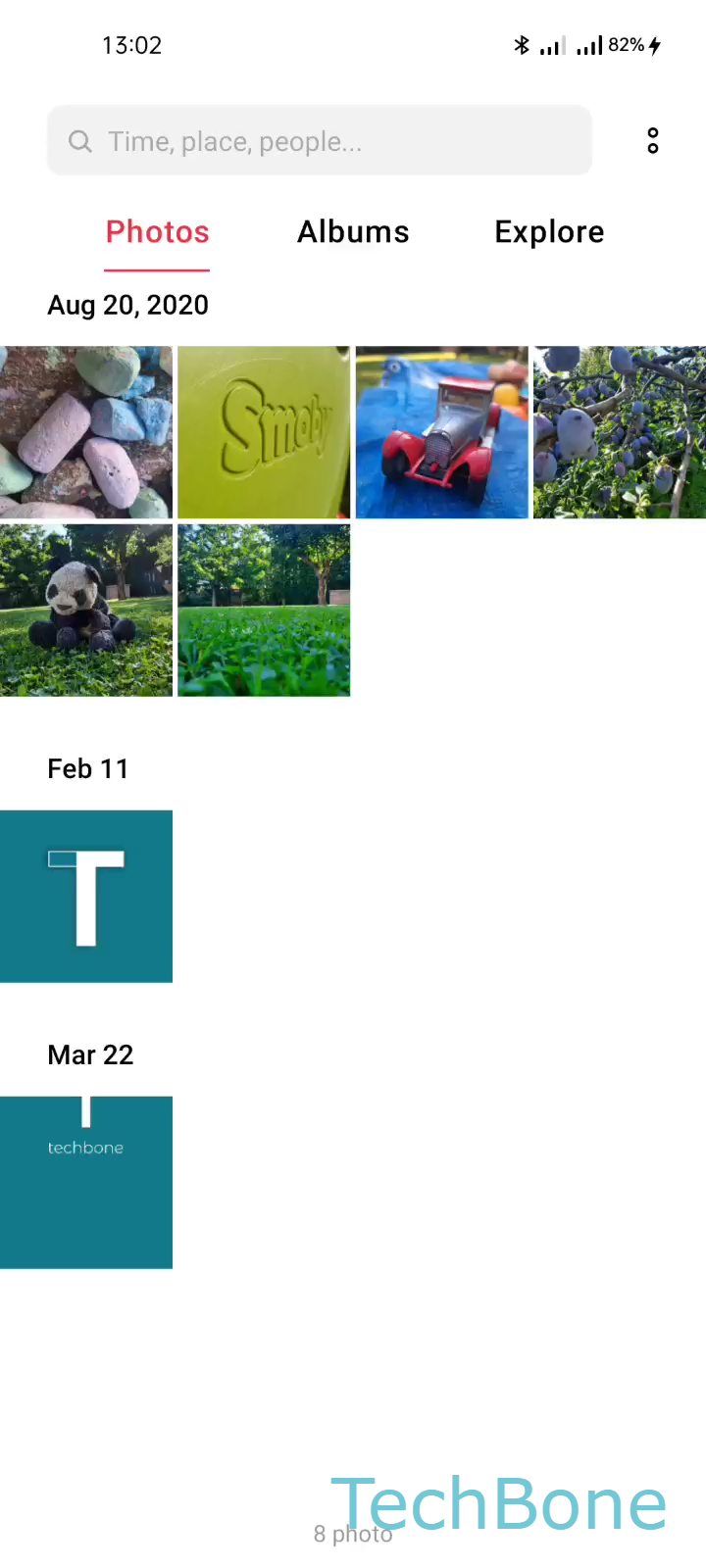
Bluetooth file transfer on Realme phones runs through the Gallery share sheet, not a separate app. That is why the option only appears when a photo or video is already selected and the receiving device is turned on, discoverable, and within range.
Open the file you want to send and follow this path: Choose a Photo/Video ➔ Tap on Send ➔ Tap on Bluetooth ➔ Choose an AvailableBluetooth Device. The last step only lists devices that are already paired and currently reachable, so a TV in standby or a laptop with Bluetooth turned off will not show up at all.
Distance matters more than most people expect. Even a paired device can drop off the available list once you move a few meters away or a wall blocks the signal.
For large video files, Bluetooth is noticeably slower than Wi-Fi Direct or a cable transfer. If a transfer seems stuck, check whether the file size is the actual bottleneck before assuming the connection failed.
Printers behave differently: only models with Bluetooth print support and the correct driver profile will accept a PDF sent this way, so not every paired printer works.