Skip to content
TechBone
Realme

Realme: Set Default Messages App

If texts open in the wrong app or notifications never show up where expected, Realme UI is still pointing to an old default SMS app. Switching to a different messaging app changes design, notification handling and features like spam filtering or RCS chat. Apps downloaded from the Play Store need to be set manually before they take over as the default handler for SMS.

4 min5 steps
VersionAndroid 11 · Realme UI 2

Step by step

1 / 5

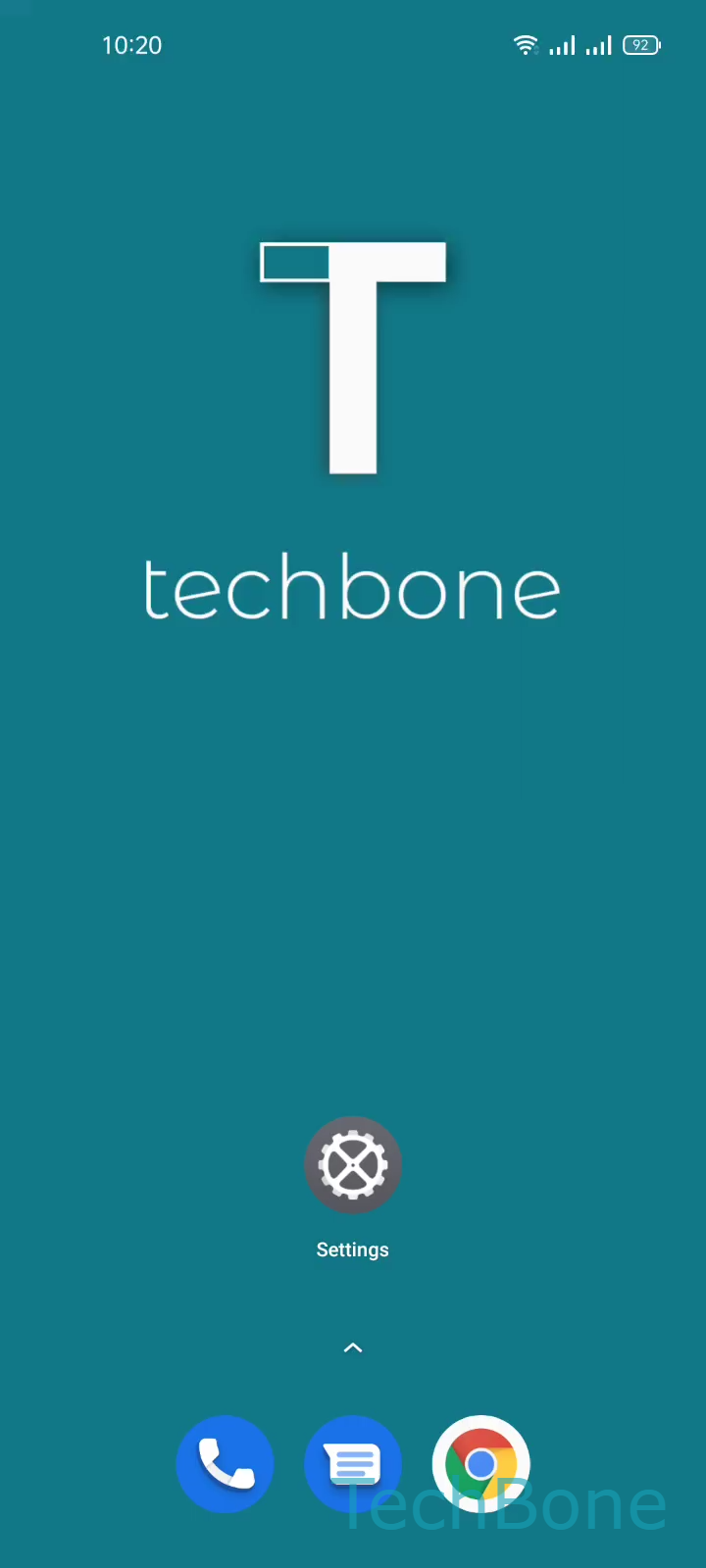
Step 1 of 5: Tap on **Settings**

1

Tap on Settings

Live simulator

Android 11 · Realme UI 2
Change Default Messages App – Realme UI 2: step 1 – Tap on Settings
Tap on Settings
1 / 5

Scroll or use the buttons for the next step

Feedback

Was the guide correct?

Help others: confirm the path or report a problem.

12

Confirmations

Forum verified this path

Realme

Change Default Messages App auf Realme

Realme UI keeps one app registered as the default handler for texts and SMS. When you install a new messaging app, Android does not always switch automatically, so incoming texts and notifications keep opening in the old app.

The setting lives under SettingsApp managementDefault appsSMS app. From here you pick any installed messaging app and confirm it with Set the Default SMS app.

Changing the default affects which app receives incoming SMS, shows notification badges, and handles quick replies from the lock screen. Group messaging, RCS chat features or spam filtering only work correctly once the chosen app is actually set as default.

If a new app is missing from the list, open it once after installing it so Android registers it as a valid SMS handler. Switching back to the stock app is the safer option if a third-party app crashes when receiving messages.

Frequently asked questions

Open the app at least once after installing it. Android only lists apps that have requested SMS permissions as a possible default under SettingsApp managementDefault appsSMS app.