Skip to content
TechBone
Realme

Realme: Set the Default Phone App for Calls

If you installed a second dialer app on your Realme phone, incoming calls or contacts might open in the wrong app. This happens because Realme UI still treats another app as the default handler for calls and messages. Until you change that assignment, missed-call notifications and quick-dial shortcuts can point to the wrong place.

4 min5 steps
VersionAndroid 11 · Realme UI 2

Step by step

1 / 5

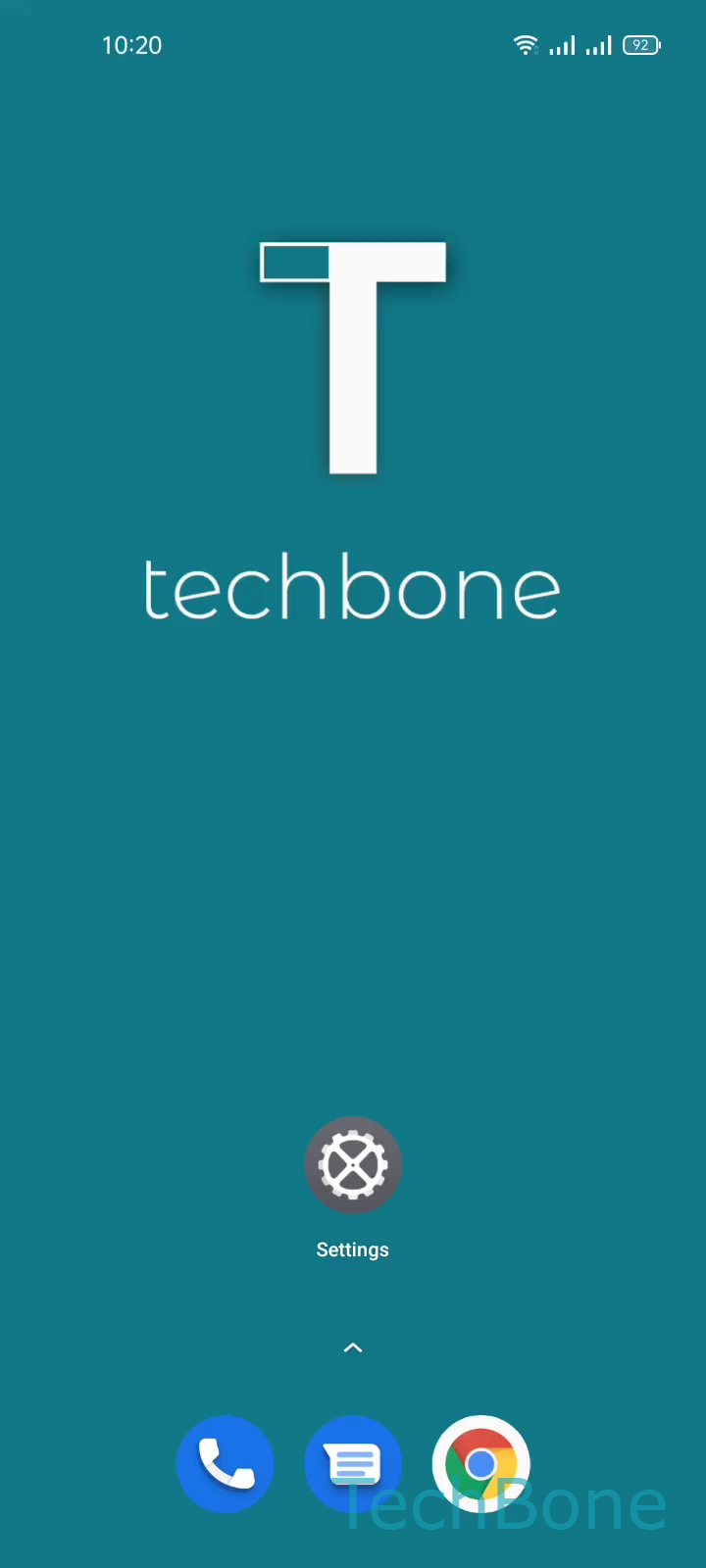
Step 1 of 5: Tap on **Settings**

1

Tap on Settings

Live simulator

Android 11 · Realme UI 2
Set Default Phone App – Realme UI 2: step 1 – Tap on Settings
Tap on Settings
1 / 5

Scroll or use the buttons for the next step

Feedback

Was the guide correct?

Help others: confirm the path or report a problem.

86

Confirmations

Forum verified this path

Realme

Set Default Phone App auf Realme

When a third-party dialer is installed on a Realme phone, Realme UI has to decide which app handles incoming calls and outgoing dial requests. If the wrong app is set as default, contact shortcuts, widget dialers, and call notifications can open an app you never intended to use for calls.

This assignment lives in the system's default app registry, not inside the dialer app itself. Uninstalling the unwanted app does not always fix the routing, since the system may still reference it until a new default is confirmed.

How to change it

Go to Tap on SettingsTap on App managementTap on Default appsTap on Phone appSet the Default Phone app. Pick the phone app you actually want to handle calls and confirm the selection.

Once saved, incoming calls, contact taps, and dial shortcuts will route through that app only. If you still see the old app appearing, restart the phone once to force the system to apply the new default cleanly.

Frequently asked questions

Realme UI sometimes keeps a cached default reference. Go to Tap on SettingsTap on App managementTap on Default appsTap on Phone app and reselect your preferred app manually.