Skip to content
TechBone
Realme

Realme: Set the Screen Refresh Rate

If scrolling on your Realme still feels choppy or the battery drains faster than usual, the screen refresh rate setting is often the reason. A higher rate like 120 Hz makes animations and scrolling noticeably smoother but pulls more power from the battery. Some Realme models also ship with an Automatic mode that switches rates on its own, which can explain why smoothness feels inconsistent from app to app.

4 min5 steps
VersionAndroid 11 · Realme UI 2

Step by step

1 / 5

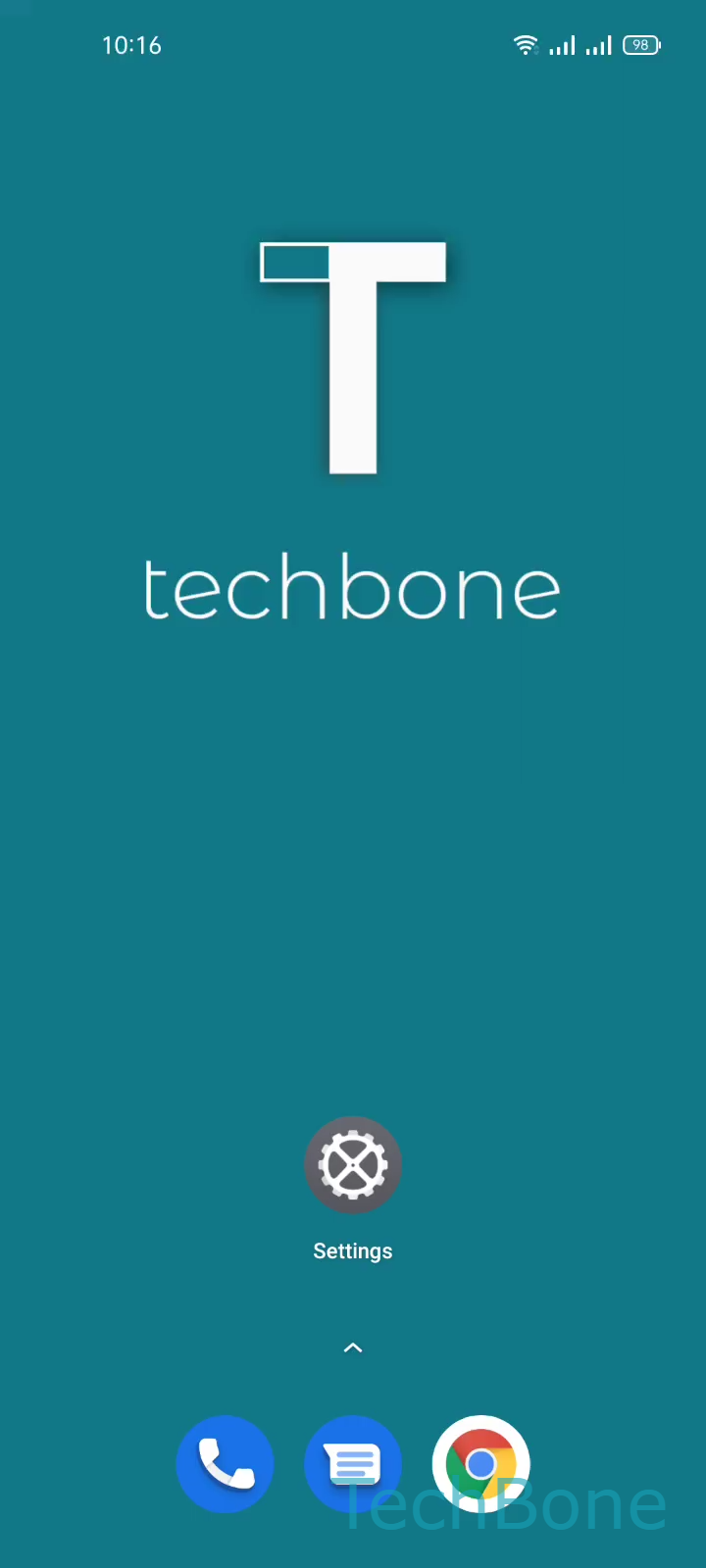
Step 1 of 5: Tap on **Settings**

1

Tap on Settings

Live simulator

Android 11 · Realme UI 2
Set Screen Refresh Rate – Realme UI 2: step 1 – Tap on Settings
Tap on Settings
1 / 5

Scroll or use the buttons for the next step

Feedback

Was the guide correct?

Help others: confirm the path or report a problem.

47

Confirmations

Forum verified this path

Realme

Set Screen Refresh Rate auf Realme

The screen refresh rate on Realme phones controls how many times per second the display redraws itself. A higher value produces smoother scrolling and animations, while a lower value reduces power draw and extends battery runtime between charges.

Not every Realme model offers the same options. Depending on the hardware, you can typically choose between Automatic, 120 Hz, and 60 Hz. Automatic lets the system switch between rates based on what is shown on screen, which usually gives a good balance but can occasionally feel less consistent than a fixed setting.

To change the refresh rate, go to Tap on SettingsTap on Display & brightnessTap on MoreTap on Screen refresh rateSet the Screen refresh rate. The exact options shown depend on your device model.

If your Realme phone gets noticeably warm or the battery drops faster after switching to a higher rate, that is expected behavior, not a defect. Switching back to 60 Hz or Automatic is the quickest way to recover battery life without changing any other setting.

Frequently asked questions

Yes. Running the display at 60 Hz instead of 120 Hz reduces one of the biggest power consumers on the phone, so you typically notice longer runtime between charges, especially with the screen on for extended periods.