
Realme
Remove a Folder auf Realme
On Realme UI, a home screen folder can be closed in two very different ways. Choosing the wrong one either deletes every app icon inside the folder or simply spreads the icons back onto your home screen.
To close a folder, tap and hold it until a menu appears. From there you get two options.
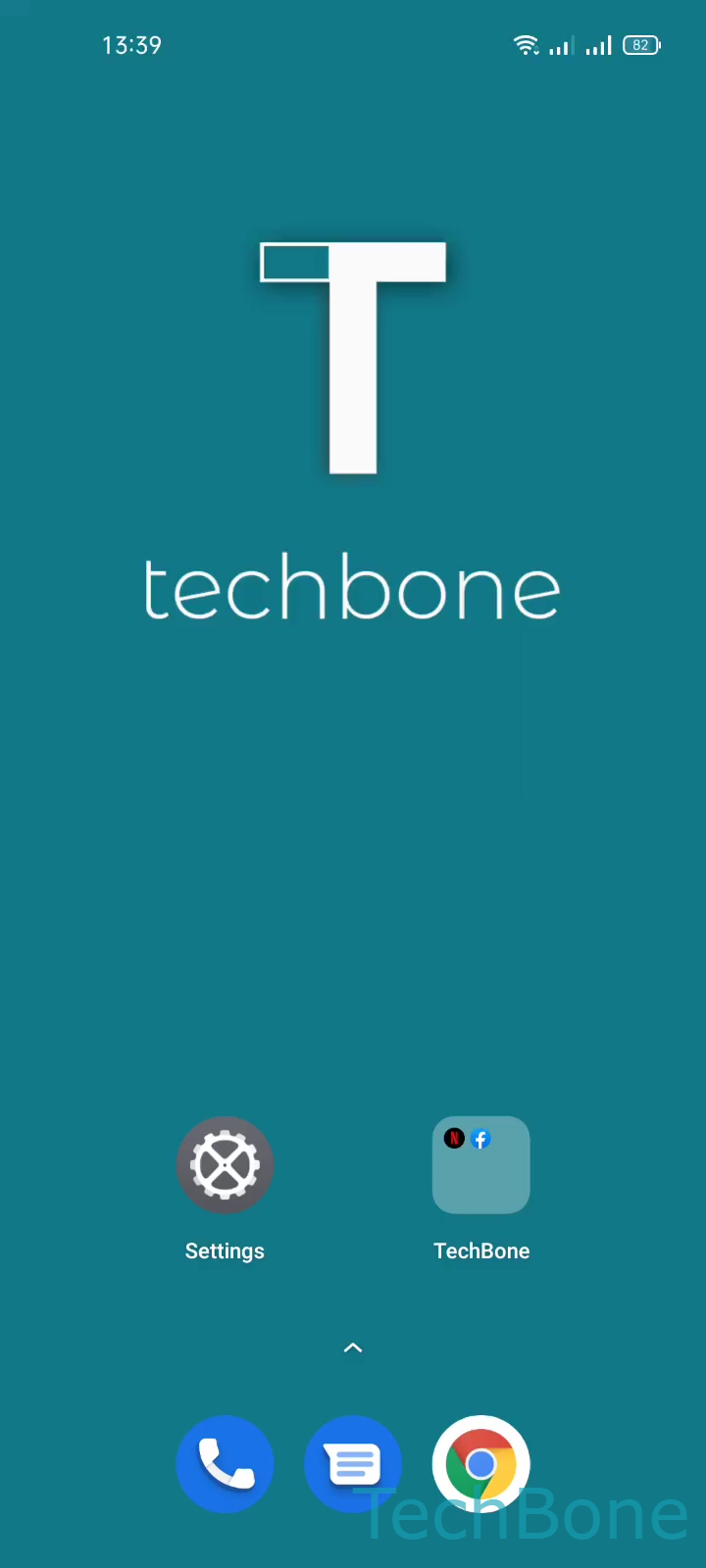
Tap and hold a Folder ➔ Remove (app icons are also removed) or Dismiss (app icons are placed on the home screen)
Tapping Remove deletes the folder along with every app icon it contains. This does not uninstall the apps themselves, but it removes their shortcuts from the home screen entirely. If you only wanted to tidy up your layout, this is usually the wrong choice.
Tapping Dismiss keeps every app. The folder disappears, and all the icons that were grouped inside it get placed back onto the home screen individually.
If your goal is just to shrink a folder rather than delete it, remove single apps from inside the folder first before dissolving it completely.