Skip to content
TechBone
Realme

Realme: Remove a Keyboard Language from Gboard

If your Gboard keyboard on Realme keeps switching to a language you no longer use, or the language picker is cluttered with layouts you added by mistake, it slows down typing. This usually happens when a keyboard language was added once for a trip or a chat and never removed afterward. Cleaning up the language list keeps the keyboard switcher fast and relevant.

6 min8 steps
VersionAndroid 11 · Realme UI 2

Step by step

1 / 8

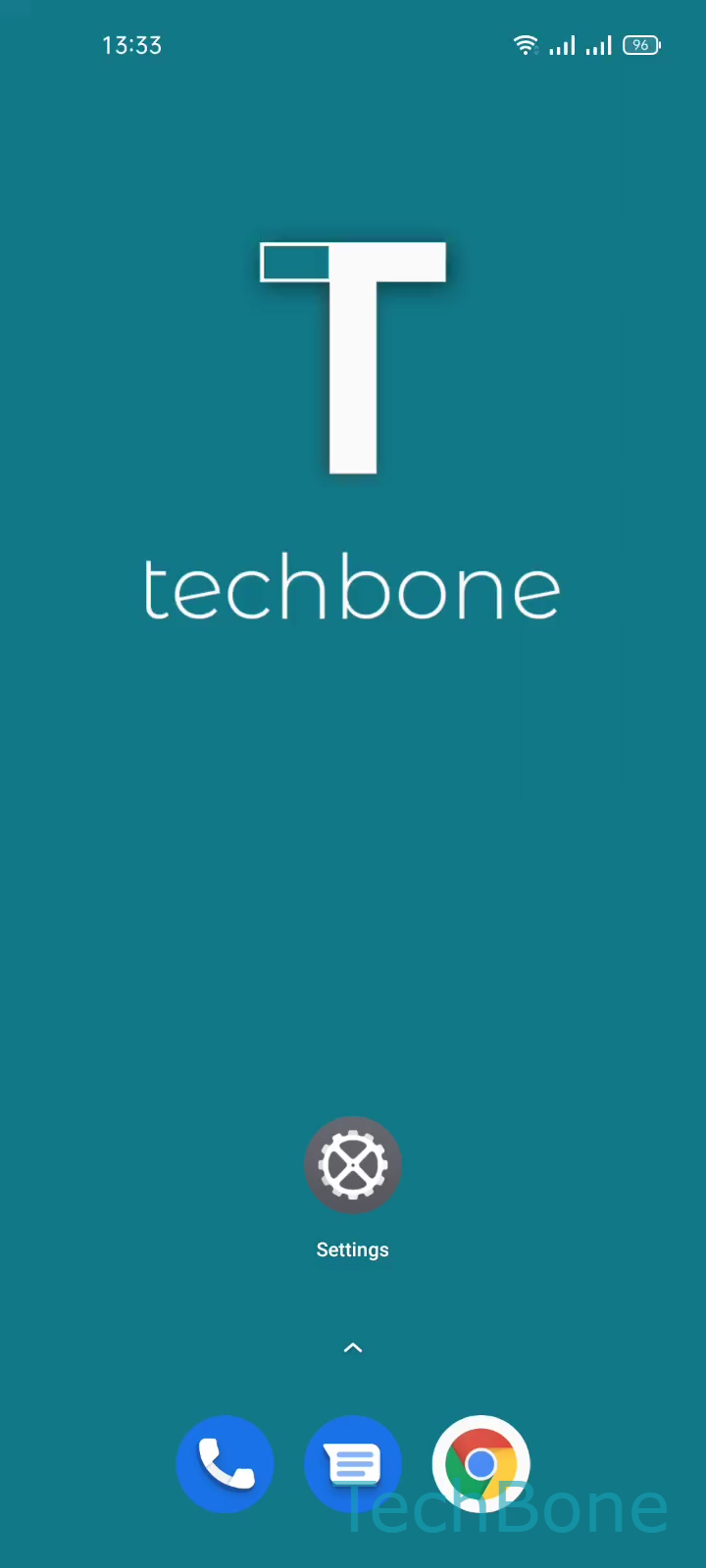
Step 1 of 8: Tap on **Settings**

1

Tap on Settings

Live simulator

Android 11 · Realme UI 2
Remove Keyboard Language – Realme UI 2: step 1 – Tap on Settings
Tap on Settings
1 / 8

Scroll or use the buttons for the next step

Feedback

Was the guide correct?

Help others: confirm the path or report a problem.

37

Confirmations

Forum verified this path

Realme

Remove Keyboard Language auf Realme

On Realme phones running Realme UI, Gboard stores every keyboard language you have ever added, even ones you no longer type in. Each extra language adds an entry to the language switcher and slows down finding the layout you actually want.

Removing a language does not affect the layouts of your remaining languages or your saved dictionary for languages you keep active. It only clears the unwanted entry from Gboard.

To remove a language, go to Tap on SettingsTap on Additional settingsTap on Keyboard & input methodTap on GboardTap on Languages. Here you see every language currently added to your keyboard.

Tap Tap on Edit to enter edit mode, then Select a Keyboard language for the one you want to remove. Confirm with Tap on Delete to remove it from Gboard.

If you only have one language installed, Gboard usually will not let you delete it, since at least one keyboard language must remain active. In that case, add a new language first before removing the old one.

Frequently asked questions

No. Gboard needs at least one active keyboard language, so the Tap on Delete option stays greyed out until you add another language under Tap on Languages.