
Skip to content
TechBone
Realme

Realme: Turn Emoji Suggestions On or Off in the Keyboard

When Gboard keeps adding emoji next to your typed words in the suggestion bar, a careless tap can insert an emoji instead of finishing your sentence. This behavior comes from the 'Show emoji suggestions' option in Text correction and applies across every app you type in. If you prefer plain word predictions only, you can turn the feature off just as easily as you turned it on.

5 min6 steps
VersionAndroid 11 · Realme UI 2

Step by step

1 / 6

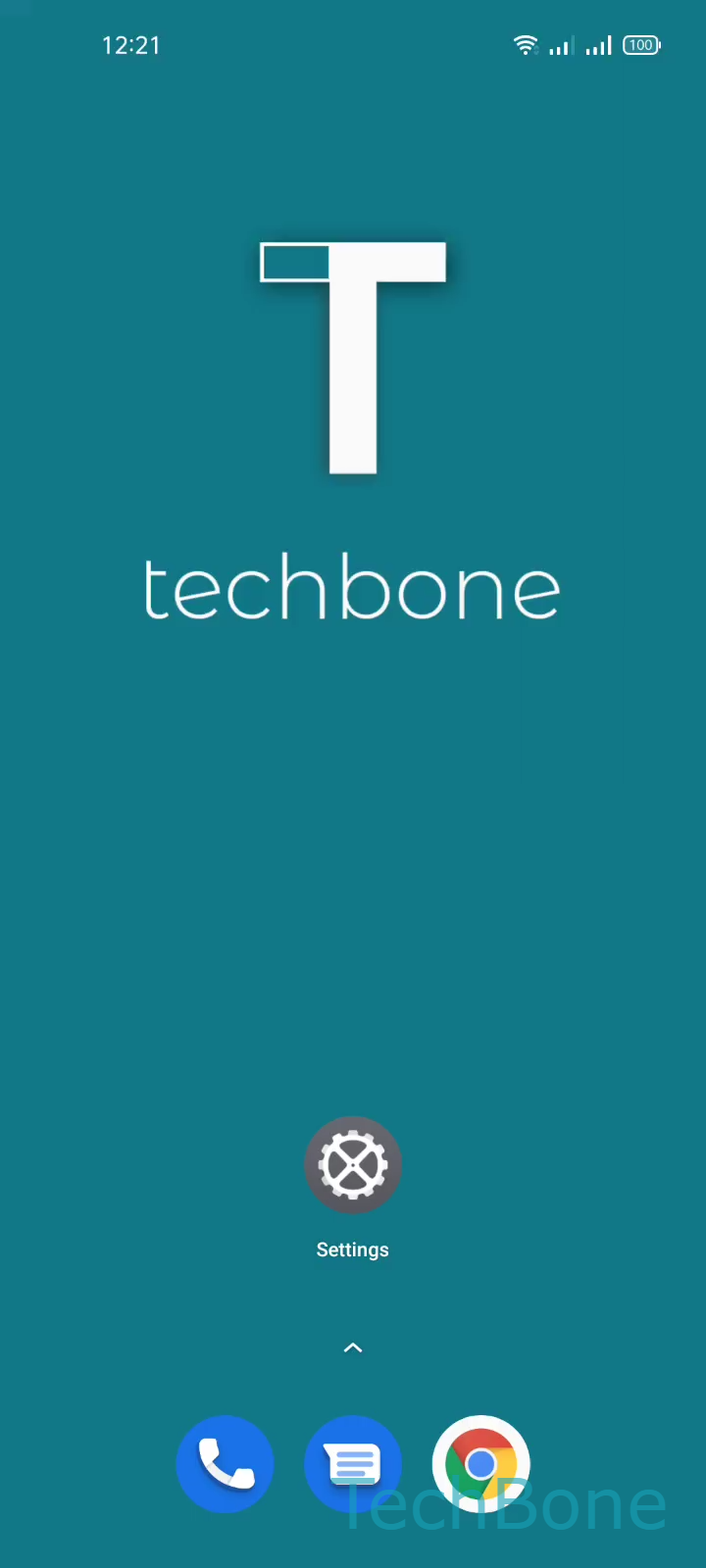
Step 1 of 6: Tap on **Settings**

1

Tap on Settings

Live simulator

Android 11 · Realme UI 2
Show or Hide Emoji Suggestions in Gboard – Realme UI 2: step 1 – Tap on Settings
Tap on Settings
1 / 6

Scroll or use the buttons for the next step

Feedback

Was the guide correct?

Help others: confirm the path or report a problem.

44

Confirmations

Forum verified this path

Realme

Show or Hide Emoji Suggestions in Gboard auf Realme

Gboard on Realme phones checks the word you just typed and looks for a matching emoji. When it finds one, it adds that emoji to the suggestion bar right next to the regular word predictions.

This works fine until you tap the suggestion bar without reading it first. Instead of confirming a word, you insert an emoji into your message, and you often only notice after you have already sent it.

The setting lives inside the keyboard app itself, not in the general Realme UI settings. To find it, open SettingsAdditional settingsKeyboard & input methodGboardText correction. There you find the toggle Show emoji suggestions, which you can switch on or off at any time.

Turning the option off removes emoji from the suggestion bar completely, leaving only word and phrase suggestions. Turning it back on restores emoji predictions the next time a matching word is typed. The change applies to every app that uses Gboard as the active keyboard, since it is a keyboard-level setting rather than an app-specific one.

Frequently asked questions

No, turning off Show emoji suggestions only removes the predictions shown in the suggestion bar. The emoji picker you open separately stays fully available.