Skip to content
TechBone
Realme

Realme: Turn Next-word Suggestions On or Off

On Realme phones, Gboard can predict a whole word before you finish typing it, and that guess is not always the one you meant. This happens when Next-word suggestions sits on top of the regular word suggestion bar, using your typing history to fill in what comes next. Switching the feature off stops the keyboard from auto-filling words based on patterns you have typed before.

5 min6 steps
VersionAndroid 11 · Realme UI 2

Step by step

1 / 6

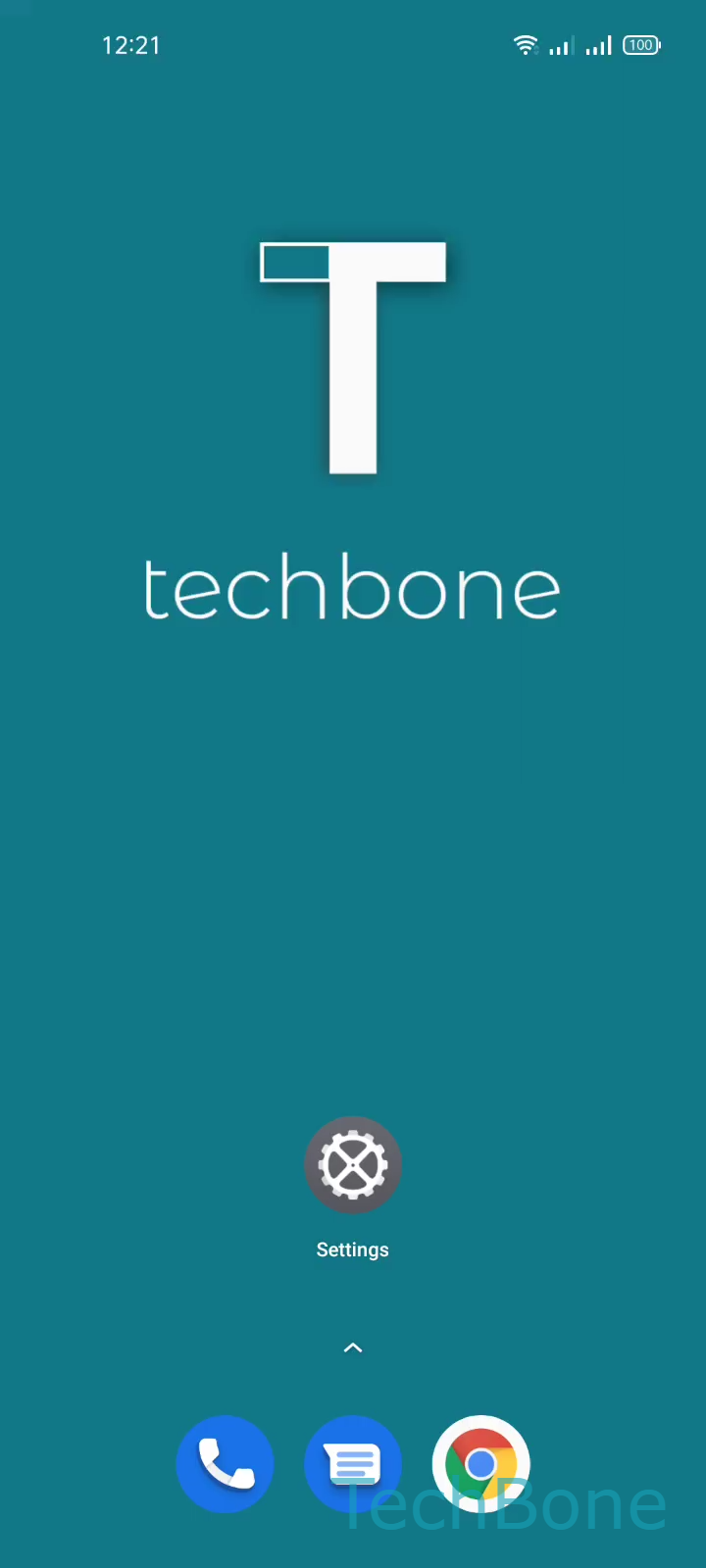
Step 1 of 6: Tap on **Settings**

1

Tap on Settings

Live simulator

Android 11 · Realme UI 2
Show or Hide Next-word Suggestions – Realme UI 2: step 1 – Tap on Settings
Tap on Settings
1 / 6

Scroll or use the buttons for the next step

Feedback

Was the guide correct?

Help others: confirm the path or report a problem.

102

Confirmations

Forum verified this path

Realme

Show or Hide Next-word Suggestions auf Realme

Next-word suggestions is a Gboard feature that goes beyond simple spelling correction. It looks at word pairs you type often and offers the likely next word before you start typing it, which can speed up messages but also insert the wrong term if your typing habits vary.

On Realme UI, this option lives inside the keyboard settings, separate from the basic word suggestion toggle. Disabling it keeps standard suggestions and autocorrect active, but removes the predictive next-word guesses from the suggestion bar.

Where to find the toggle

Tap on SettingsTap on Additional settingsTap on Keyboard & input methodTap on GboardTap on Text correctionEnable or disable Next-word suggestions

If the suggestion bar still shows odd predictions after this, check whether autocorrect or personalized suggestions are also active, since both draw on the same typing history.

Frequently asked questions

No. Autocorrect and the basic word suggestion bar stay active. Only the predictive next-word guesses inside Text correction are removed.