Skip to content
TechBone
Realme

Realme: Turn On Contact Suggestions in the Keyboard

When you fill out a form or type a message on your Realme phone, the keyboard sometimes offers a contact's name, phone number or email address as a suggestion instead of a regular word. If that shortcut never appears, the Suggest Contacts option inside Gboard is probably switched off, leaving you to type every detail manually.

5 min6 steps
VersionAndroid 11 · Realme UI 2

Step by step

1 / 6

Step 1 of 6: Tap on **Settings**

1

Tap on Settings

Live simulator

Android 11 · Realme UI 2
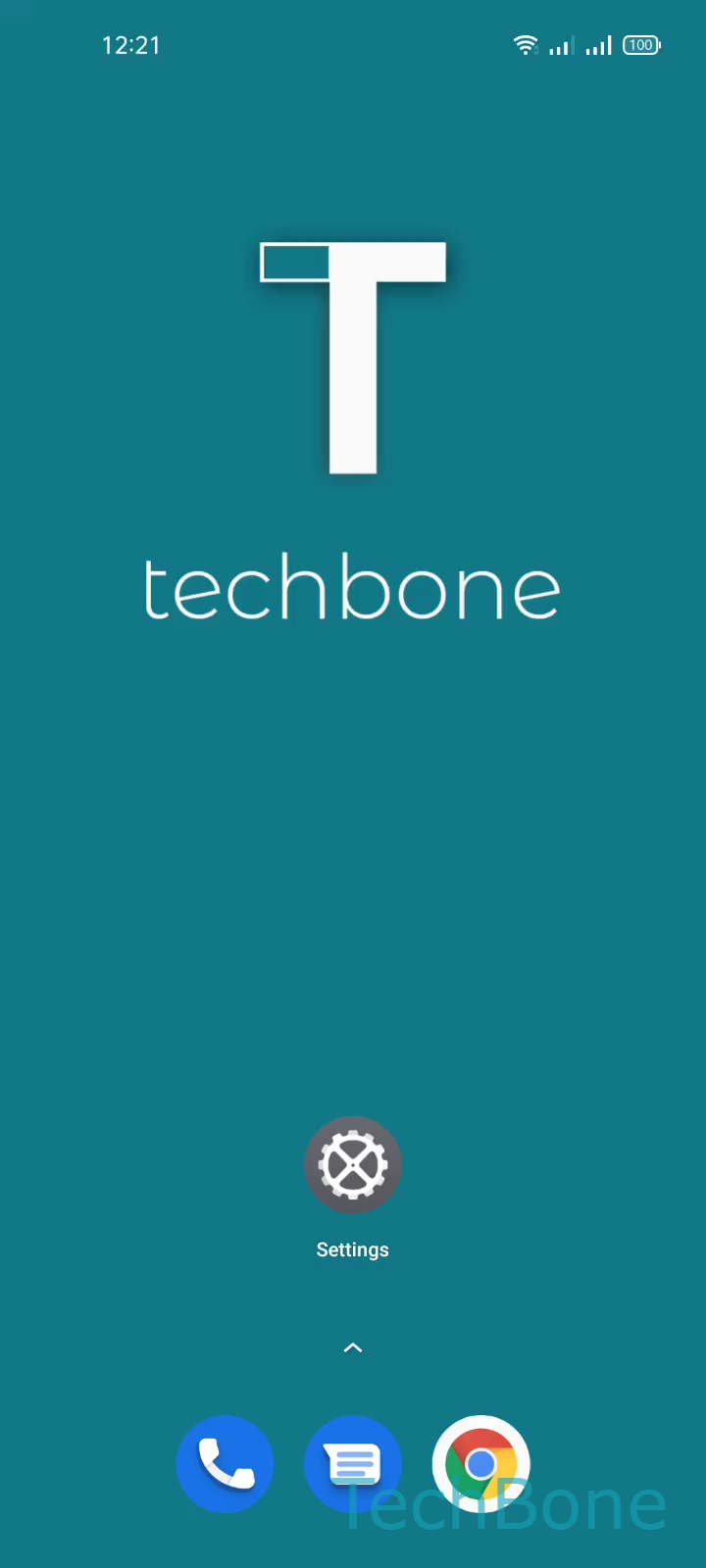
Contact Suggestions in the Keyboard – Realme UI 2: step 1 – Tap on Settings
Tap on Settings
1 / 6

Scroll or use the buttons for the next step

Feedback

Was the guide correct?

Help others: confirm the path or report a problem.

92

Confirmations

Forum verified this path

Realme

Contact Suggestions in the Keyboard auf Realme

Realme UI uses Gboard for text input, and Gboard can suggest saved contacts while you type. It checks form fields and message text for names, phone numbers or email addresses, then shows a matching contact card above the keyboard.

Tapping that suggestion inserts the contact detail right away, which saves time on web forms, chat apps and address fields. When the feature is off, only word and emoji predictions show up in the suggestion bar.

Turn Suggest Contacts On or Off

The toggle sits inside the Gboard text correction menu, separate from the general Realme keyboard settings.

Tap on SettingsTap on Additional settingsTap on Keyboard & input methodTap on GboardTap on Text correctionEnable or disable Suggest Contacts

Turn the option off if you share your phone with others or want to keep contact details out of shared screens. Switching it back on restores the shortcut immediately, without a restart.

Frequently asked questions

Gboard scans the active text field for name or number patterns and prioritizes a matching saved contact over standard word predictions once Suggest Contacts is turned on.