Skip to content
TechBone
Realme

Realme: Turn On/Off Google Location Accuracy

If GPS positioning on your Realme phone drifts by hundreds of meters or apps take forever to find your location, Google's location accuracy feature is usually involved. It blends radio networks, Wi-Fi signals and sensor data to sharpen your position, but it also sends anonymous location data to Google in the process. Turning it off trades some positioning precision for more privacy.

3 min4 steps
VersionAndroid 11 · Realme UI 2

Step by step

1 / 4

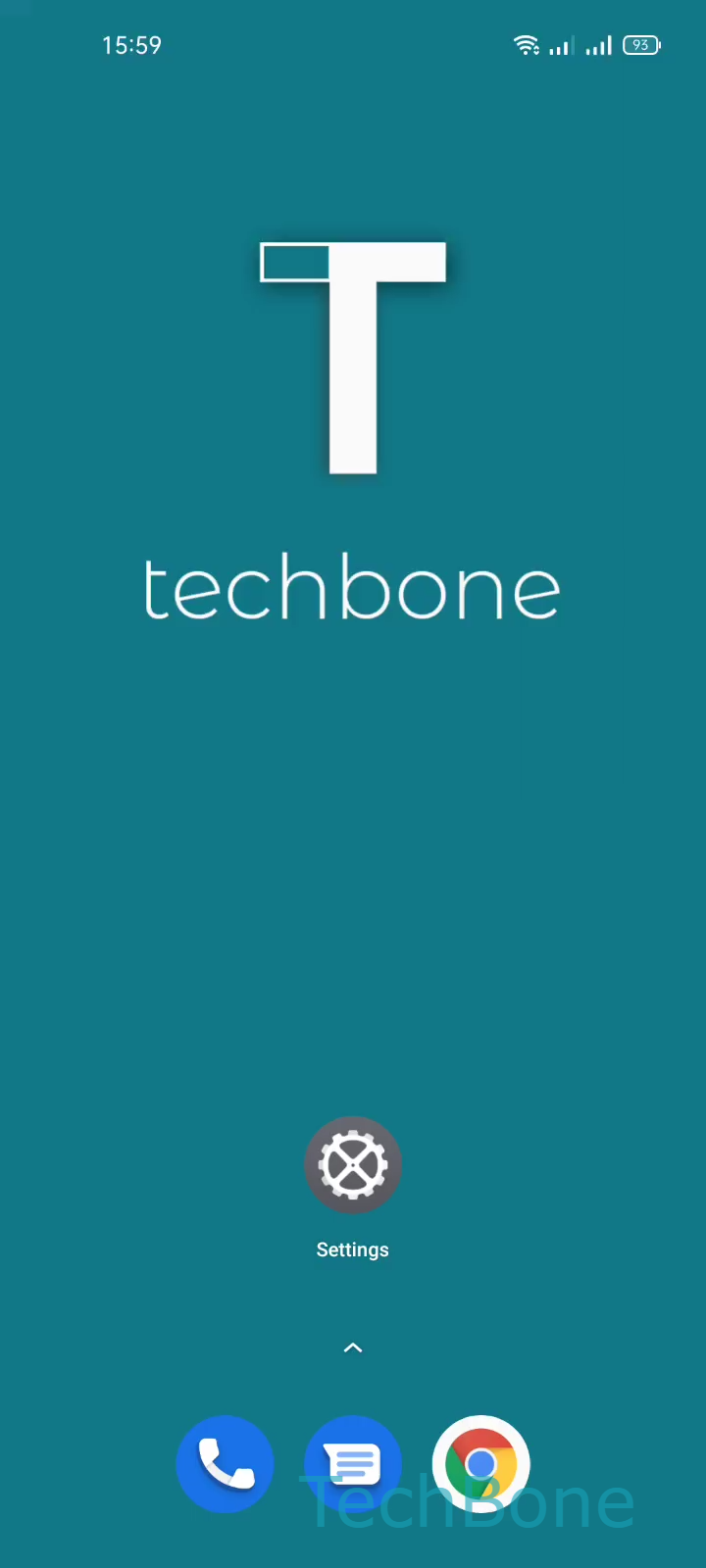
Step 1 of 4: Tap on **Settings**

1

Tap on Settings

Live simulator

Android 11 · Realme UI 2
Turn On/Off Google Location Accuracy – Realme UI 2: step 1 – Tap on Settings
Tap on Settings
1 / 4

Scroll or use the buttons for the next step

Feedback

Was the guide correct?

Help others: confirm the path or report a problem.

38

Confirmations

Forum verified this path

Realme

Turn On/Off Google Location Accuracy auf Realme

Google Location Accuracy combines GPS satellites with radio networks, nearby Wi-Fi points and sensor data to pin down your position faster and more precisely. On a Realme phone running Realme UI, this setting sits inside the general location controls and works alongside your regular GPS.

When enabled, your phone shares anonymous location signals with Google to keep this accuracy model useful across apps. Navigation, weather, and location-based reminders usually benefit the most, since they rely on quick, tight positioning fixes.

Disabling it does not turn off GPS itself. Instead, your phone falls back on satellite data alone, which can mean slower location locks indoors or in dense urban areas, plus more noticeable drift while walking or driving.

To change the setting, go to Tap on SettingsTap on LocationTap on Google Location AccuracyEnable or disable Improve Location Accuracy.

Consider switching it off if you prioritize data privacy over pinpoint accuracy, or if you rarely use navigation apps. Keep it on if you depend on precise positioning for driving directions, delivery tracking, or fitness apps that log routes.

Frequently asked questions

Navigation still works, but route tracking and your blue location dot may lag slightly or drift more, especially in cities with tall buildings. GPS satellites alone handle positioning once you disable it via Tap on Google Location AccuracyEnable or disable Improve Location Accuracy.