Skip to content
TechBone
Realme

Realme: Turn Glide Typing On or Off in Gboard

If swiping across letters on your Realme keyboard produces garbled words instead of finishing them automatically, Glide Typing might be turned off or misbehaving. Some users notice the opposite problem: the swipe gesture keeps triggering while they only meant to tap single letters, which points to Glide Typing needing to be disabled. This behavior comes from the Gboard input method on Realme UI, not a general keyboard bug.

5 min6 steps
VersionAndroid 11 · Realme UI 2

Step by step

1 / 6

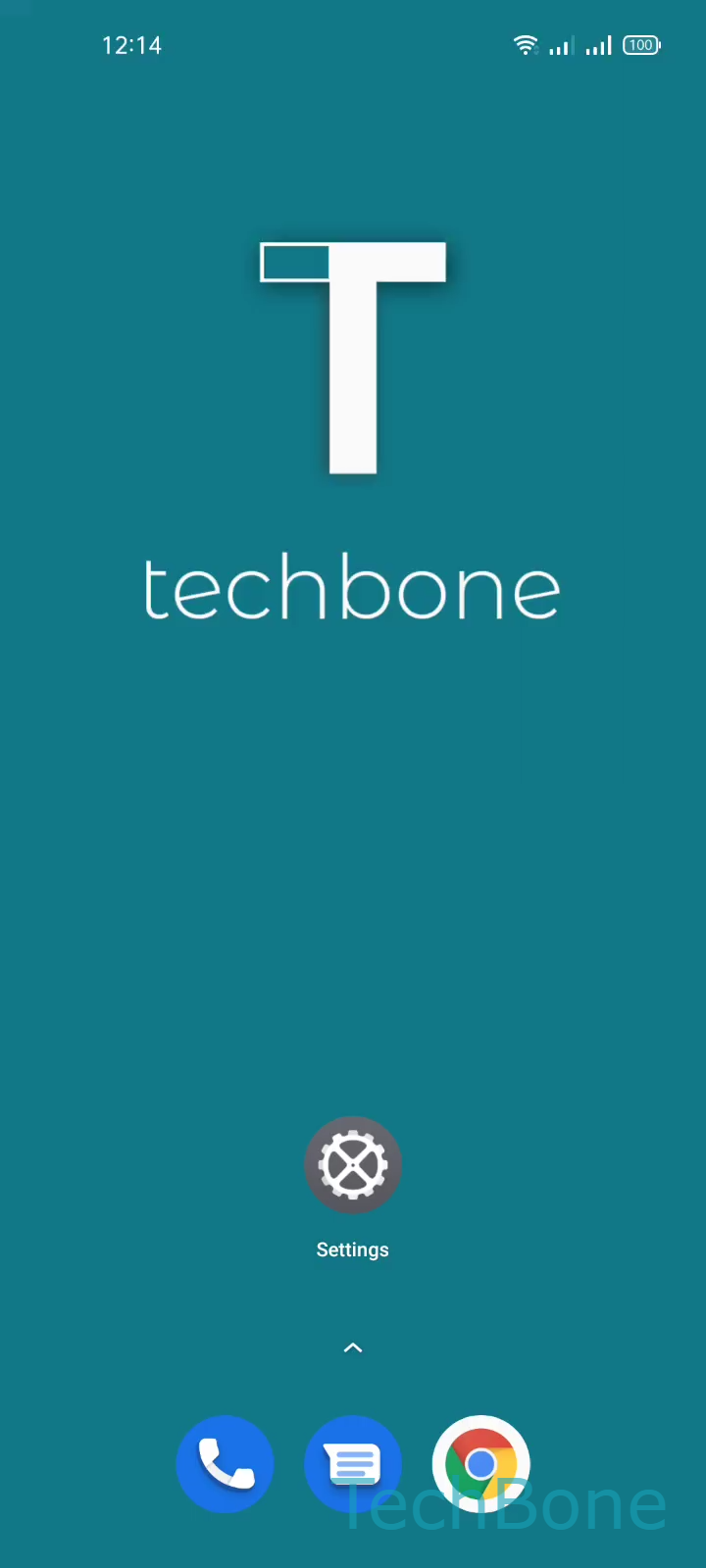
Step 1 of 6: Tap on **Settings**

1

Tap on Settings

Live simulator

Android 11 · Realme UI 2
Turn Glide Typing On or Off – Realme UI 2: step 1 – Tap on Settings
Tap on Settings
1 / 6

Scroll or use the buttons for the next step

Feedback

Was the guide correct?

Help others: confirm the path or report a problem.

105

Confirmations

Forum verified this path

Realme

Turn Glide Typing On or Off auf Realme

Glide Typing lets you swipe across the Realme keyboard instead of tapping each letter separately. Gboard tracks the path your finger draws and converts it into a full word once you lift your finger.

When the feature keeps inserting wrong letters, misreads short swipes, or interferes with normal tapping, turning it off restores plain key-by-key input. When words never merge automatically despite swiping, the toggle is likely disabled and needs switching on.

The setting lives inside the keyboard app itself, not in the general system input menu. On Realme UI, reach it through Tap on SettingsTap on Additional settingsTap on Keyboard & input methodTap on GboardTap on Glide typingEnable or disable Glide typing.

The change applies immediately, no restart required. If you use a keyboard app other than Gboard, this exact path will not show the option — check that app's own settings instead.

Disabling Glide Typing does not affect autocorrect or word suggestions, only the swipe gesture recognition itself.

Frequently asked questions

Short swipe paths sometimes fall below the minimum distance Gboard needs to register a full gesture. Typing those words with individual taps instead of swiping usually fixes it without changing any setting.