Skip to content
TechBone
Realme

Realme: Change Personal Hotspot AP Band

If your Realme hotspot only broadcasts on 2.4 GHz, connected devices compete with every nearby router on that frequency and transfer speeds drop. Some laptops and streaming devices need the faster 5 GHz band to reach full throughput, but the AP band setting rarely gets touched after setup. Switching bands isn't obvious inside the Personal hotspot menu on Realme UI.

6 min7 steps
VersionAndroid 11 · Realme UI 2

Step by step

1 / 7

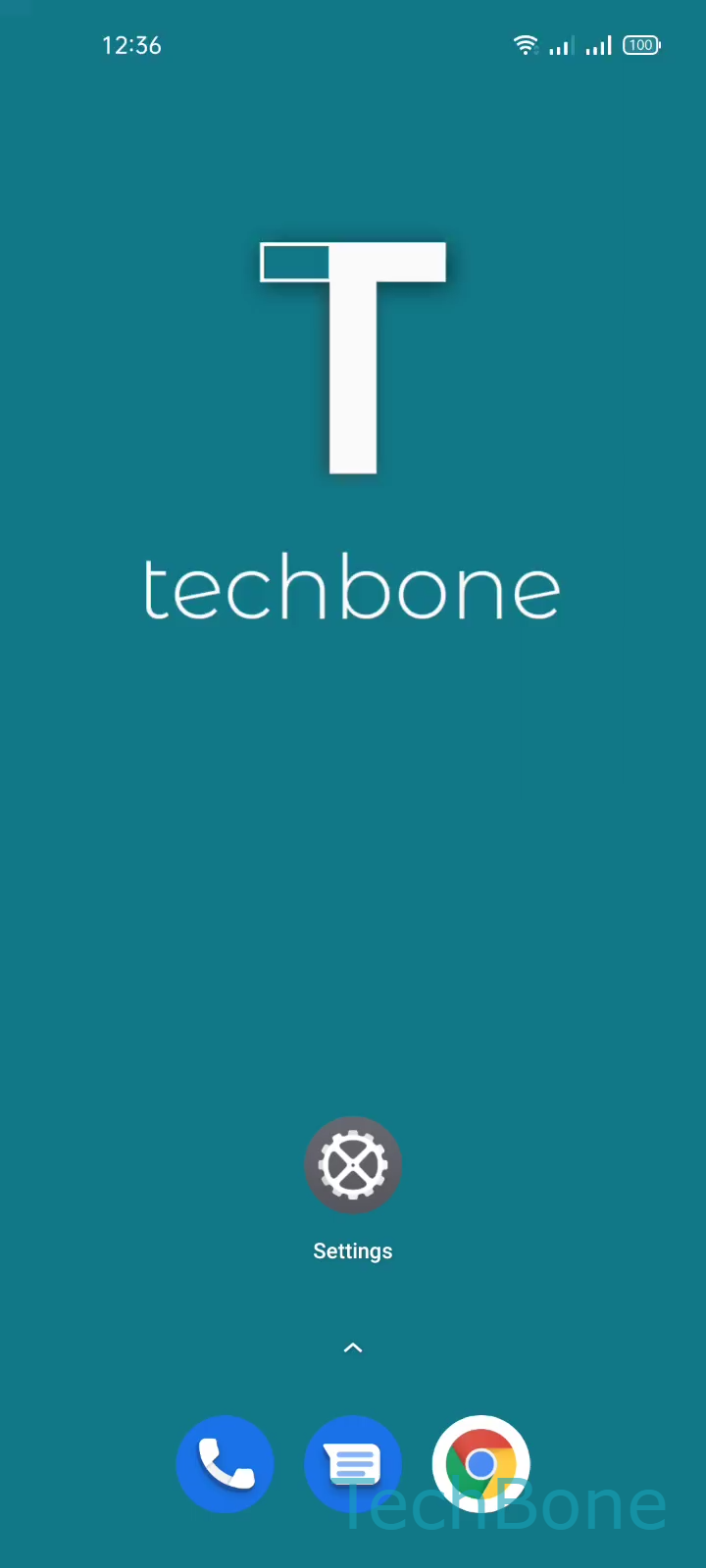
Step 1 of 7: Tap on **Settings**

1

Tap on Settings

Live simulator

Android 11 · Realme UI 2
Change AP Band for Personal Hotspot – Realme UI 2: step 1 – Tap on Settings
Tap on Settings
1 / 7

Scroll or use the buttons for the next step

Feedback

Was the guide correct?

Help others: confirm the path or report a problem.

15

Confirmations

Forum verified this path

Realme

Change AP Band for Personal Hotspot auf Realme

Realme phones default their Personal hotspot to the 2.4 GHz AP band because it works with every laptop, tablet and IoT device nearby. That reliability comes at the cost of speed: 2.4 GHz gets crowded fast, especially in apartments with several neighboring routers, so file transfers and streaming through your hotspot slow down.

The 5 GHz band moves more data per second, but only recent devices support it and its range is shorter, so a phone in another room may drop the connection.

Realme UI lets you pick the band manually. Open SettingsConnection & sharingPersonal hotspotPersonal hotspot settingsAP band. Choose 2.4 GHz band or 5GHz band, then confirm with Save.

If a connected device drops right after the switch, it probably does not support 5 GHz and needs 2.4 GHz instead. If a hotspot guest loses connection when walking to another room, keep 2.4 GHz as the default and only switch temporarily when you need faster transfers.

Frequently asked questions

Not every Realme model has dual-band Wi-Fi hardware. Only phones that support 5 GHz broadcasting show the 5GHz band option inside AP band.