
Skip to content
TechBone
Realme

Realme: Turn On or Off Auto-Switch to Receiver for Calls

If you switch a call to speaker on your Realme phone, you normally have to tap the speaker icon again before holding the phone back to your ear. With Auto-switch to receiver enabled, the proximity sensor detects when you lift the phone and moves the audio back to the earpiece by itself. This guide shows where the toggle sits and what stops it from working reliably.

3 min4 steps
VersionAndroid 11 · Realme UI 2

Step by step

1 / 4

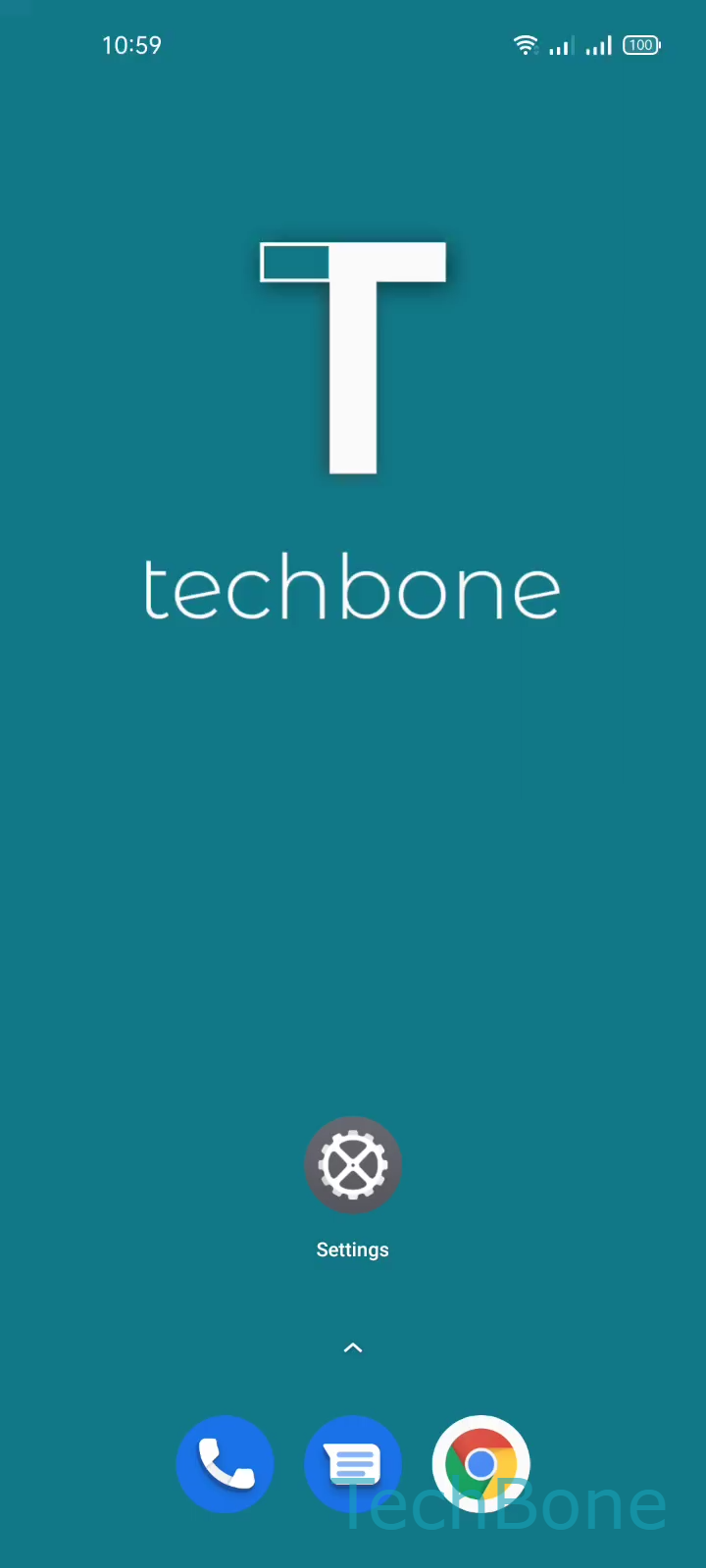
Step 1 of 4: Tap on **Settings**

1

Tap on Settings

Live simulator

Android 11 · Realme UI 2
Turn On/Off Auto-Switch to Receiver – Realme UI 2: step 1 – Tap on Settings
Tap on Settings
1 / 4

Scroll or use the buttons for the next step

Feedback

Was the guide correct?

Help others: confirm the path or report a problem.

99

Confirmations

Forum verified this path

Realme

Turn On/Off Auto-Switch to Receiver auf Realme

On phones running Realme UI, a call started on speaker mode normally stays on speaker until you tap the icon again. The Auto-switch to receiver feature uses the proximity sensor to detect when you lift the phone to your ear and moves the audio back to the earpiece without any manual tap.

The toggle sits inside the convenience tools section rather than the general call settings, which is why many people never find it.

Menu path

Open SettingsConvenience toolsGestures & motions ➔ toggle Auto switch to receiver.

Turn it on to let the earpiece take over automatically once you lift the phone. Turn it off if you want speaker mode to stay active no matter how you hold the phone, for example while using a car mount or a thick case.

If the switch does not happen after enabling the option, check whether a case, skin, or screen protector covers the proximity sensor near the earpiece. Dust or a smudge on that spot can also delay or block detection.

Frequently asked questions

Check whether a case or screen protector covers the proximity sensor near the earpiece. Clean the sensor area and confirm the toggle is still active under SettingsConvenience toolsGestures & motions.