Skip to content
TechBone
Realme

Realme: Set Up a Privacy Password

If App Lock or the Private Safe on your Realme phone suddenly asks for a password you never created, that is the privacy password, and it works independently from your screen lock. Both can use a PIN, pattern or password, which makes them easy to mix up. Until you set the privacy password up, you cannot lock individual apps or open the private storage area.

3 min4 steps
VersionAndroid 11 · Realme UI 2

Step by step

1 / 4

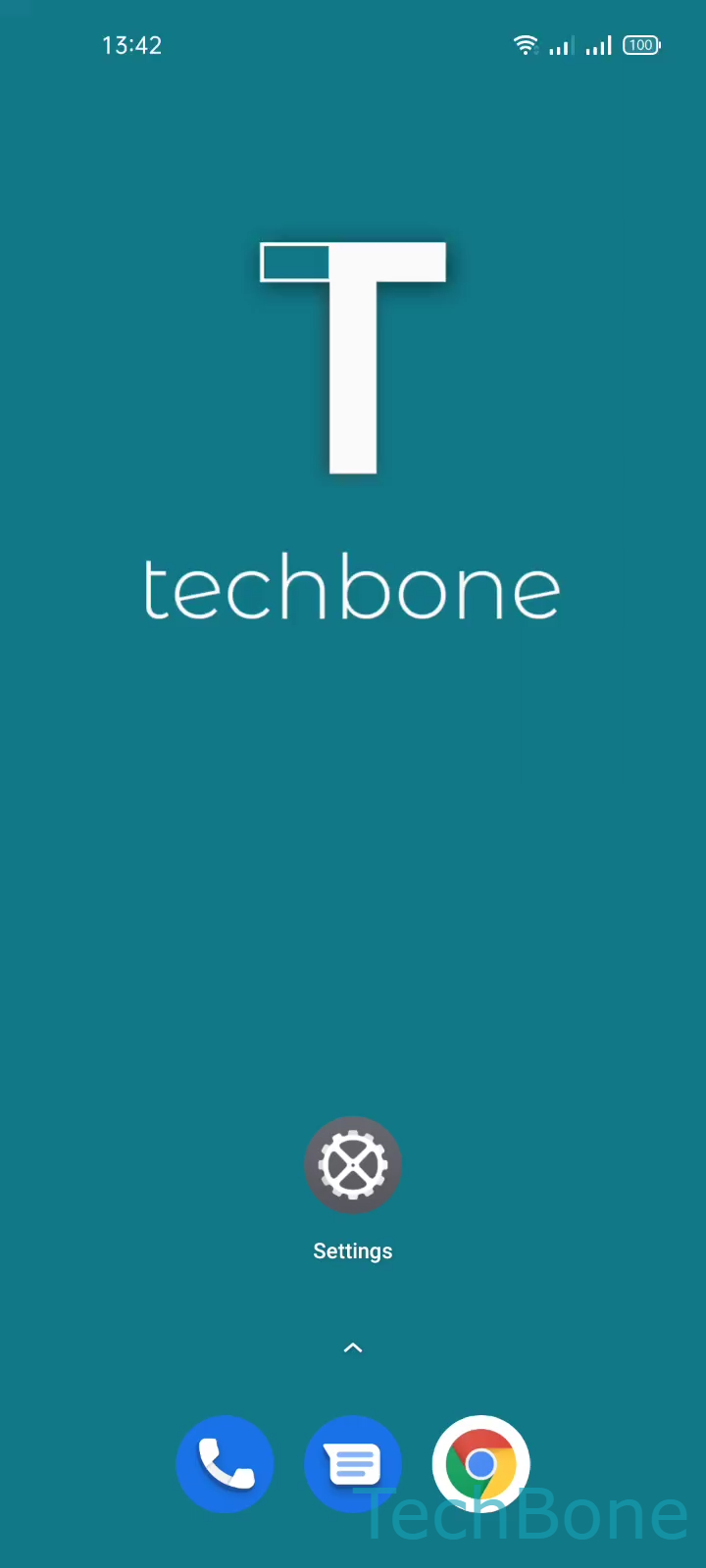
Step 1 of 4: Tap on **Settings**

1

Tap on Settings

Live simulator

Android 11 · Realme UI 2
Set Up a Privacy Password – Realme UI 2: step 1 – Tap on Settings
Tap on Settings
1 / 4

Scroll or use the buttons for the next step

Feedback

Was the guide correct?

Help others: confirm the path or report a problem.

63

Confirmations

Forum verified this path

Realme

Set Up a Privacy Password auf Realme

The privacy password on Realme phones is a separate lock layer from your screen lock. Realme UI uses it specifically for App Lock, which hides or locks single apps, and for the Private Safe, a protected storage folder. Even if your screen lock already uses a PIN or pattern, the system still asks for this second password before either feature works.

You set it up under SettingsPassword & biometricsSet privacy password. Choose a pattern, PIN or password, then follow the on-screen steps to confirm it.

During setup, Realme UI also asks you to configure a recovery option. Without it, a forgotten privacy password cannot be reset later, and locked apps or the Private Safe content stay inaccessible. Confirm this recovery step before closing the setup screen, not afterward.

If you only need a faster unlock for the phone itself, adjust the screen lock instead under Password & biometrics. Use the privacy password specifically when you want app-level protection that is independent from how you unlock the device.

Frequently asked questions

The screen lock unlocks the phone itself. The privacy password, set under SettingsPassword & biometricsSet privacy password, only controls App Lock and the Private Safe, and stays active even if you change the screen lock.