Skip to content
TechBone
Realme

Realme: Set a Custom Notification Sound

If the built-in notification tones on your realme phone all sound the same, none of them may match what you actually want to hear when a message arrives. Realme UI lets you pick your own mp3 file as a notification sound, but it only shows up in the sound picker once it sits in the right place on the device. Storing the file in the wrong folder or using an unsupported format is the most common reason a custom tone never appears in the list.

4 min5 steps
VersionAndroid 11 · Realme UI 2

Step by step

1 / 5

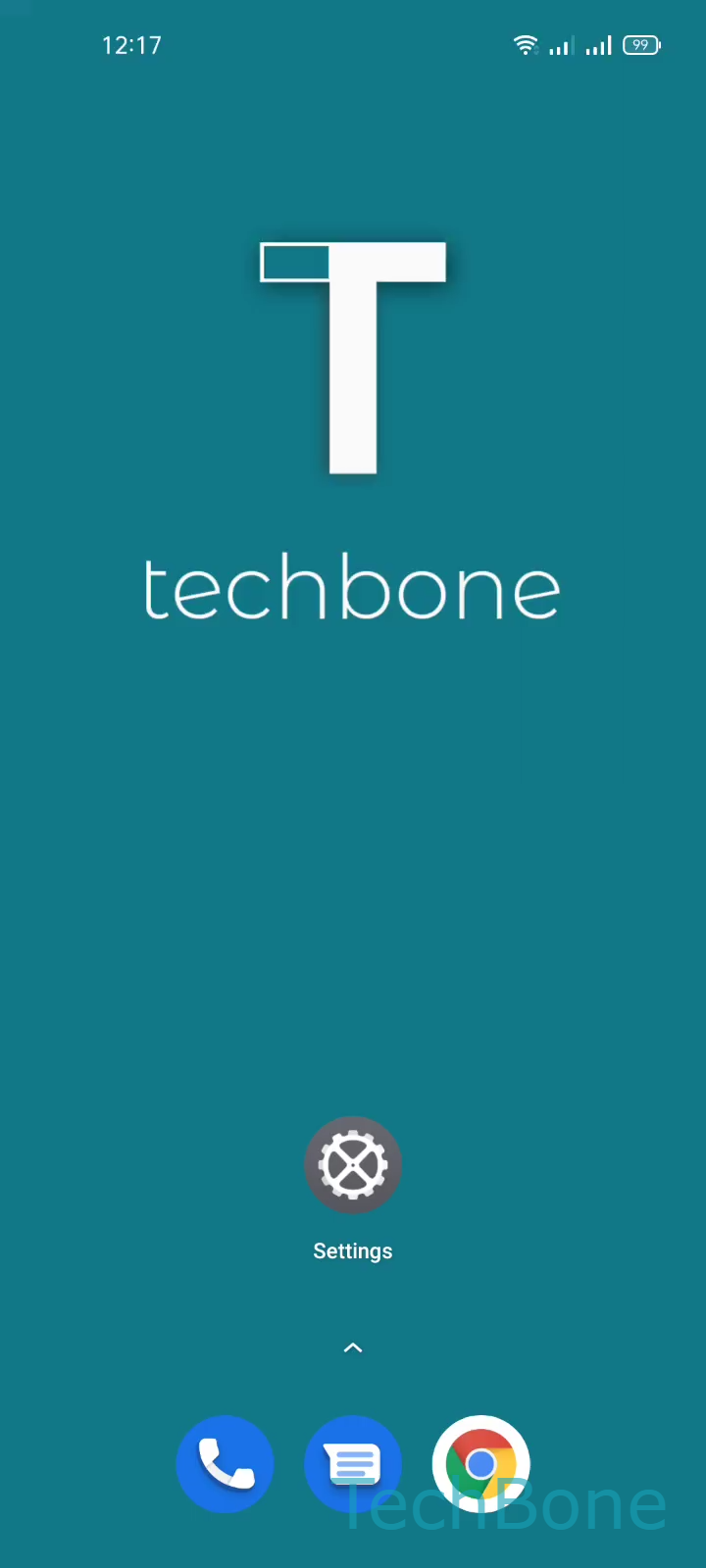
Step 1 of 5: Tap on **Settings**

1

Tap on Settings

Live simulator

Android 11 · Realme UI 2
Set Custom Notification Sound – Realme UI 2: step 1 – Tap on Settings
Tap on Settings
1 / 5

Scroll or use the buttons for the next step

Feedback

Was the guide correct?

Help others: confirm the path or report a problem.

14

Confirmations

Forum verified this path

Realme

Set Custom Notification Sound auf Realme

Realme UI ships with a limited set of preinstalled notification tones. If none of them fit, you can add your own audio file and select it as a custom notification sound instead of relying on the defaults.

The system only lists files that are actually saved on the internal storage of your realme device and use a supported audio format such as mp3. If the file was never copied over, or ended up in a location the sound picker does not scan, it simply will not show up when you try to select it.

To set your own file as the notification sound, open SettingsSound & vibrationNotification soundSelect from files. From there you can browse the internal storage and choose the mp3 you copied earlier.

This method works for the general notification sound used by most apps. Some apps manage their own sound settings separately, so a custom tone set here may not apply everywhere.

If you only want a different sound for one specific app, check that app's own notification settings first before changing the system-wide tone.

Frequently asked questions

Mp3 files are the most reliable choice. Other common formats like wav or ogg often work too, but very large files or uncommon codecs may not appear in the Select from files list.