Skip to content
TechBone
Realme

Realme: Turn Touch Sounds On or Off

Every tap on a menu, toggle or app icon on your Realme phone triggers a short click sound, and in a quiet room or during a call that gets distracting fast. This feedback tone runs independently from your ringtone and notification sounds, so muting the phone with the volume buttons does not always silence it. The setting sits in a separate sound menu that many people overlook.

3 min4 steps
VersionAndroid 11 · Realme UI 2

Step by step

1 / 4

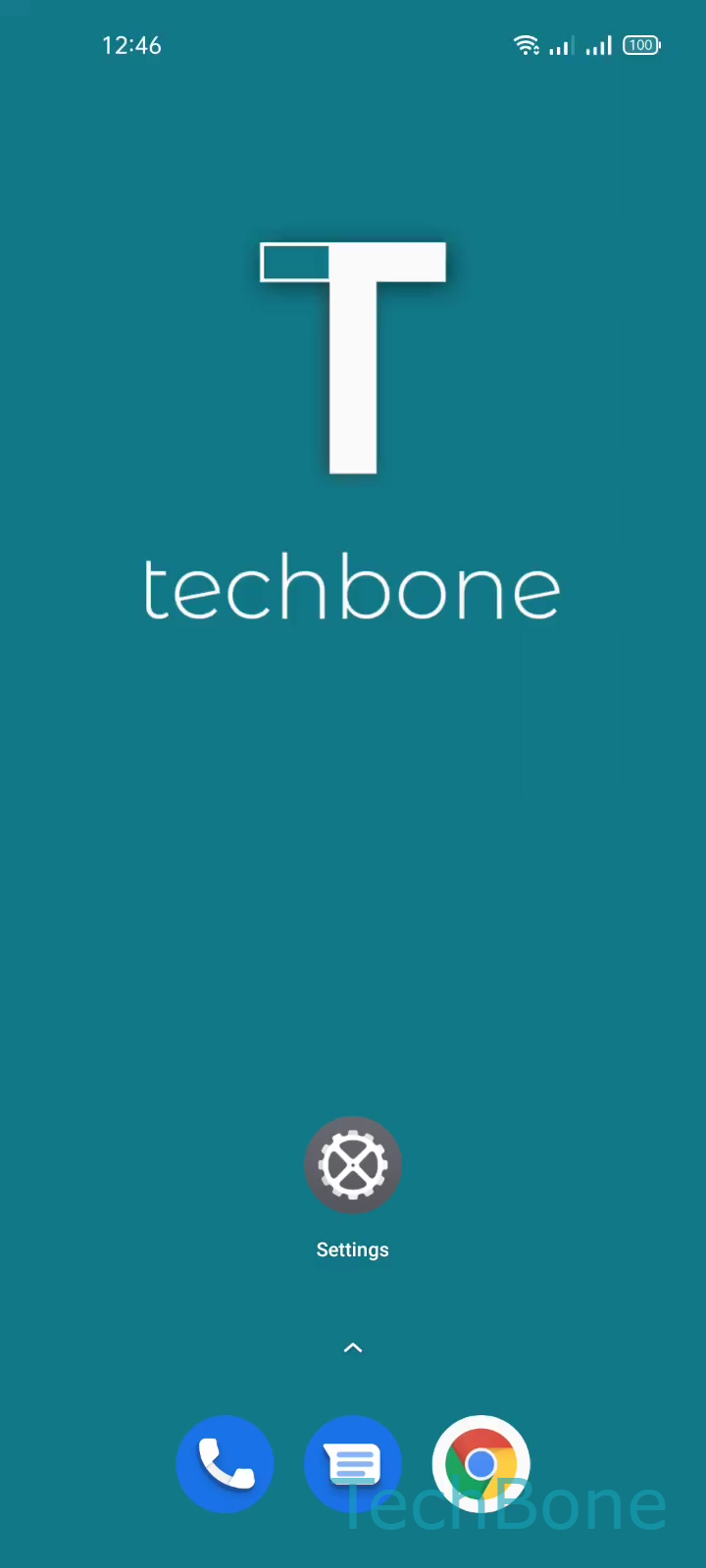
Step 1 of 4: Tap on **Settings**

1

Tap on Settings

Live simulator

Android 11 · Realme UI 2
Turn On/Off Touch Sounds – Realme UI 2: step 1 – Tap on Settings
Tap on Settings
1 / 4

Scroll or use the buttons for the next step

Feedback

Was the guide correct?

Help others: confirm the path or report a problem.

83

Confirmations

Forum verified this path

Realme

Turn On/Off Touch Sounds auf Realme

Touch sounds are the short click tones Realme UI plays when you tap a menu entry, flip a switch or select an option on screen. They work as acoustic confirmation that your input registered, separate from ringtones, notification sounds and keyboard clicks.

Because this feedback is controlled by its own toggle, lowering the media volume or switching on silent mode does not always remove it. The setting lives inside the general sound menu, one level below the vibration controls.

Where to find the toggle

Open SettingsSound & vibrationMore sounds & haptics. Inside this screen you find the entry for Touch sounds, which you can enable or disable with a single switch.

Turning it off removes the click on menu taps and toggles system-wide. It does not change your ringtone volume, notification sounds or the vibration pattern for calls. If you only want quiet during meetings or at night, a scheduled Focus mode or Do Not Disturb profile is usually a better fit than permanently disabling touch sounds.

Frequently asked questions

No. Keyboard click sounds are controlled by a separate setting inside your keyboard app, not by the Touch sounds toggle in SettingsSound & vibrationMore sounds & haptics.