Skip to content
TechBone
Realme

Realme: Turn On TalkBack Screen Reader

Once TalkBack is active, a single tap no longer opens an app or link - it only selects the item and reads it aloud, while a double tap confirms the action. Without knowing this, screens can feel unresponsive or apps may seem to ignore normal touches. This gesture shift is intentional and helps visually impaired users orient themselves on the realme interface.

5 min6 steps
VersionAndroid 11 · Realme UI 2

Step by step

1 / 6

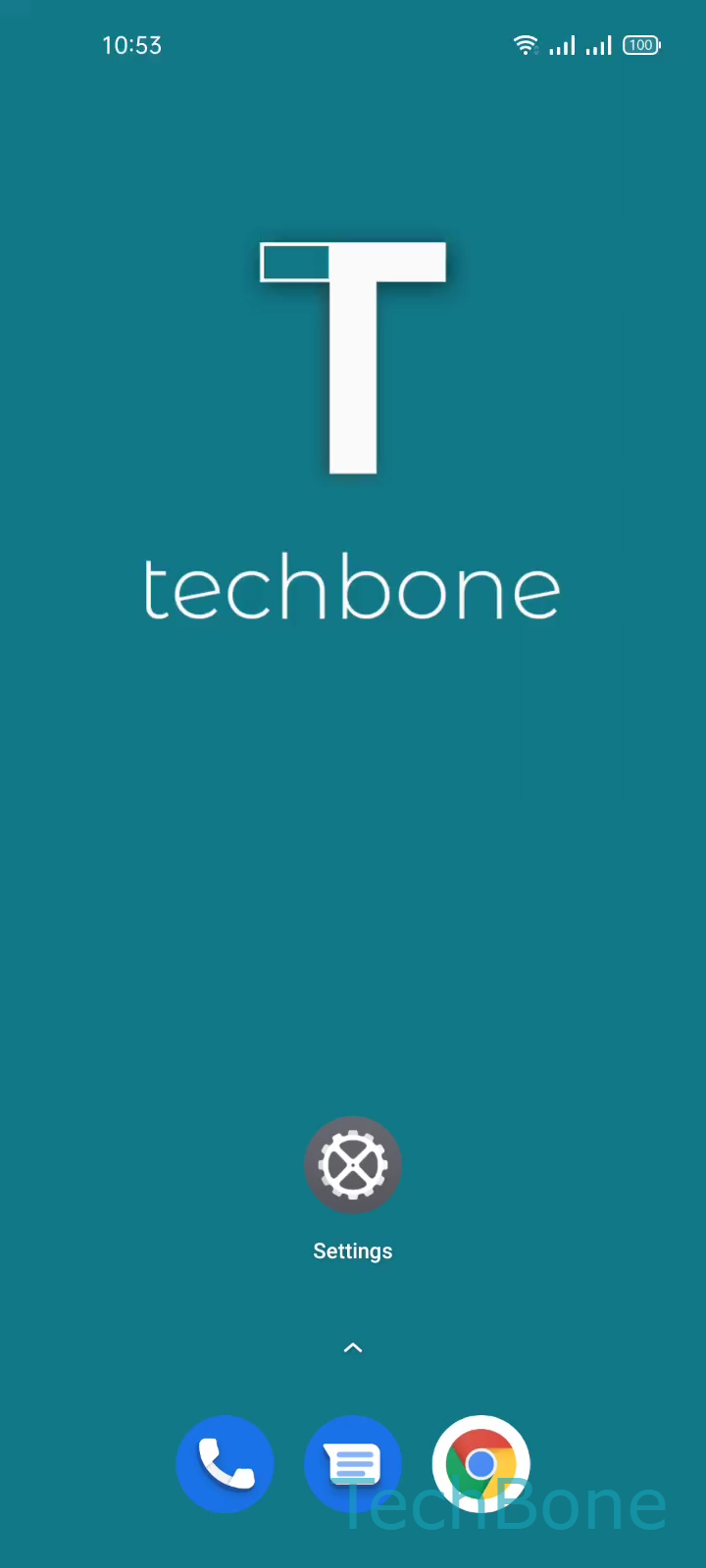
Step 1 of 6: Tap on **Settings**

1

Tap on Settings

Live simulator

Android 11 · Realme UI 2
Turn On TalkBack – Realme UI 2: step 1 – Tap on Settings
Tap on Settings
1 / 6

Scroll or use the buttons for the next step

Feedback

Was the guide correct?

Help others: confirm the path or report a problem.

98

Confirmations

Forum verified this path

Realme

Turn On TalkBack auf Realme

TalkBack is Realme's built-in screen reader. It converts on-screen text and interface elements into speech so people with low or no vision can use the phone without looking at the display.

Turning it on changes how touch works across the whole system, not just in one app. A single tap selects an item and reads it out loud instead of opening it. A double tap on the same spot then confirms the action, which replaces the normal single-tap open behavior. This is why the phone can feel unresponsive right after enabling TalkBack if you keep tapping once.

To turn it on, go to SettingsAdditional settingsAccessibilityTalkBack, then select Turn On TalkBack and confirm with OK.

Enable TalkBack only if you or the person using the phone actually relies on audio feedback. If you only need larger text or higher contrast, use the dedicated display settings instead, since those do not change gesture behavior. TalkBack also slows down general navigation, because every screen and button is read aloud before it can be activated.

Frequently asked questions

Go to SettingsAdditional settingsAccessibilityTalkBack and select Turn Off TalkBack. Since a single tap only selects, you need to select the toggle first, then confirm with a double tap to actually switch it off.