
Skip to content
TechBone
Realme

Realme: Enable or Disable Autospace After Punctuation

If your texts need a space right after a period, comma or question mark, Gboard on your Realme phone can add it automatically while you type WhatsApp messages or emails. The feature is still in beta and currently works only with the US English keyboard, so it may behave differently or stay hidden with other language settings.

5 min6 steps
VersionAndroid 11 · Realme UI 2

Step by step

1 / 6

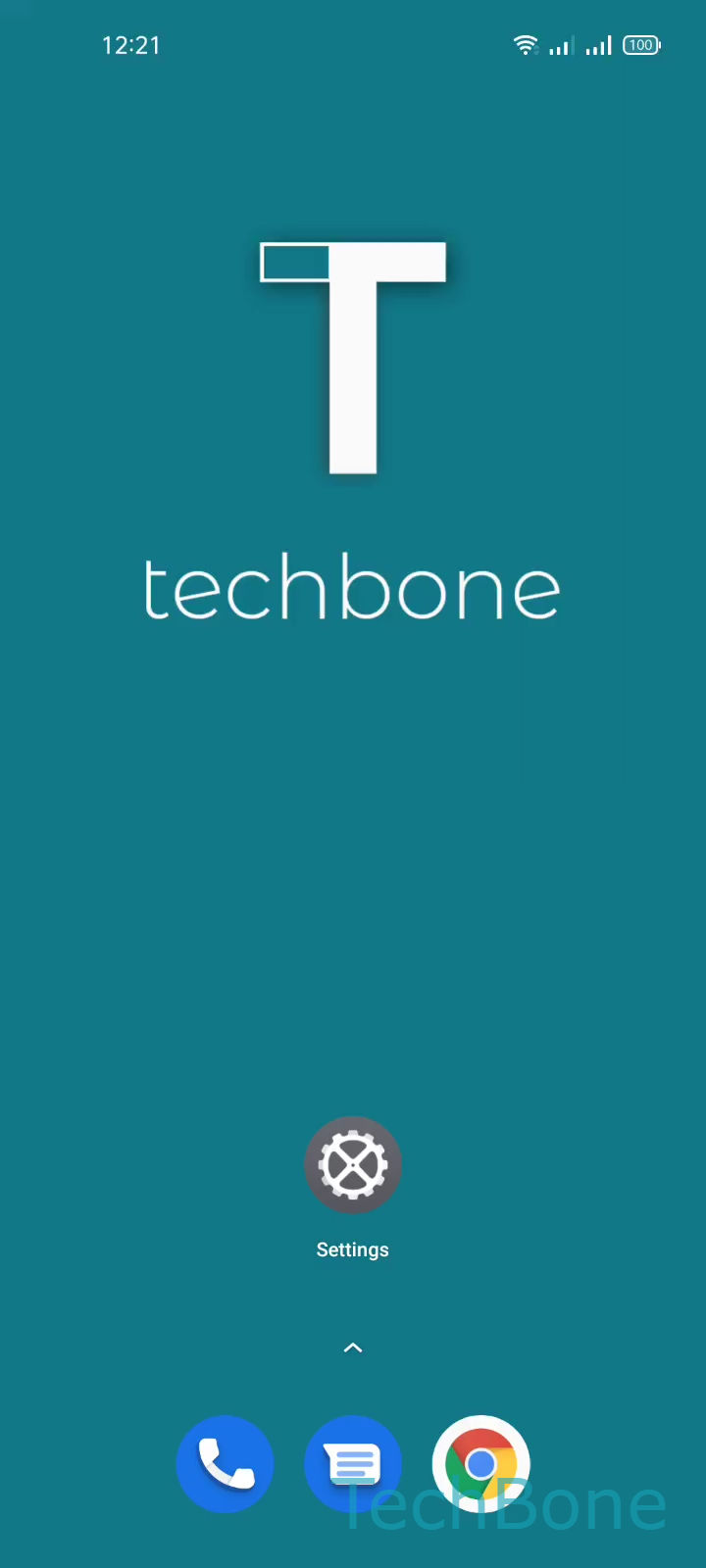
Step 1 of 6: Tap on **Settings**

1

Tap on Settings

Live simulator

Android 11 · Realme UI 2
Autospace After Punctuation: Enable or Disable – Realme UI 2: step 1 – Tap on Settings
Tap on Settings
1 / 6

Scroll or use the buttons for the next step

Feedback

Was the guide correct?

Help others: confirm the path or report a problem.

25

Confirmations

Forum verified this path

Realme

Autospace After Punctuation: Enable or Disable auf Realme

Gboard's text correction settings include an option called Autospace after punctuation. Once enabled, the keyboard inserts a space automatically the moment you tap a period, comma, question mark or exclamation mark, so you do not need to hit the space bar yourself before continuing to type.

The feature currently works only with the US English keyboard layout on your Realme phone. Realme UI marks it as a beta function, so it can behave inconsistently or stay hidden entirely if you switch to a different input language.

To turn it on or off, open SettingsAdditional settingsKeyboard & input methodGboardText correction. Inside this menu, toggle Autospace after punctuation on or off.

Turn the option off if autocorrect creates unwanted spaces inside URLs, code snippets or abbreviations that already contain punctuation. Turn it on if you type long messages and want fewer manual keystrokes between sentences.

Frequently asked questions

The option only shows up once your input language is set to US English inside GboardLanguages. Other language packs do not support it yet.