
Skip to content
TechBone
Realme

Realme: Allow App Installations from Unknown Sources

Downloading an app directly as an .apk file instead of through the Google Play Store often ends with a blocked installation on Realme phones. Realme UI treats every source outside the Play Store as unknown by default and stops the setup before it finishes. This protection gets in the way when you trust the file source but still cannot get the app onto your phone.

4 min5 steps
VersionAndroid 11 · Realme UI 2

Step by step

1 / 5

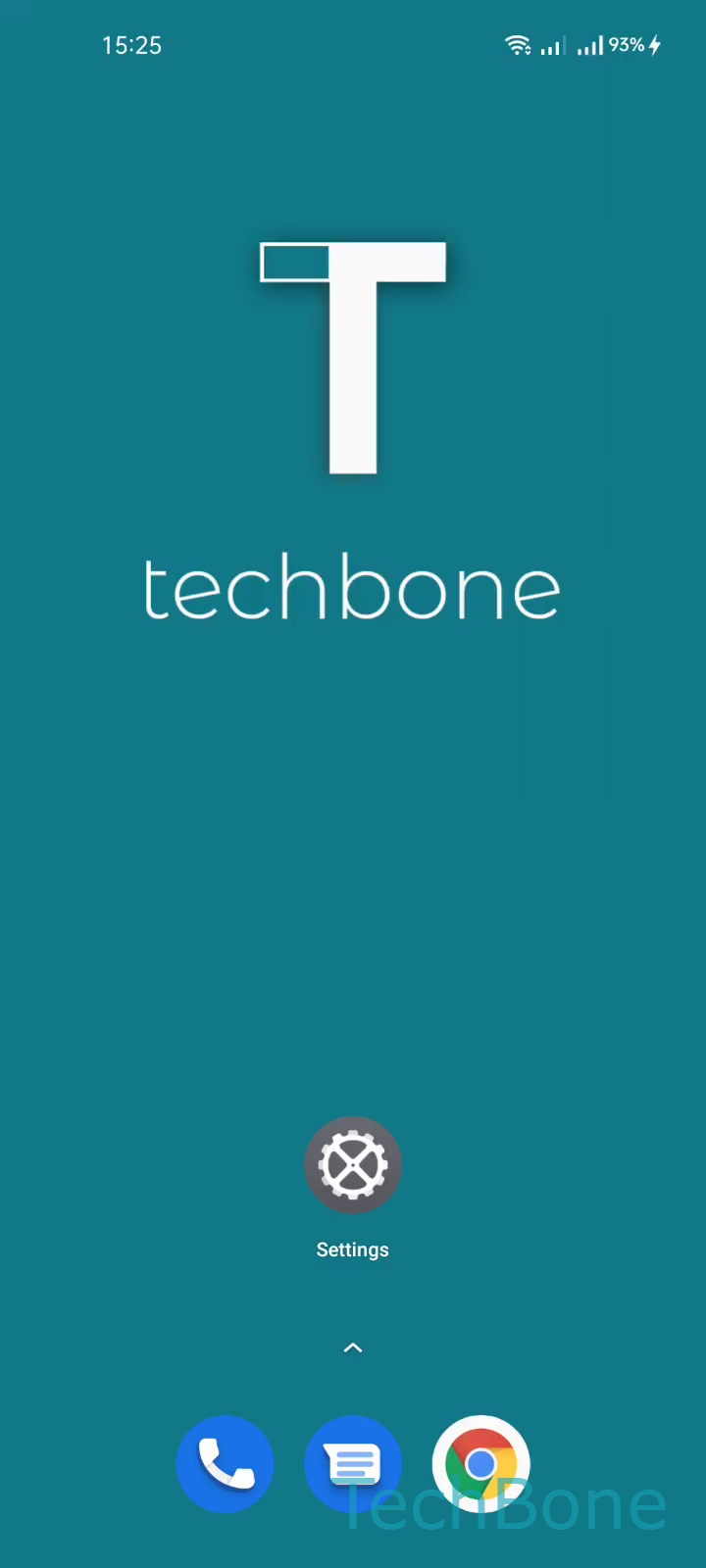
Step 1 of 5: Tap on **Settings**

1

Tap on Settings

Live simulator

Android 11 · Realme UI 2
Allow Installations from Unknown Sources – Realme UI 2: step 1 – Tap on Settings
Tap on Settings
1 / 5

Scroll or use the buttons for the next step

Feedback

Was the guide correct?

Help others: confirm the path or report a problem.

76

Confirmations

Forum verified this path

Realme

Allow Installations from Unknown Sources auf Realme

Realme UI blocks the installation of apps that do not come from the Google Play Store. This security layer prevents .apk files downloaded from browsers, file managers, or messaging apps from running without your explicit permission.

The setting that controls this behavior sits inside the security section of your phone, and it works per app rather than as one global switch. Each app that tries to install something outside the Play Store needs its own approval before the installation continues.

To allow it, go to SettingsSecurityUnknown source installations. Find the app you used to open the .apk file, tap it, then use Turn On/Off an App to switch it on and confirm with Allow.

Once enabled, that specific app can request future installations from unknown sources without triggering the block again. Other apps still need the same approval individually.

Only enable this for apps and file sources you trust. Leaving unknown source installations active for apps you rarely use increases the risk of installing modified or harmful .apk files later.

Frequently asked questions

You allow the app that opened the .apk file, for example your file manager or browser. Go to SettingsSecurityUnknown source installations and select that app, not the one you are trying to install.