Skip to content
TechBone
Realme

Realme: Change Media Volume Separately

If videos, games, or WhatsApp voice messages stay quiet while your ringtone plays loud and clear, the media volume on your Realme phone runs on its own slider. This level governs apps, streaming services, games, and voice messages, separate from ringtone and notification sounds. Turning up the wrong slider is a common reason media audio still seems muted or too loud.

3 min3 steps
VersionAndroid 11 · Realme UI 2

Step by step

1 / 3

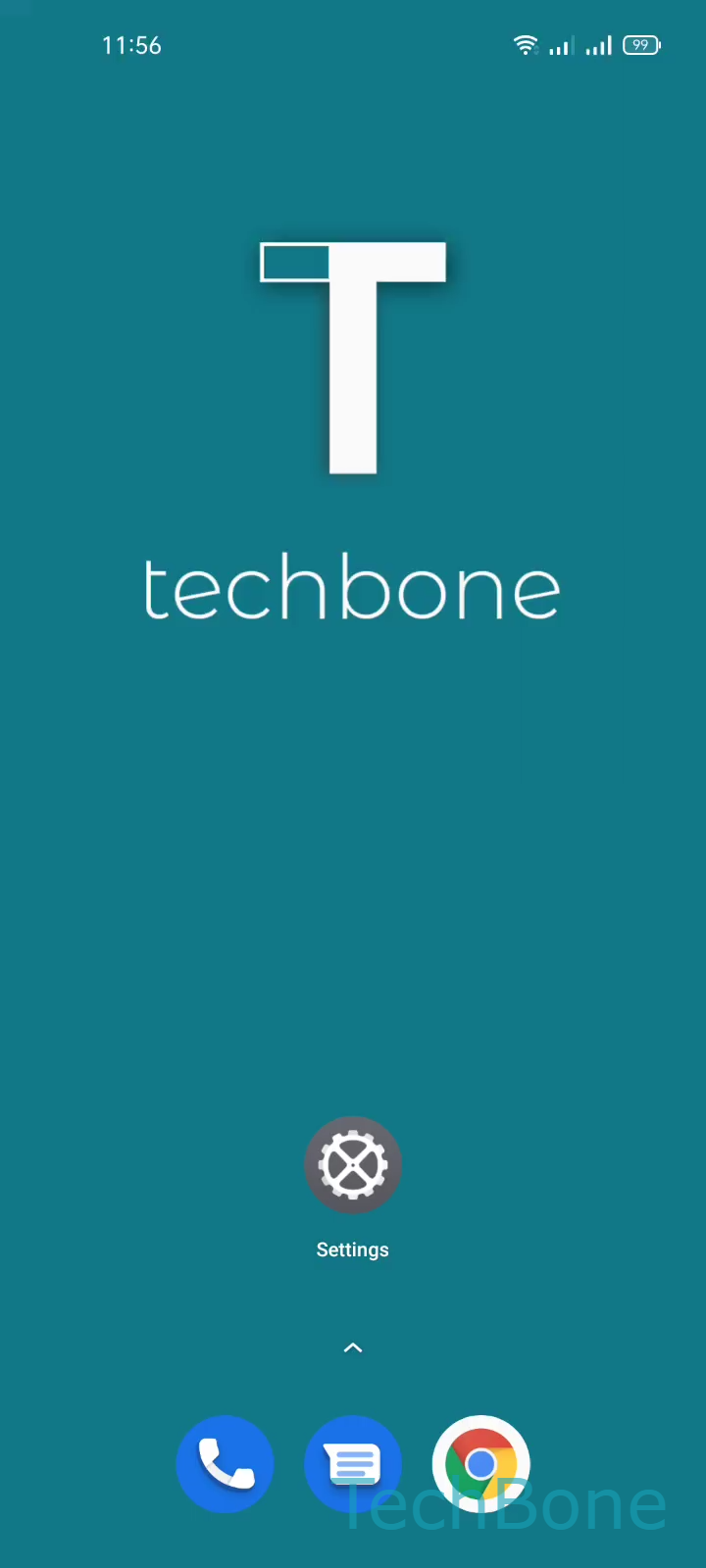
Step 1 of 3: Tap on **Settings**

1

Tap on Settings

Live simulator

Android 11 · Realme UI 2
Change Media Volume Separately – Realme UI 2: step 1 – Tap on Settings
Tap on Settings
1 / 3

Scroll or use the buttons for the next step

Feedback

Was the guide correct?

Help others: confirm the path or report a problem.

28

Confirmations

Forum verified this path

Realme

Change Media Volume Separately auf Realme

Realme UI splits audio into separate channels: ringtone, notifications, and media. Media volume covers apps, videos, games, streaming services, and voice messages such as those in WhatsApp. Turning up the ringtone slider has no effect on this channel, which is why media sound can still feel too quiet or too loud after a manual adjustment attempt.

To change it directly, go to Tap on SettingsTap on Sound & vibrationSet the Media volume. Drag the slider to the level you want. The change applies instantly across all apps that play sound through the media channel.

When to use the hardware buttons instead

Pressing the volume buttons while media is actively playing, for example during a video or a song, adjusts the same media level without opening Settings. Pressing the buttons on the home screen or during a call instead changes ringtone or call volume, not media.

If media sound stays muted after raising the slider, check whether a connected Bluetooth device or a media app has its own internal volume control set low.

Frequently asked questions

Ringtone and media run on separate channels in Realme UI. Only the slider under Tap on SettingsTap on Sound & vibrationSet the Media volume controls apps, videos, games, and voice messages.