
Skip to content
TechBone
Realme

Realme: Connect to a Wi-Fi Network

Downloading a system update or a large app over mobile data can eat through your monthly allowance fast, especially if your carrier caps high-speed data. Before you start a big download on your Realme phone, you want to make sure it actually uses your home or office Wi-Fi instead of cellular data. If the phone keeps falling back to mobile data, the Wi-Fi connection was likely never set up or the password was entered wrong.

3 min4 steps
VersionAndroid 11 · Realme UI 2

Step by step

1 / 4

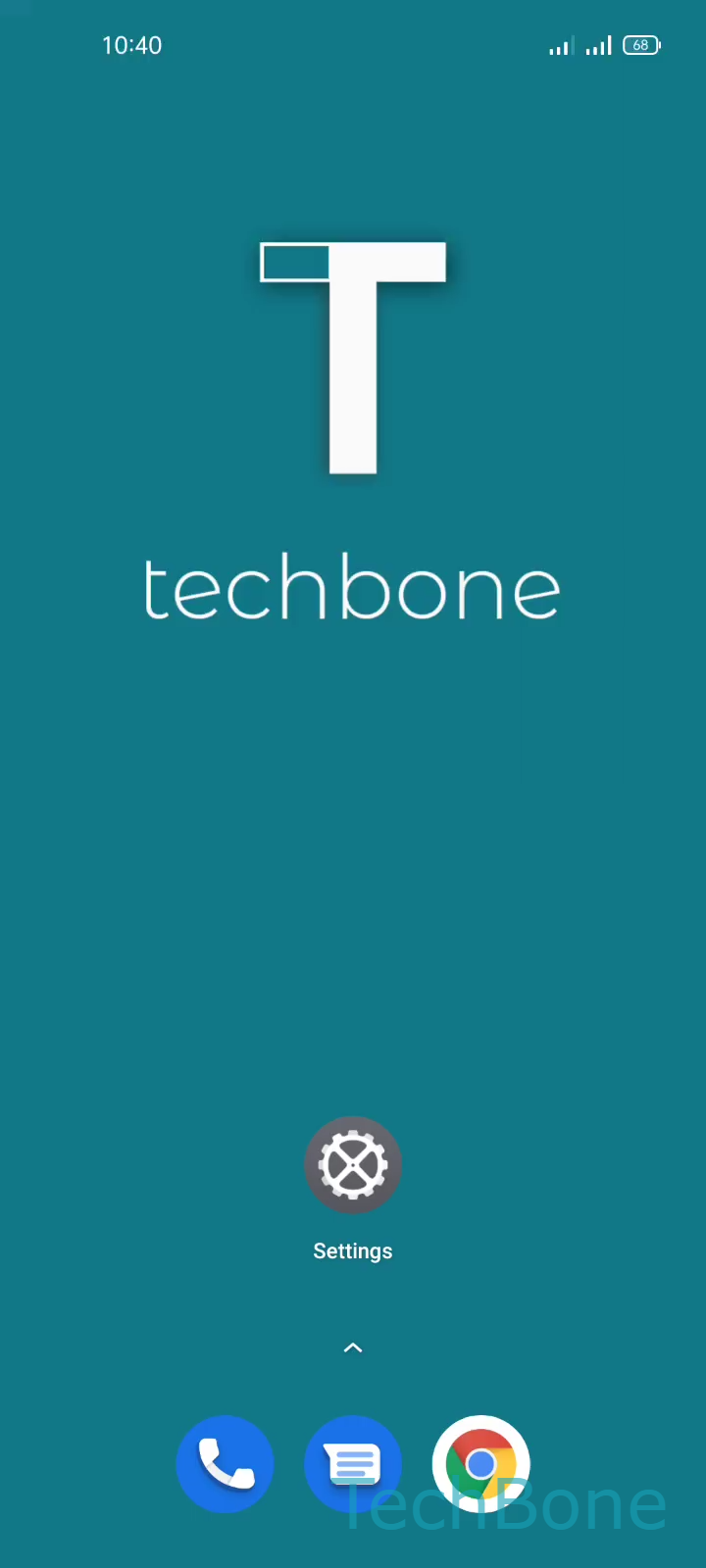
Step 1 of 4: Tap on **Settings**

1

Tap on Settings

Live simulator

Android 11 · Realme UI 2
Connect to a Wi-Fi Network – Realme UI 2: step 1 – Tap on Settings
Tap on Settings
1 / 4

Scroll or use the buttons for the next step

Feedback

Was the guide correct?

Help others: confirm the path or report a problem.

19

Confirmations

Forum verified this path

Realme

Connect to a Wi-Fi Network auf Realme

Realme UI keeps all wireless network options in one place, but a fresh phone or a reset device will not join any Wi-Fi network automatically. Until you connect manually, downloads, updates and streaming will keep using mobile data, which is slower and often limited by your carrier plan.

To connect, open Tap on SettingsTap on Wi-FiChoose a Wi-Fi networkEnter the Wi-Fi passwordand tap Save. Once the password is accepted, the phone stores the network and reconnects automatically whenever it is in range.

When to use mobile data instead

If you only need a quick download of a few megabytes and no Wi-Fi network is nearby, mobile data is usually faster to set up. Wi-Fi becomes worthwhile once file sizes grow past a few hundred megabytes, such as app updates or media downloads.

A network with no internet access, or one requiring a login page (common in hotels or offices), can show as connected while still blocking downloads. In that case, open a browser first to complete the login screen before retrying the download.

Frequently asked questions

Some networks, especially in hotels or public spaces, require a login page after connecting. Open a browser and complete that login screen, then retry the download.