Skip to content
TechBone
Realme

Realme: Add a Widget to the Home Screen

If your home screen only shows app icons, you keep opening apps just to check simple things like the weather, battery level or your next calendar entry. Realme UI hides the entire widget picker behind a long-press gesture that many people never discover on their own. Without adding a widget, that information stays one tap further away than it needs to be.

3 min4 steps
VersionAndroid 11 · Realme UI 2

Step by step

1 / 4

Step 1 of 4: Tap and hold a **Free area** on the Home screen

1

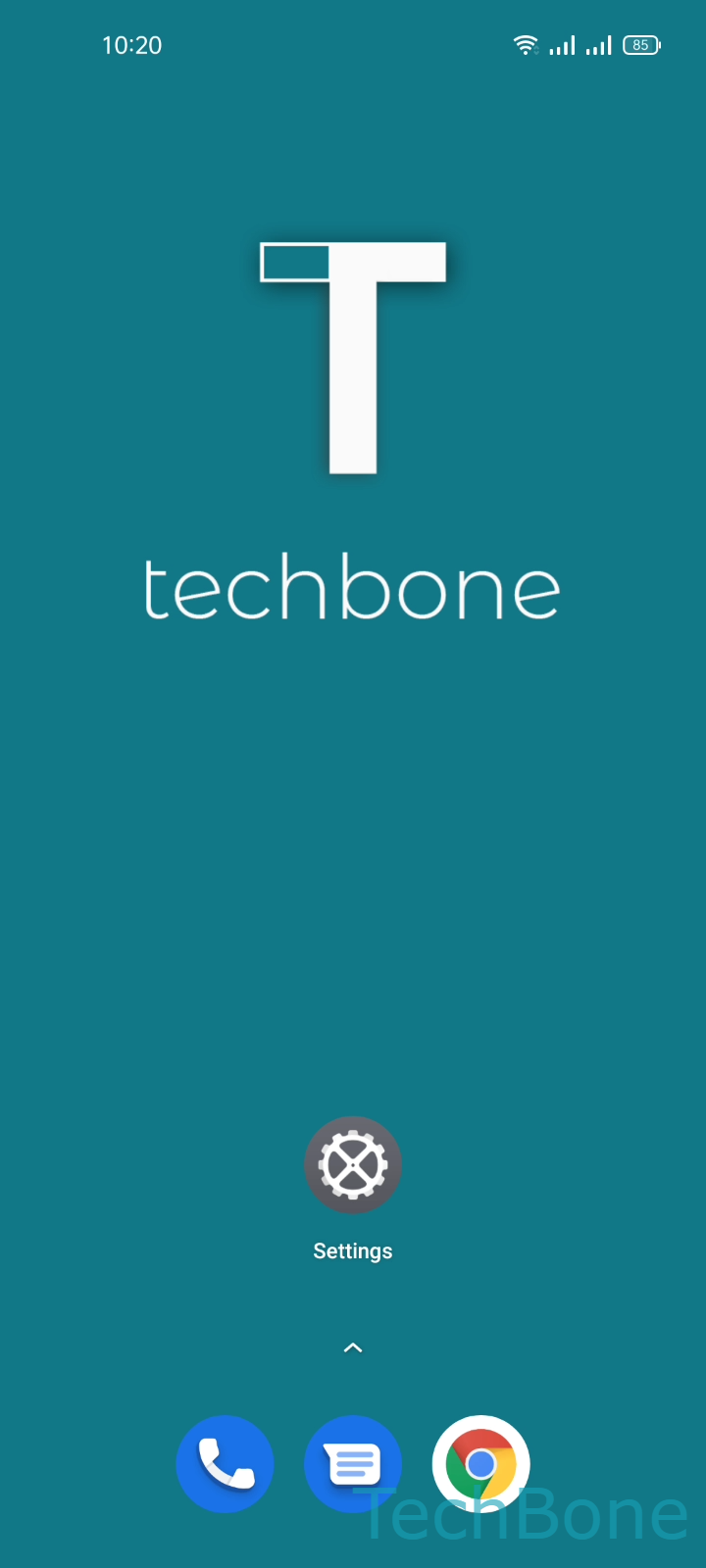
Tap and hold a Free area on the Home screen

Live simulator

Android 11 · Realme UI 2
Add a Widget to the Home Screen – Realme UI 2: step 1 – Tap and hold a Free area on the Home screen
Tap and hold a Free area on the Home screen
1 / 4

Scroll or use the buttons for the next step

Feedback

Was the guide correct?

Help others: confirm the path or report a problem.

60

Confirmations

Forum verified this path

Realme

Add a Widget to the Home Screen auf Realme

Widgets work like small live previews of an app. A weather widget updates the temperature every few minutes, a stock widget refreshes prices, and a calendar widget shows the next appointment without unlocking anything beyond the home screen.

On Realme UI, the widget picker sits behind a long-press gesture rather than a dedicated menu, which is why many users never find it. Follow this path: Tap and hold a Free area on the Home screenTap on WidgetsChoose a WidgetTo exit, tap on a Free area.

Each app that supports widgets appears in its own category inside the picker. Some apps offer several sizes, for example a compact clock and a larger one with more detail. Drag the chosen widget to an empty spot; if the current screen is already full, Realme UI creates a new home screen page automatically.

If a widget still shows outdated data after placing it, check whether background activity for that app is restricted, since Realme UI can pause background refresh to save battery. Removing and re-adding the widget rarely fixes a stale data problem on its own.

Frequently asked questions

Not every app ships with a widget. If the developer never built one, it simply will not appear when you open Widgets from the long-press menu, no matter how the app is installed or updated.