
Realme
Remove a Widget from the Home Screen auf Realme
Widgets on Realme UI run as small live views of an app directly on the home screen. Weather tiles, calendars or music controls refresh their content in the background, which is exactly why they can quietly increase battery use over time.
Removing a widget only deletes the tile from the home screen. The underlying app stays installed with all its data and settings untouched, so you lose nothing by getting rid of a widget you no longer need.
How to remove a widget
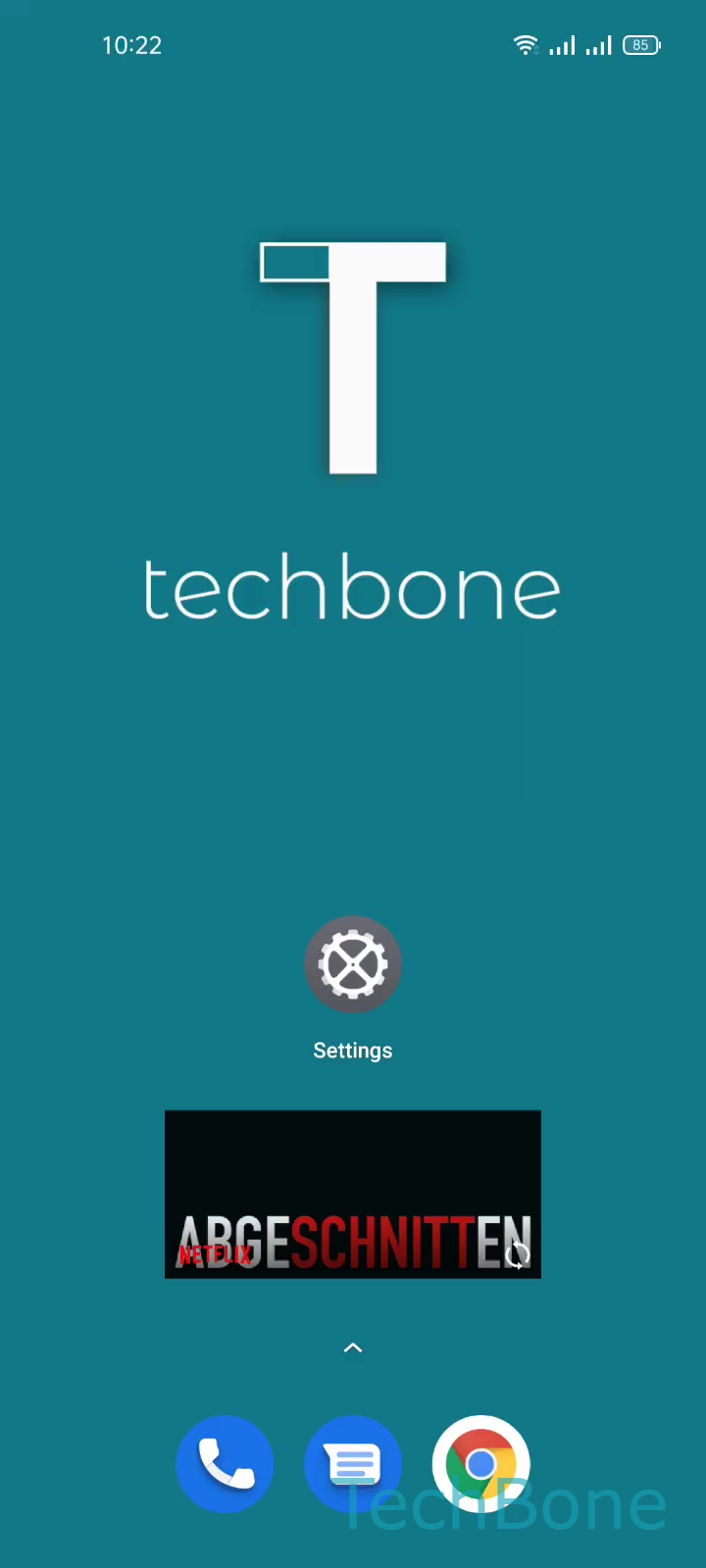
Press and hold the widget you want gone until the quick options appear, then confirm.
Tap and hold a Widget ➔ Tap on Remove
If you accidentally remove the wrong one, just add it back from the widget picker by holding an empty spot on the home screen.
This is the better fix when a widget is causing battery drain or clutter but you still want to keep the app. If the app itself is the problem, uninstalling it removes its widget automatically as well.