Skip to content
TechBone
Realme

Realme: Change the Home Screen Transition Effect

Swiping between home screens on your Realme phone always plays the same plain slide animation, and there is no obvious setting for it in the general Display menu. The option to change this wipe effect actually lives inside the Home screen settings, which is why most people never come across it by accident.

3 min3 steps
VersionAndroid 11 · Realme UI 2

Step by step

1 / 3

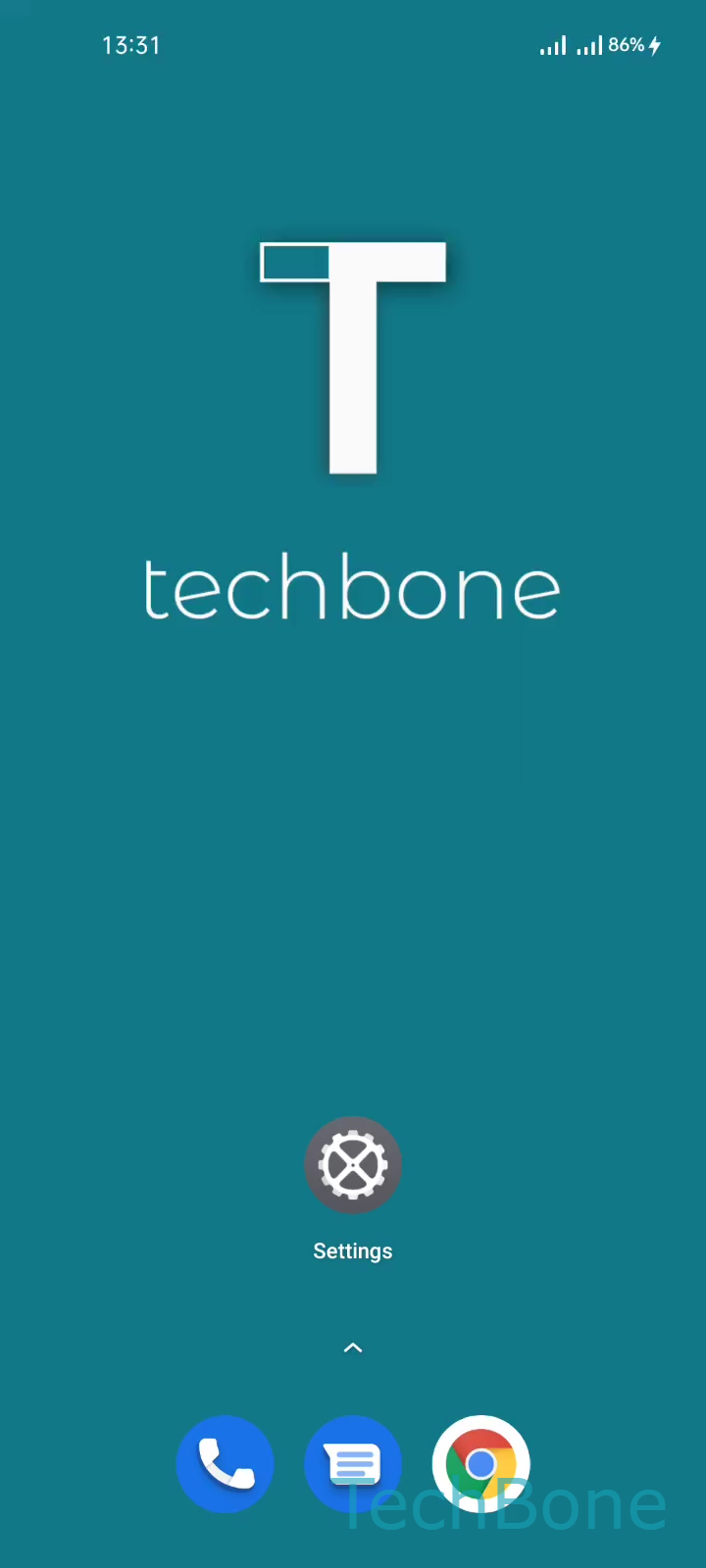
Step 1 of 3: Tap and hold a **Free area**on the Home screen

1

Tap and hold a Free areaon the Home screen

Live simulator

Android 11 · Realme UI 2
Change Home Screen Transition Effect – Realme UI 2: step 1 – Tap and hold a Free areaon the Home screen
Tap and hold a Free areaon the Home screen
1 / 3

Scroll or use the buttons for the next step

Feedback

Was the guide correct?

Help others: confirm the path or report a problem.

87

Confirmations

Forum verified this path

Realme

Change Home Screen Transition Effect auf Realme

The transition effect controls how your Realme home screens animate when you swipe left or right between pages. Realme UI ships with a plain slide animation by default, but the system offers several alternative effects that change the visual feel of switching pages without touching your wallpaper, icons, or app layout.

This setting is not part of the general Display menu. It sits inside the home screen customization options, which is why it can be hard to find if you only check Display settings.

Menu path: Tap and hold a Free area on the Home screenTap on TransitionsChoose a Transition effect.

After you tap Transitions, the screen shows a live preview of each available animation style. Tap any option to apply it immediately across all your home screen pages, no restart needed.

Changing the transition effect only changes the visual animation. It does not fix slow or laggy home screen swiping, since that kind of stutter is usually caused by background app management or a heavy live wallpaper rather than the transition style itself.

Frequently asked questions

No. The transition effect only changes the animation style used when swiping between home screens. It does not add noticeable load, so switching between options under Transitions has no real effect on performance.