
Samsung
Answering an Incoming Call auf Samsung
Samsung phones show incoming calls in two different layouts, depending on what the phone was doing right before it rang.
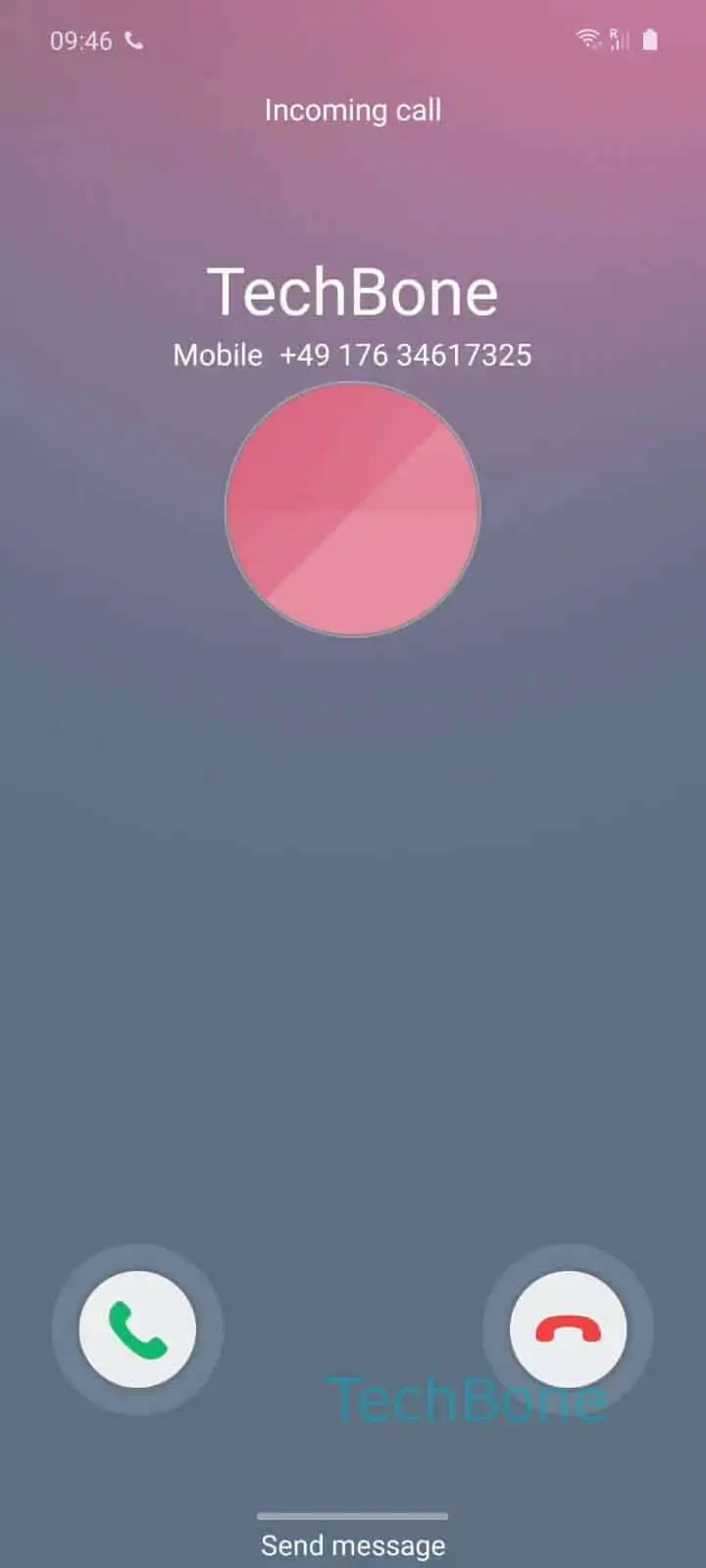
If the screen was off or showing the home screen, the call takes over the full display with a large green icon to accept and a red icon to decline. If you were already inside an app, the call instead appears as a smaller pop-up window near the top of the screen, so the app you were using stays visible underneath it.
In both layouts, a single tap on the green icon will not answer the call. You need to Tap and hold the green call icon ➔ Drag outside of the circle surrounding it. Releasing your finger outside that circle confirms the answer. Releasing inside the circle cancels the gesture and the call keeps ringing.
This drag-to-answer behavior exists to stop accidental pickups while the phone is in a pocket or bag. If the gesture feels unresponsive, check whether a screen protector edge, a case flap, or an active accessibility overlay is interfering with touch input near the call icon.
If no answer option appears at all, the cause is usually a permissions issue or a third-party dialer app, not the drag gesture itself.