
Skip to content
TechBone
Samsung

Samsung: Add a Birthday to a Contact

If a friend's contact card in Samsung Contacts has no space for a birthday, the field is not missing - it is just hidden by default. Samsung keeps birthday, anniversary and other important dates tucked away behind an extra menu step, so most people never notice it exists. Once you know where to look, adding the date takes only a few taps.

6 min8 steps
Version

Step by step

1 / 8

Step 1 of 8: Tap on **Contacts**

1

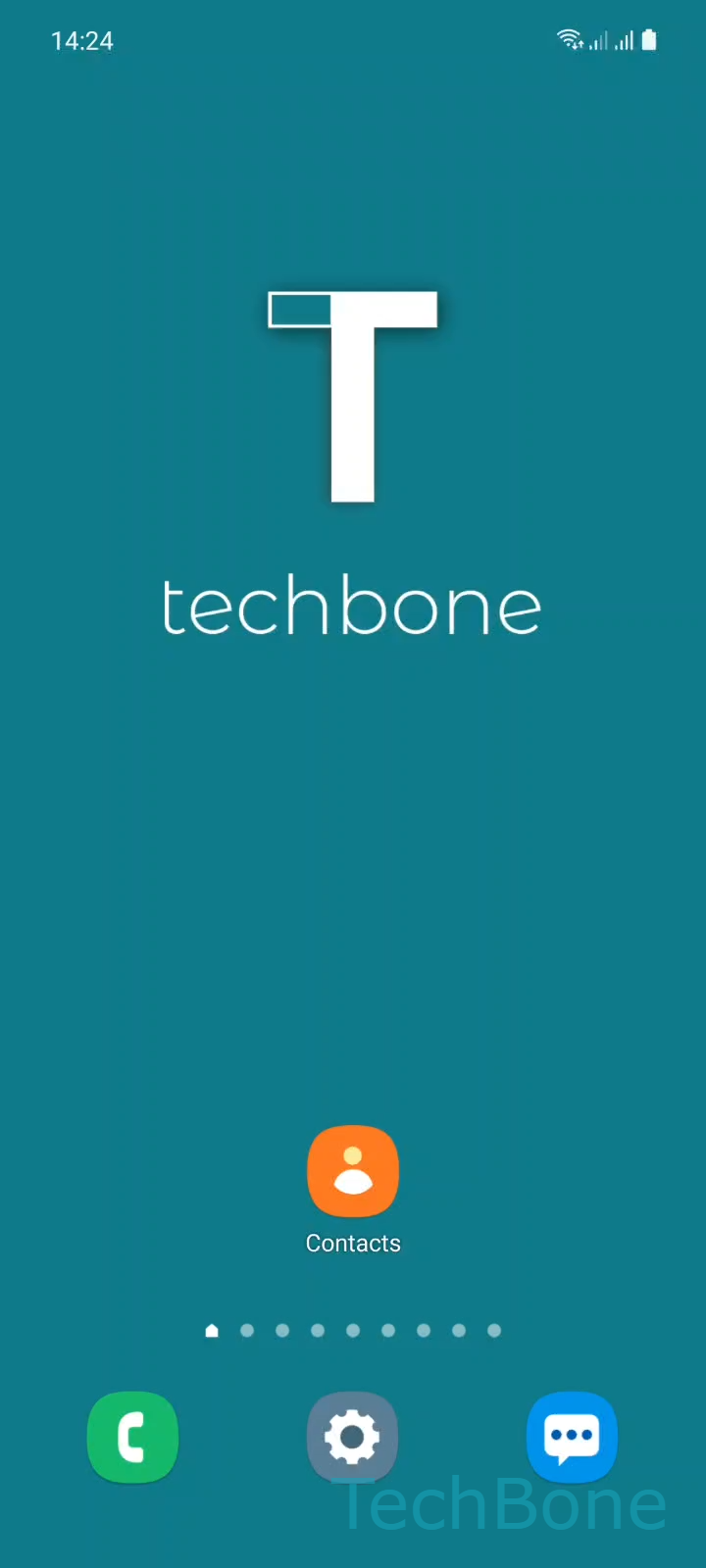
Tap on Contacts

Live simulator

Android 11 · One UI 3
Add Birthday to a Contact – One UI 3: step 1 – Tap on Contacts
Tap on Contacts
1 / 8

Scroll or use the buttons for the next step

Feedback

Was the guide correct?

Help others: confirm the path or report a problem.

79

Confirmations

Forum verified this path

Samsung

Add Birthday to a Contact auf Samsung

Samsung Contacts does not show a birthday field on the standard edit screen. The option sits under a collapsed section, which is why many users assume the feature does not exist on their phone.

To reveal it, open ContactsChoose a ContactTap on Edit. On the edit screen, tap View more to expand the hidden fields, then select Important dates.

Inside Important dates, tap Date (Birthday) and enter the day, month and year in the picker. Confirm with Done, then tap Save on the contact edit screen to store the change.

Skipping the final Save tap is the most common mistake - the date picker closing does not save the entry by itself. If the contact is linked to another account, such as Google, the birthday you add locally may not sync back to that account automatically.

This method works for any contact stored on the device, regardless of whether Samsung's built-in Calendar app is used for reminders.

Frequently asked questions

Samsung hides birthday and other date fields by default. Tap View more on the edit screen, then open Important dates to reveal the Date (Birthday) option.

Compatible devices

Tap your device — opens its hub with matching guides.

Android 11 · One UI 3

No compatible devices are listed for this version.