Skip to content
TechBone
Samsung

Samsung: Mark a Contact as Favorite for Calls and Messages

If a contact you call or text often keeps sliding down your list, Favorites pins them to the top - but only once the flag is actually switched on for that person. On Samsung phones this same flag also controls the pinned row in the Phone app, so the two lists never match up on their own.

3 min3 steps
Version

Step by step

1 / 3

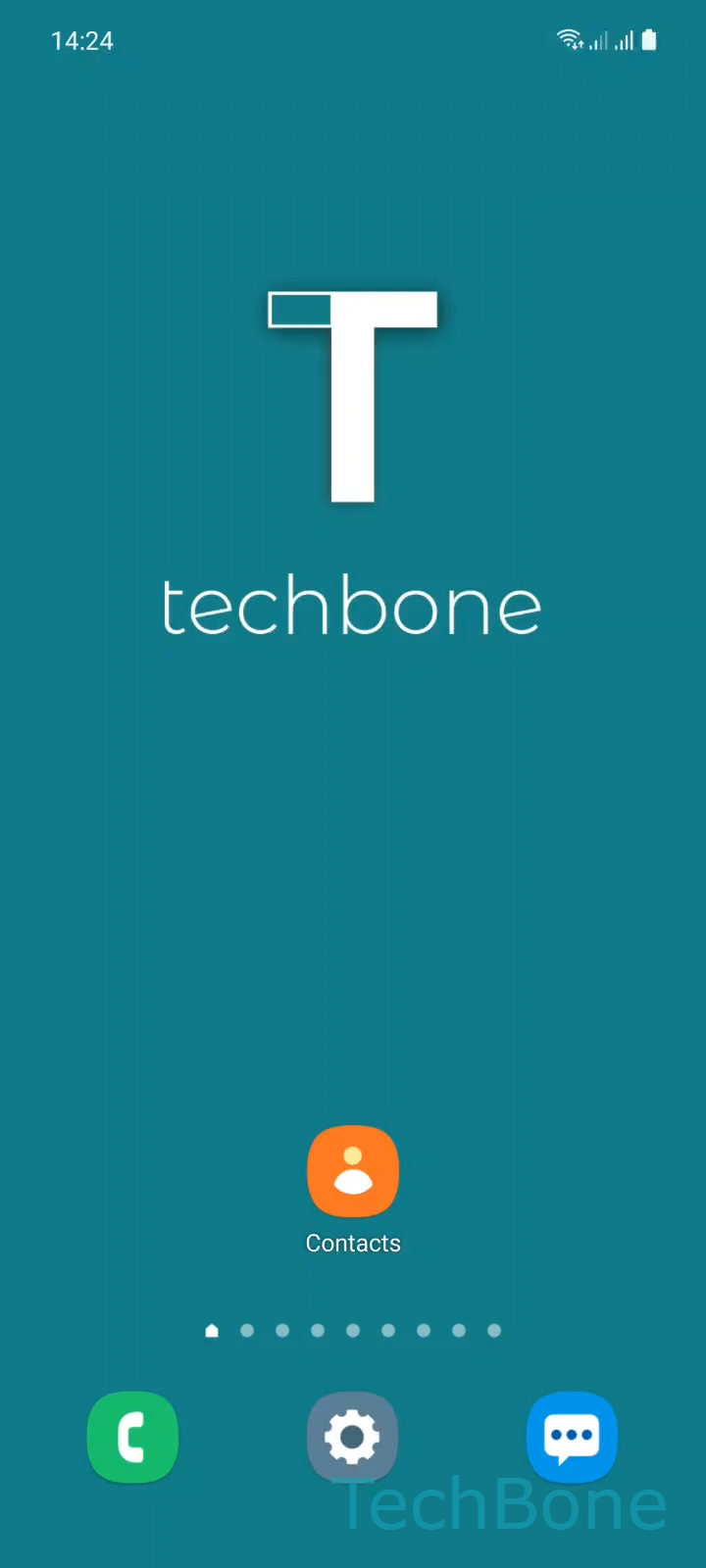
Step 1 of 3: Tap on **Contacts**

1

Tap on Contacts

Live simulator

Android 11 · One UI 3
Mark a Contact as Favorite – One UI 3: step 1 – Tap on Contacts
Tap on Contacts
1 / 3

Scroll or use the buttons for the next step

Feedback

Was the guide correct?

Help others: confirm the path or report a problem.

49

Confirmations

Forum verified this path

Samsung

Mark a Contact as Favorite auf Samsung

Marking a contact as a favorite on a Samsung phone adds a flag to that entry. This flag decides whether the contact appears in the pinned row at the top of the Contacts app, and it controls the favorites row in the Phone app too, since both apps read the same flag.

To set it, open the Contacts app: Tap on ContactsChoose a ContactTap on Favorites to mark or unmark the contact. The star fills in once the contact is marked. Tapping it again clears the flag and the contact drops out of both pinned lists right away.

Because this is one flag rather than two separate lists, you never manage favorites twice. Adding a contact from the favorites row in the Phone app sets the same flag as doing it from Contacts, and removing it in either app removes it everywhere.

If a marked contact still does not show up at the top, check whether the same person exists as a duplicate entry synced from a different account. Only the specific entry you flagged gets pinned, not every copy of that contact.

Frequently asked questions

This usually happens when the same person exists as a duplicate entry from another synced account. Only the exact entry where you tapped Favorites gets pinned, so check your Contacts list for a second copy and mark that one too if needed.

Compatible devices

Tap your device — opens its hub with matching guides.

Android 11 · One UI 3

No compatible devices are listed for this version.