Skip to content
TechBone
Samsung

Samsung: Add a Language to Your Keyboard

Your Samsung keyboard only offers the system language by default, so a German-language phone types German everywhere, even in messages you want to write in English or another language. Switching between alphabets or typing foreign words forces constant autocorrect fights. The fix sits in the Samsung Keyboard settings, but the option to add extra input languages is buried several menus deep and easy to miss.

6 min7 steps
Version

Step by step

1 / 7

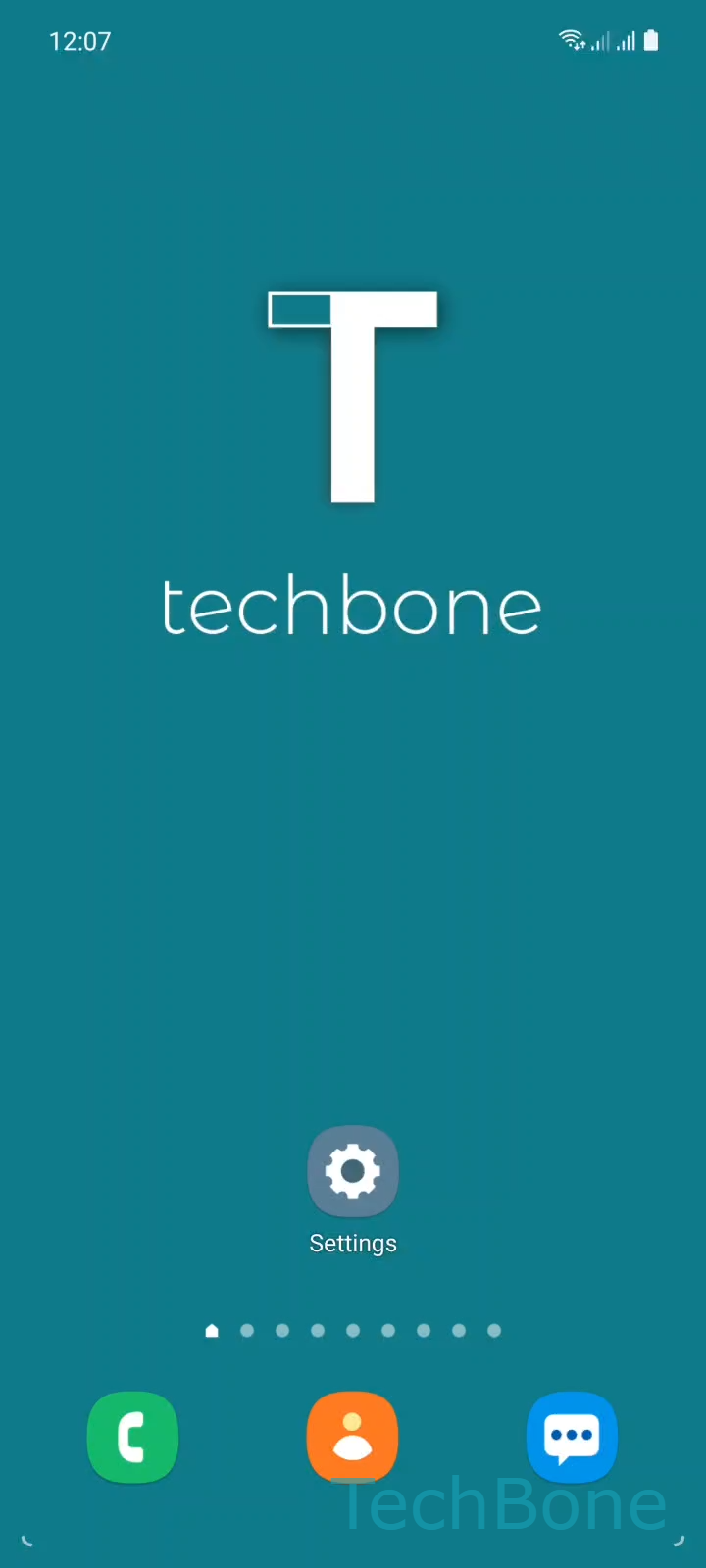
Step 1 of 7: Tap on **Settings**

1

Tap on Settings

Live simulator

Android 11 · One UI 3
Add a Keyboard Language – One UI 3: step 1 – Tap on Settings
Tap on Settings
1 / 7

Scroll or use the buttons for the next step

Feedback

Was the guide correct?

Help others: confirm the path or report a problem.

91

Confirmations

Forum verified this path

Samsung

Add a Keyboard Language auf Samsung

Samsung Keyboard picks up the system language automatically. If your device language is German, the keyboard shows only a German layout, even if you regularly write in other languages. Typing anything outside that language triggers wrong autocorrect suggestions and forces manual corrections.

Adding a language does not change your system language. It only extends the keyboard so you can switch layouts while typing, similar to adding a second dictionary. This matters for multilingual chats, foreign names, or apps that expect input in a specific language.

To add a language, open Tap on SettingsTap on General managementTap on Samsung Keyboard settingsTap on Languages and typesTap on Manage input languages. From there, turn on the language you need with Turn On/Off a Keyboard language, then confirm with Tap on Back.

If you only need occasional foreign words rather than a full second layout, using the keyboard's built-in translation or autocorrect dictionary may be faster than adding a whole language. Keep in mind that each added language increases the keyboard's storage footprint slightly and adds one more layout to cycle through when switching.

Frequently asked questions

No. Adding a language under Manage input languages only extends what the Samsung Keyboard can type. Your system language, menus, and apps stay in the language set under your general device settings.

Compatible devices

Tap your device — opens its hub with matching guides.

Android 11 · One UI 3

No compatible devices are listed for this version.