Skip to content
TechBone
Samsung

Samsung: Activate a Downloaded Keyboard

A new keyboard from the Play Store shows up as installed but never appears as an option when you try to switch input methods. Samsung keeps every keyboard disabled by default until you turn it on in the keyboard management settings. Without this step, the downloaded keyboard stays invisible even though it is already on your phone.

4 min5 steps
Version

Step by step

1 / 5

Step 1 of 5: Tap on **Settings**

1

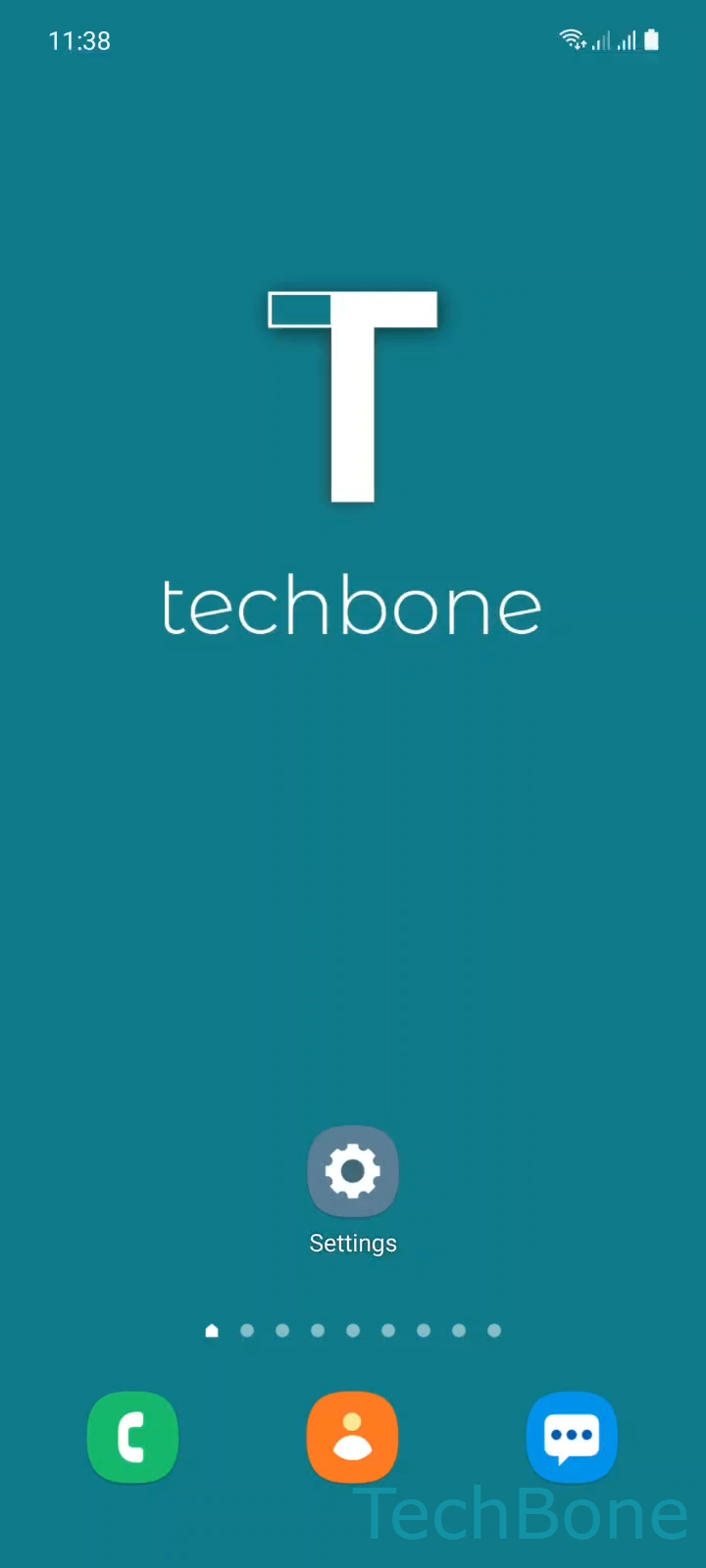
Tap on Settings

Live simulator

Android 11 · One UI 3
Activate a Downloaded Keyboard – One UI 3: step 1 – Tap on Settings
Tap on Settings
1 / 5

Scroll or use the buttons for the next step

Feedback

Was the guide correct?

Help others: confirm the path or report a problem.

37

Confirmations

Forum verified this path

Samsung

Activate a Downloaded Keyboard auf Samsung

Samsung phones ship with the built-in Samsung Keyboard active, but any keyboard you install afterward from the Play Store stays inactive by default. This is a safety setting in One UI: a newly installed keyboard app first needs to be switched on in the system before it can be selected anywhere, including in the keyboard switcher above the on-screen keyboard.

If you skip this step, the app appears in your app list, but it will never show up when you tap the keyboard-switch icon or try to set a new default input method. This often looks like a bug, but it is simply an inactive keyboard.

To turn it on, go to Tap on SettingsTap on General managementTap on Keyboard list and defaultTurn On a KeyboardTap on OK. Confirming the on-screen warning is required, since Samsung asks you to acknowledge that a third-party keyboard can technically read what you type.

Once activated, the keyboard becomes available for selection, but it is not automatically set as your default. If typing still opens the old keyboard afterward, check the default keyboard setting separately in the same menu.

Frequently asked questions

Activation only makes the keyboard selectable; it does not make it the default. Open SettingsGeneral managementKeyboard list and default and set it as the default keyboard, or tap the keyboard-switch icon while typing to pick it manually.

Compatible devices

Tap your device — opens its hub with matching guides.

Android 11 · One UI 3

No compatible devices are listed for this version.