Skip to content
TechBone
Samsung

Samsung: Open a New Tab in Internet Browser

Trying to check a second website without losing the page you already have open? Samsung Internet handles this through tabs, and if you don't know where the option sits, you end up replacing your current page instead of adding a new one. This mainly affects people switching from other browsers where the tab icon looks different.

3 min3 steps
Version

Step by step

1 / 3

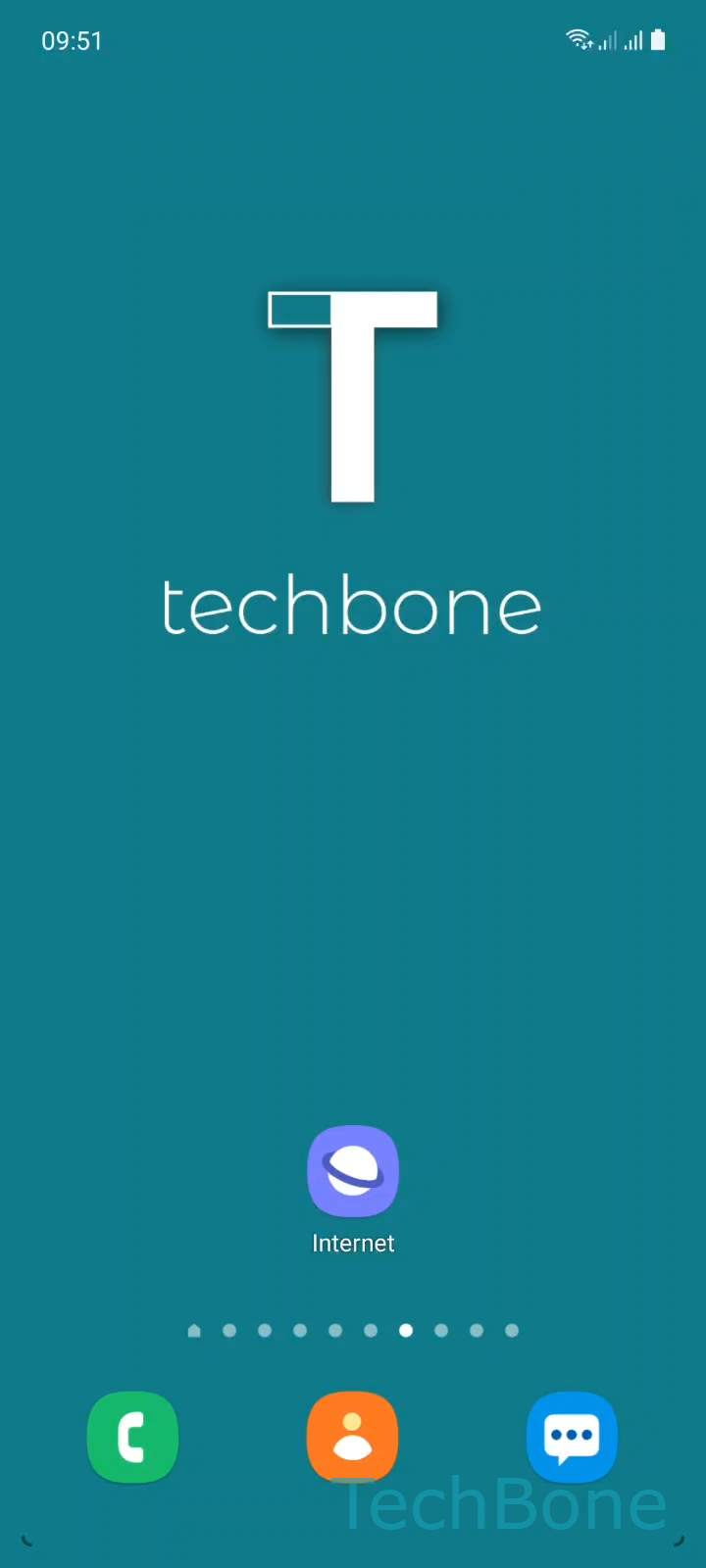
Step 1 of 3: Tap on **Internet**

1

Tap on Internet

Live simulator

Android 11 · One UI 3
Open a New Tab in Samsung Internet – One UI 3: step 1 – Tap on Internet
Tap on Internet
1 / 3

Scroll or use the buttons for the next step

Feedback

Was the guide correct?

Help others: confirm the path or report a problem.

73

Confirmations

Forum verified this path

Samsung

Open a New Tab in Samsung Internet auf Samsung

Samsung Internet keeps every open page in its own tab, similar to a desktop browser. If you only know the address bar, finding the button to add another page without closing the current one is not obvious.

Where the tab menu is located

The new tab option sits inside the tab overview, not in the main settings menu. Follow this path:

Tap on InternetTap on TabsTap on New tab

Tapping Tabs opens an overview of every page you currently have loaded. From there, New tab opens a blank page while keeping all previous tabs untouched in the background.

Why this matters

Without a dedicated tab, opening a link normally replaces your current page in the same window. Adding a tab lets you compare prices, keep a login page open, or read two articles side by side.

When to use a different approach

If you only need to open a link briefly and come back, long-pressing the link and choosing to open it in the background works faster than creating a full new tab manually.

Closing unused tabs regularly also keeps Samsung Internet running smoothly, since every open tab uses a small amount of memory in the background.

Frequently asked questions

There is no fixed low limit, but performance drops if you keep dozens of tabs open on older devices. Closing tabs you no longer need through Tabs keeps the browser responsive.

Compatible devices

Tap your device — opens its hub with matching guides.

Android 11 · One UI 3

No compatible devices are listed for this version.