
Skip to content
TechBone
Samsung

Samsung: Add a Widget to the Home Screen

Looking for a widget on your Samsung home screen but only finding app icons? One UI keeps most widgets tucked away in a hidden menu instead of showing them next to your apps. This applies to pre-installed widgets like clock, weather or radio, and to any widgets added by apps you install afterward.

3 min4 steps
Version

Step by step

1 / 4

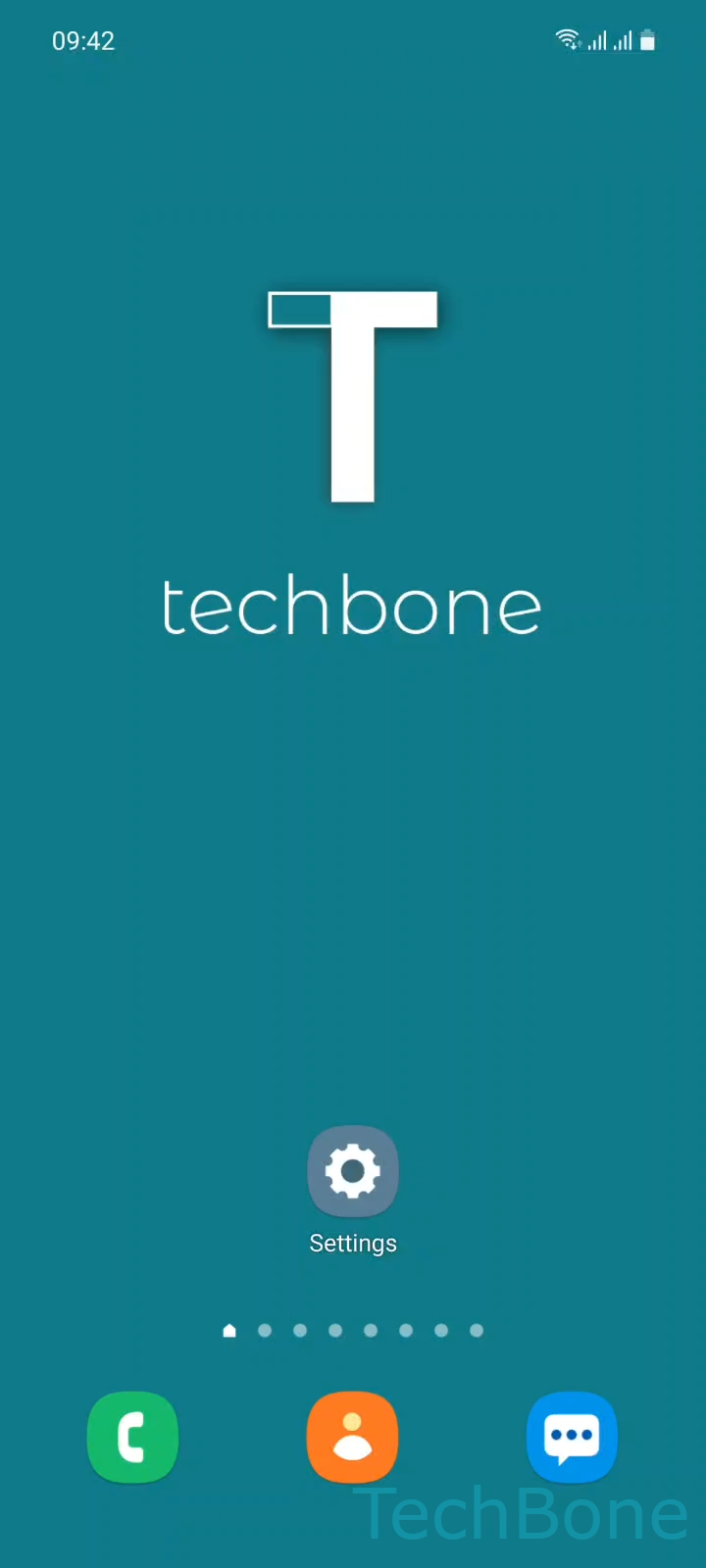
Step 1 of 4: Tap and hold a **Free area** on Home screen

1

Tap and hold a Free area on Home screen

Live simulator

Android 11 · One UI 3
Add Widgets to the Home Screen – One UI 3: step 1 – Tap and hold a Free area on Home screen
Tap and hold a Free area on Home screen
1 / 4

Scroll or use the buttons for the next step

Feedback

Was the guide correct?

Help others: confirm the path or report a problem.

81

Confirmations

Forum verified this path

Samsung

Add Widgets to the Home Screen auf Samsung

On Samsung phones and tablets running One UI, widgets do not appear automatically next to your app icons. They sit in a separate widget picker that only opens once you trigger it from the home screen itself, which is why many users assume a widget is missing entirely.

To reach it, use this Menüpfad: Tap and hold a Free area on Home screenTap on WidgetsChoose a WidgetTap on Add. The picker groups widgets by app, so a widget only shows up here if the related app is installed and supports one.

Some widgets offer multiple sizes or layouts before you tap Add, for example a compact clock versus a larger one with weather info. If a widget you expect is missing from the list, the app itself usually needs to be updated or reinstalled rather than the home screen settings.

This method works the same for stock Samsung widgets and third-party ones once an app is installed, so it is worth checking the widget picker again after installing new apps.

Frequently asked questions

The app must support widgets and be fully installed, not just downloaded. If it is missing after that, update the app through the Play Store and check the widget picker again via Tap and hold a Free area on Home screenTap on Widgets.

Compatible devices

Tap your device — opens its hub with matching guides.

Android 11 · One UI 3

No compatible devices are listed for this version.