Skip to content
TechBone
Samsung

Samsung: Allow Calls During Do Not Disturb

When Do Not Disturb is active on your Samsung phone, every incoming call gets silenced by default, even from people saved in your contacts. This happens because the Calls, messages and conversations settings inside Do Not Disturb treat phone calls like any other notification unless you tell it otherwise. You can choose whether all calls, only contacts, only favorites, or none get through.

5 min6 steps
Version

Step by step

1 / 6

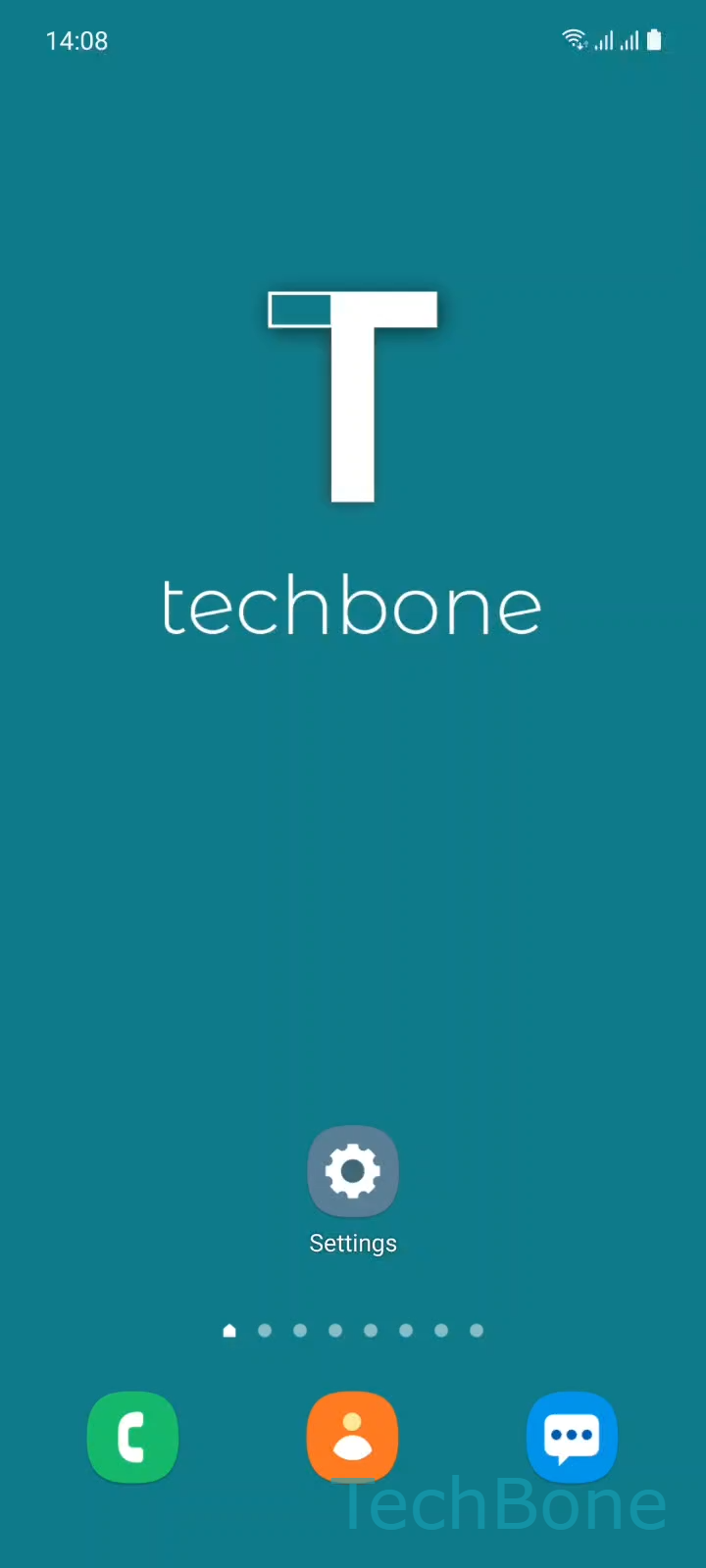
Step 1 of 6: Tap on **Settings**

1

Tap on Settings

Live simulator

Android 11 · One UI 3
Allow Calls in Do Not Disturb – One UI 3: step 1 – Tap on Settings
Tap on Settings
1 / 6

Scroll or use the buttons for the next step

Feedback

Was the guide correct?

Help others: confirm the path or report a problem.

24

Confirmations

Forum verified this path

Samsung

Allow Calls in Do Not Disturb auf Samsung

Do Not Disturb on a Samsung phone silences every incoming call by default, including calls from people saved in your contacts.

This happens because the Calls, messages and conversations section inside Do Not Disturb treats phone calls the same way as regular notifications, unless you set an exception.

To change this, open SettingsNotificationsDo not disturbCalls, messages and conversationsCalls. There you pick between All, Contacts only, Favorite contacts only or None.

All lets every incoming call ring through, useful if you rely on your phone for urgent matters even during focus time. Contacts only limits ringing to numbers saved in your address book, filtering out spam and unknown callers. Favorite contacts only narrows this further to people you have specifically marked as favorites, so only your closest contacts reach you. None keeps Do Not Disturb strict and blocks every call regardless of sender.

This setting only affects calls. Messages and conversation notifications are configured separately in the same Do Not Disturb menu, so check those too if you also want certain texts to come through.

Frequently asked questions

Check that Favorite contacts only is actually selected under Calls and not None. Also confirm the caller is marked as a favorite in your Contacts app, since regular saved contacts do not count as favorites.

Compatible devices

Tap your device — opens its hub with matching guides.

Android 11 · One UI 3

No compatible devices are listed for this version.