Skip to content
TechBone
Samsung

Samsung: Choose Which Apps Use Edge Lighting

Edge Lighting only reacts to the Messages app by default, so notifications from other apps never trigger the curved glow. If a supported app is missing from the list, it stays invisible on the edge screen even with its own alerts turned on. You can pick exactly which apps light up the edge or switch on a setting that covers all of them at once.

5 min6 steps
VersionAndroid 10 · One UI 2

Step by step

1 / 6

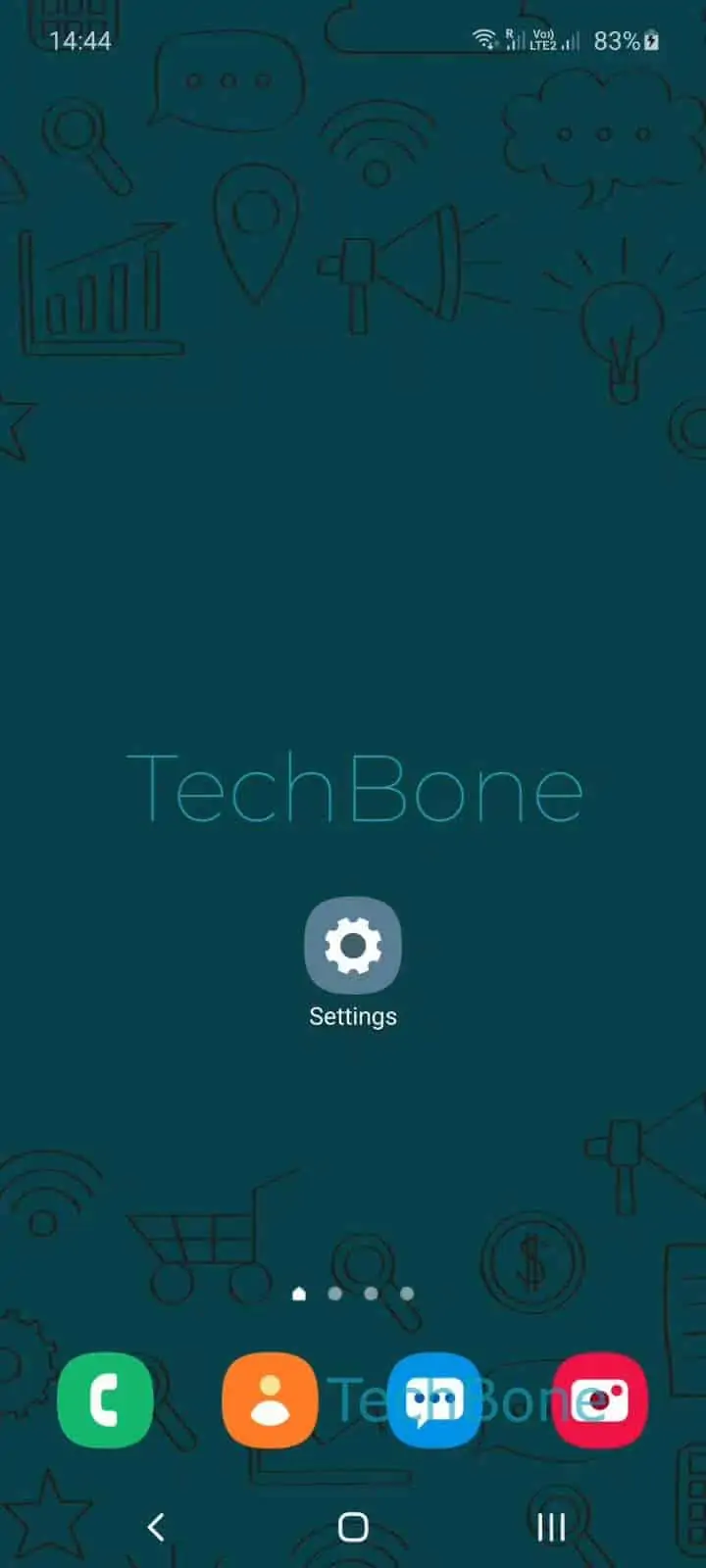
Step 1 of 6: Open the **Settings**

1

Open the Settings

Live simulator

Android 10 · One UI 2
Allow or Block Apps for Edge Lighting – One UI 2: step 1 – Open the Settings
Open the Settings
1 / 6

Scroll or use the buttons for the next step

Feedback

Was the guide correct?

Help others: confirm the path or report a problem.

50

Confirmations

Forum verified this path

Samsung

Allow or Block Apps for Edge Lighting auf Samsung

Edge Lighting on Samsung devices is limited to the Messages app right after setup. This is a default filter inside the edge screen settings, not a bug, and it exists so the glow does not fire for every background app on the phone.

To add more apps, open SettingsDisplayEdge screenEdge lightingChoose apps. The list only shows apps that support notification badges or alerts. Toggle any entry on to let it trigger the colored light, or switch it off to keep the edge quiet for that app.

If manually checking every app feels like too much upkeep, look for an option inside the same Edge lighting screen that automatically includes newly installed apps. This saves you from repeating the setup after every app update or install.

If an app never appears in the Choose apps list, it usually has no notification channel enabled in its own settings, so Edge Lighting has nothing to react to. In that case, fix the notification permission for the app first, then check the Choose apps list again.

Frequently asked questions

Samsung ships Edge Lighting with a default filter that only includes the Messages app. Every other supported app has to be enabled manually in SettingsDisplayEdge screenEdge lightingChoose apps.

Compatible devices

Tap your device — opens its hub with matching guides.

Android 10 · One UI 2

No compatible devices are listed for this version.