Skip to content
TechBone
Samsung

Samsung: Turn Android Beam On or Off

If Android Beam does not show up when you try to share a webpage, contact, or file by touching two phones together, the feature might be switched off or hidden inside the NFC settings. Android Beam only works on Samsung devices with an NFC chip, so on models without one the option never appears at all. Knowing exactly where the toggle sits saves you from digging through unrelated connection settings.

3 min4 steps
VersionAndroid 10 · One UI 2

Step by step

1 / 4

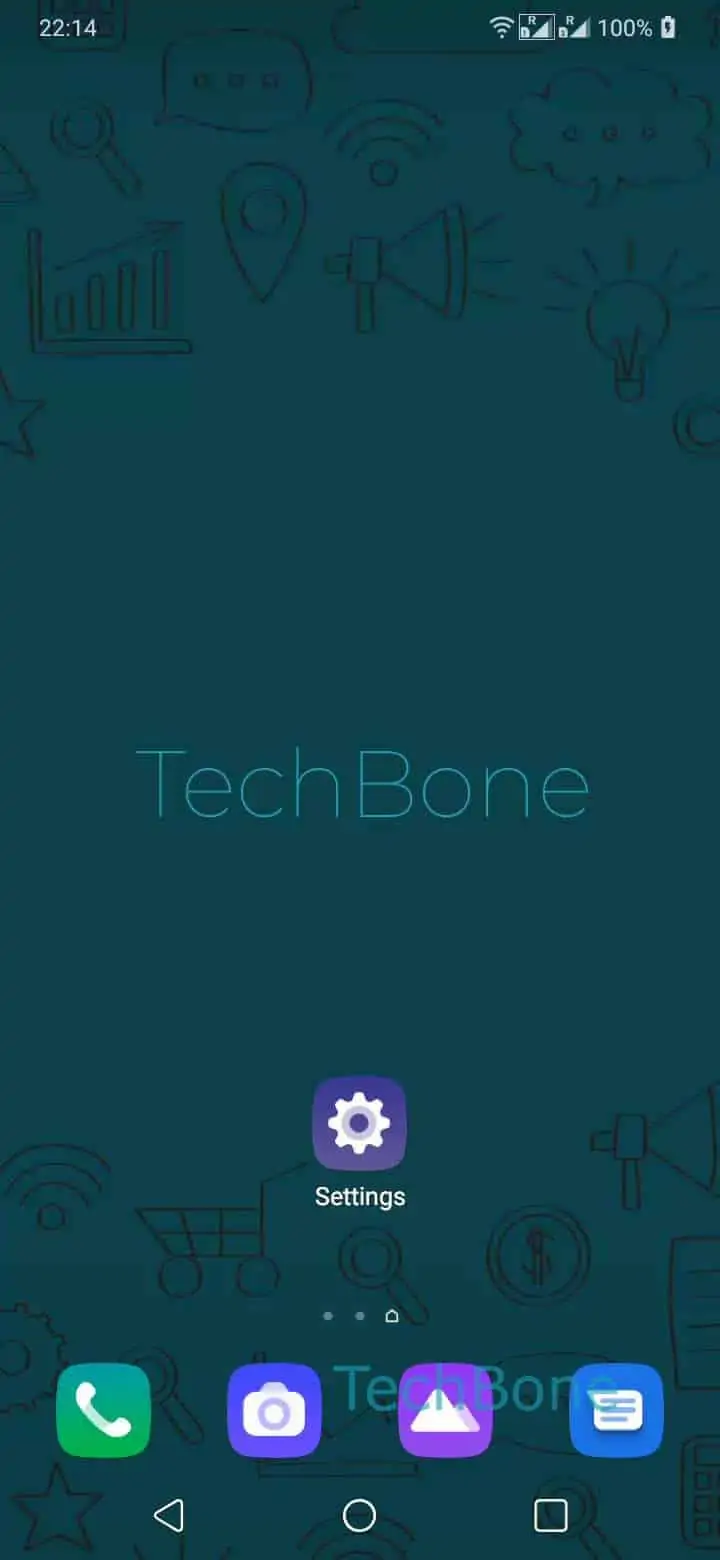
Step 1 of 4: Open the **Settings**

1

Open the Settings

Live simulator

Android 10 · One UI 2
Turn Android Beam On or Off – One UI 2: step 1 – Open the Settings
Open the Settings
1 / 4

Scroll or use the buttons for the next step

Feedback

Was the guide correct?

Help others: confirm the path or report a problem.

19

Confirmations

Forum verified this path

Samsung

Turn Android Beam On or Off auf Samsung

Android Beam lets you share websites, contacts, and files between two NFC-enabled devices by holding them back to back. If the option is missing from your share menu, the feature is usually turned off inside the NFC settings, or the device simply lacks an NFC chip.

To check or change the setting, go to Open the SettingsTap on ConnectionsTap on NFC and paymentEnable or disable Android Beam. The toggle only appears if NFC itself is switched on, since Android Beam depends on that radio being active.

Turning Android Beam off does not affect other NFC functions like contactless payments or pairing accessories. It only blocks the direct file-transfer handshake between two devices touched together.

If your Samsung device runs a newer version of the software, Android Beam may already be replaced by a different nearby-sharing feature. In that case, look for a sharing option with a similar name instead of searching for Android Beam specifically.

Battery cases, thick covers, or metal backplates can also block the NFC signal even when Android Beam is enabled, which looks the same as the feature being switched off.

Frequently asked questions

The device most likely has no NFC chip. Check under Open the SettingsTap on Connections for an NFC and payment entry; if it is missing, Android Beam cannot run on that model.

Compatible devices

Tap your device — opens its hub with matching guides.

Android 10 · One UI 2

No compatible devices are listed for this version.