
Skip to content
TechBone
Samsung

Samsung: Enable or Disable App Icon Badges per App

If your home screen keeps showing a red notification dot on apps you barely open, while a messaging app you actually check stays silent, the global App icon badges switch is not doing the job. Samsung lets you control badges for each app separately, but many people only ever touch the main toggle. Without checking the individual app settings, badges end up either everywhere or nowhere.

5 min6 steps
Version

Step by step

1 / 6

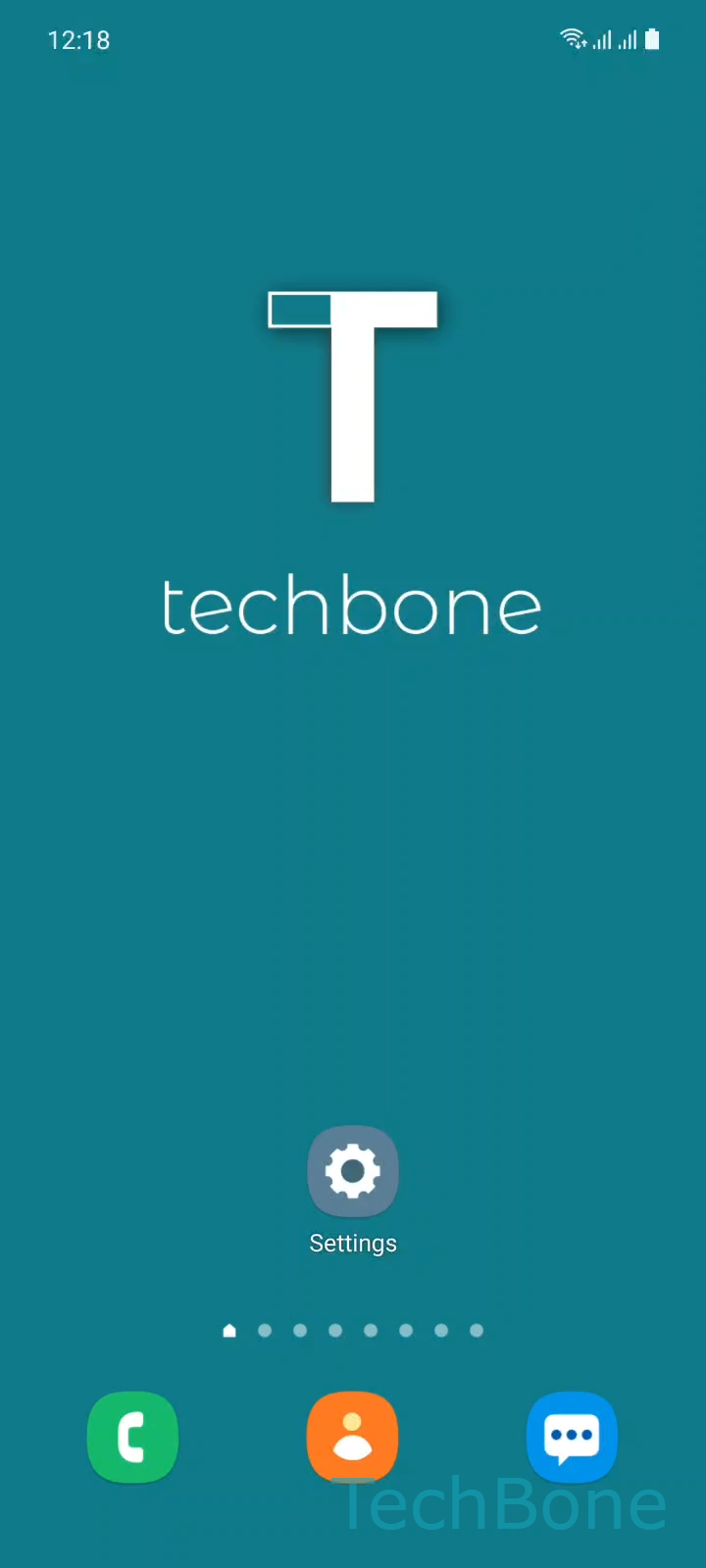
Step 1 of 6: Tap on **Settings**

1

Tap on Settings

Live simulator

Android 11 · One UI 3
App Icon Badges: Enable or Disable per App – One UI 3: step 1 – Tap on Settings
Tap on Settings
1 / 6

Scroll or use the buttons for the next step

Feedback

Was the guide correct?

Help others: confirm the path or report a problem.

94

Confirmations

Forum verified this path

Samsung

App Icon Badges: Enable or Disable per App auf Samsung

On Samsung phones running One UI, app icon badges work on two levels. A general setting controls whether badges are allowed to appear at all, and a per-app setting decides which apps are actually allowed to use them.

If the badge display for a single app looks wrong, the issue almost always sits in that app's own notification settings, not in a system-wide bug.

To check or change it, go to SettingsAppsChoose an AppNotifications. Inside this screen you either find a direct App icon badges switch or a list of notification categories, depending on how the app groups its alerts.

If you see the direct switch, tap it to turn the badge on or off for that app. If the app uses categories instead, open the relevant category first, then enable or disable the badge option inside it.

This setup is useful when only a few apps really need a visual reminder on the home screen, for example messaging or email, while less important apps stay quiet.

Frequently asked questions

Some apps split notifications into categories instead of one setting. Open Notifications for that app, tap the relevant category, then enable or disable the badge option inside it.

Compatible devices

Tap your device — opens its hub with matching guides.

Android 11 · One UI 3

No compatible devices are listed for this version.