Skip to content
TechBone
Samsung

Samsung: Turn Auto Punctuation On or Off for Double Space Tap

Double-tapping the space bar on a Samsung keyboard sometimes adds a period automatically, sometimes it doesn't, and that inconsistency throws off your typing rhythm. This behavior depends on a keyboard setting called 'Double tap space bar to add period', which is turned off by default. Whether the shortcut works for you or not, this one setting is the reason.

4 min5 steps
Version

Step by step

1 / 5

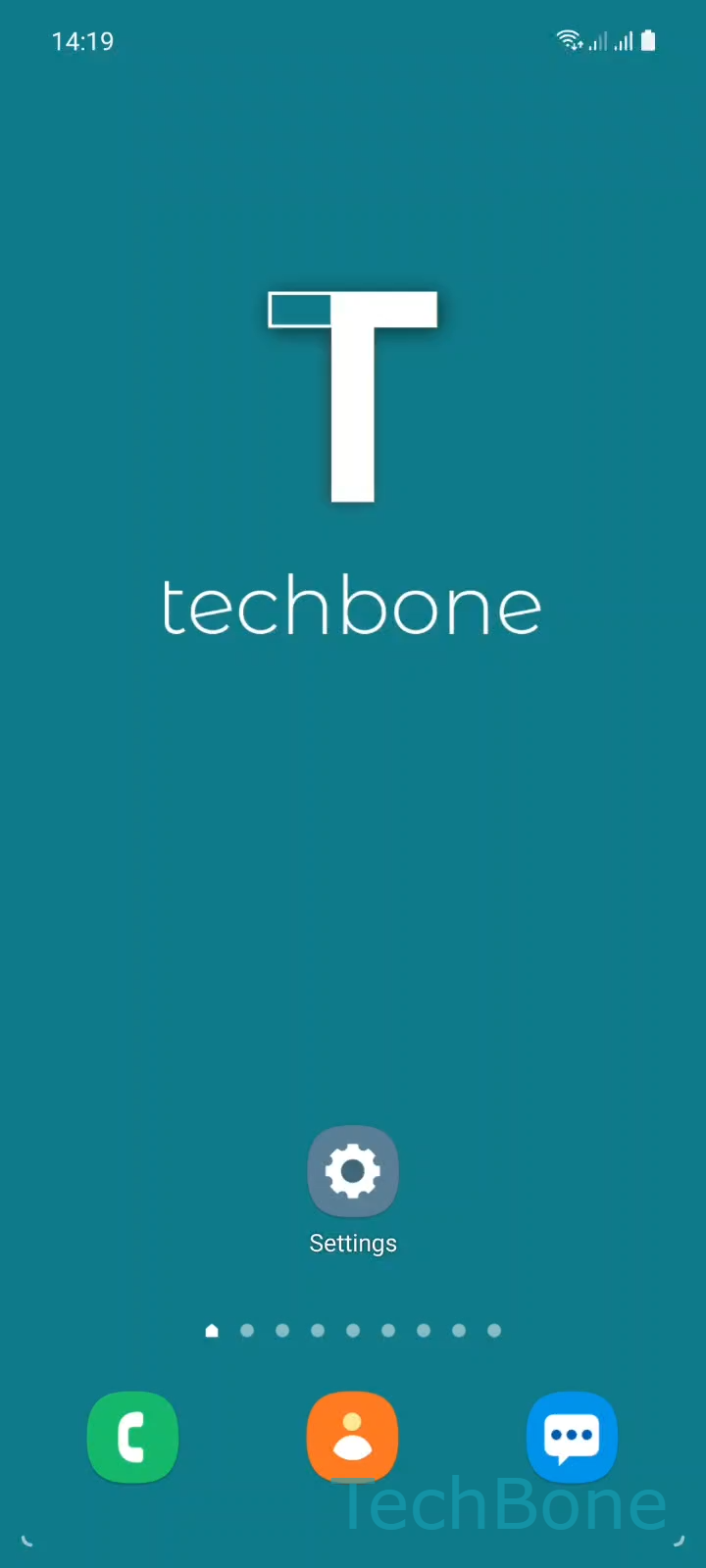
Step 1 of 5: Tap on **Settings**

1

Tap on Settings

Live simulator

Android 11 · One UI 3
Auto-Punctuate on Double Space Tap – One UI 3: step 1 – Tap on Settings
Tap on Settings
1 / 5

Scroll or use the buttons for the next step

Feedback

Was the guide correct?

Help others: confirm the path or report a problem.

59

Confirmations

Forum verified this path

Samsung

Auto-Punctuate on Double Space Tap auf Samsung

On Samsung phones, double-tapping the space bar can end a sentence with a period, but only if a specific keyboard option is active. This shortcut belongs to the Samsung Keyboard settings and works independently of autocorrect or predictive text.

By default, this option is disabled. That is why typing two spaces in a row on a fresh Samsung device just inserts a space and no period appears. If you want the shortcut, or if you keep getting periods you did not ask for, you can switch the behavior yourself.

To find the setting, open Tap on SettingsTap on General managementTap on Samsung Keyboard settingsTap on More typing optionsEnable or disable Double tap space bar to add period. Turning it on adds a period automatically whenever you tap the space bar twice at the end of a word. Turning it off restores the plain double space with no punctuation.

This option only affects the built-in Samsung Keyboard. If you use a third-party keyboard app, check its own settings for a similar shortcut instead.

Frequently asked questions

The Double tap space bar to add period option is turned on. Disable it under SettingsGeneral managementSamsung Keyboard settingsMore typing options to stop the automatic period.

Compatible devices

Tap your device — opens its hub with matching guides.

Android 11 · One UI 3

No compatible devices are listed for this version.