Skip to content
TechBone
Samsung

Samsung: Turn Auto Spacing On or Off on the Keyboard

Selecting a suggested word or finishing a swipe gesture on the Samsung keyboard automatically adds a space after it, even when you don't want one there. This auto spacing behavior runs per keyboard language, so fixing it for one language leaves every other installed language unchanged. Turning it off stops the extra space after suggestions and glide typing.

5 min6 steps
Version

Step by step

1 / 6

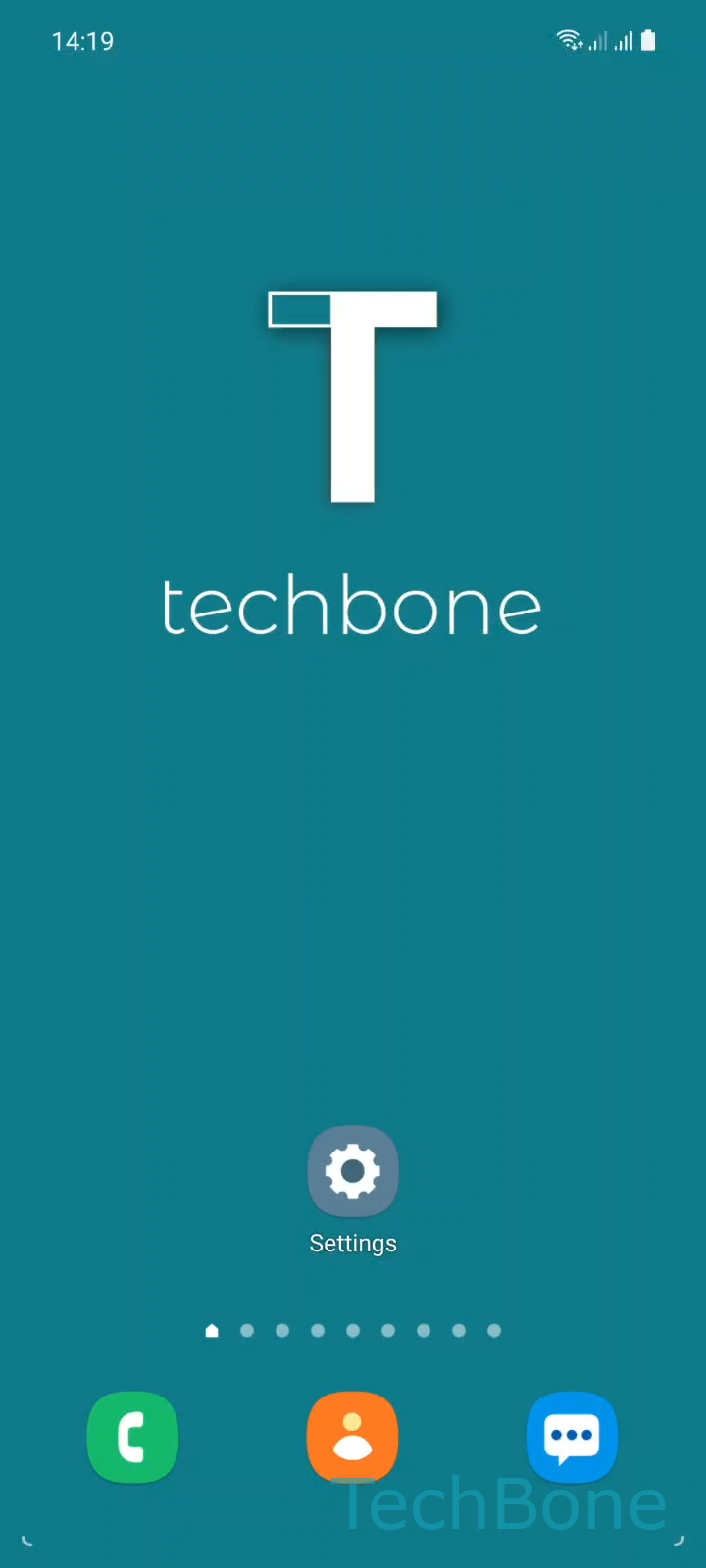
Step 1 of 6: Tap on **Settings**

1

Tap on Settings

Live simulator

Android 11 · One UI 3
Turn Auto Spacing On or Off – One UI 3: step 1 – Tap on Settings
Tap on Settings
1 / 6

Scroll or use the buttons for the next step

Feedback

Was the guide correct?

Help others: confirm the path or report a problem.

53

Confirmations

Forum verified this path

Samsung

Turn Auto Spacing On or Off auf Samsung

The Samsung Keyboard inserts a space automatically whenever you tap a suggested word from the predictive text bar or finish a swipe gesture in glide typing. This behavior is controlled by the Auto spacing option, which sits inside the keyboard's own typing settings rather than the general text input menu.

Auto spacing is stored per keyboard language. If you type in two or more languages, you need to open the setting separately for each one, since disabling it for one language does not change the behavior for another.

To adjust it, open SettingsGeneral managementSamsung Keyboard settingsMore typing optionsAuto spacing, then turn the toggle on or off for the keyboard language you are editing.

Turning Auto spacing off helps when you regularly type compound words, hashtags, or usernames without a trailing space. Leave it on if you mostly type full sentences, since it speeds up typing right after each suggestion tap.

If words still run together after switching this off, check whether swipe typing or predictive text itself is causing the issue, rather than the spacing setting.

Frequently asked questions

No. Auto spacing is stored per language inside Samsung Keyboard settingsMore typing optionsAuto spacing. You have to repeat the toggle for every language you use.

Compatible devices

Tap your device — opens its hub with matching guides.

Android 11 · One UI 3

No compatible devices are listed for this version.