Skip to content
TechBone
Samsung

Samsung: Turn Autofill Service On or Off

If your phone keeps filling in the wrong username, an old address, or a password you no longer use, the Autofill service is likely set to a provider you did not choose. On Samsung phones this function can pull data from Google, from Samsung Pass, or be switched off completely, and mixing providers often causes those wrong entries or missing suggestions in login and shipping forms.

4 min5 steps
Version

Step by step

1 / 5

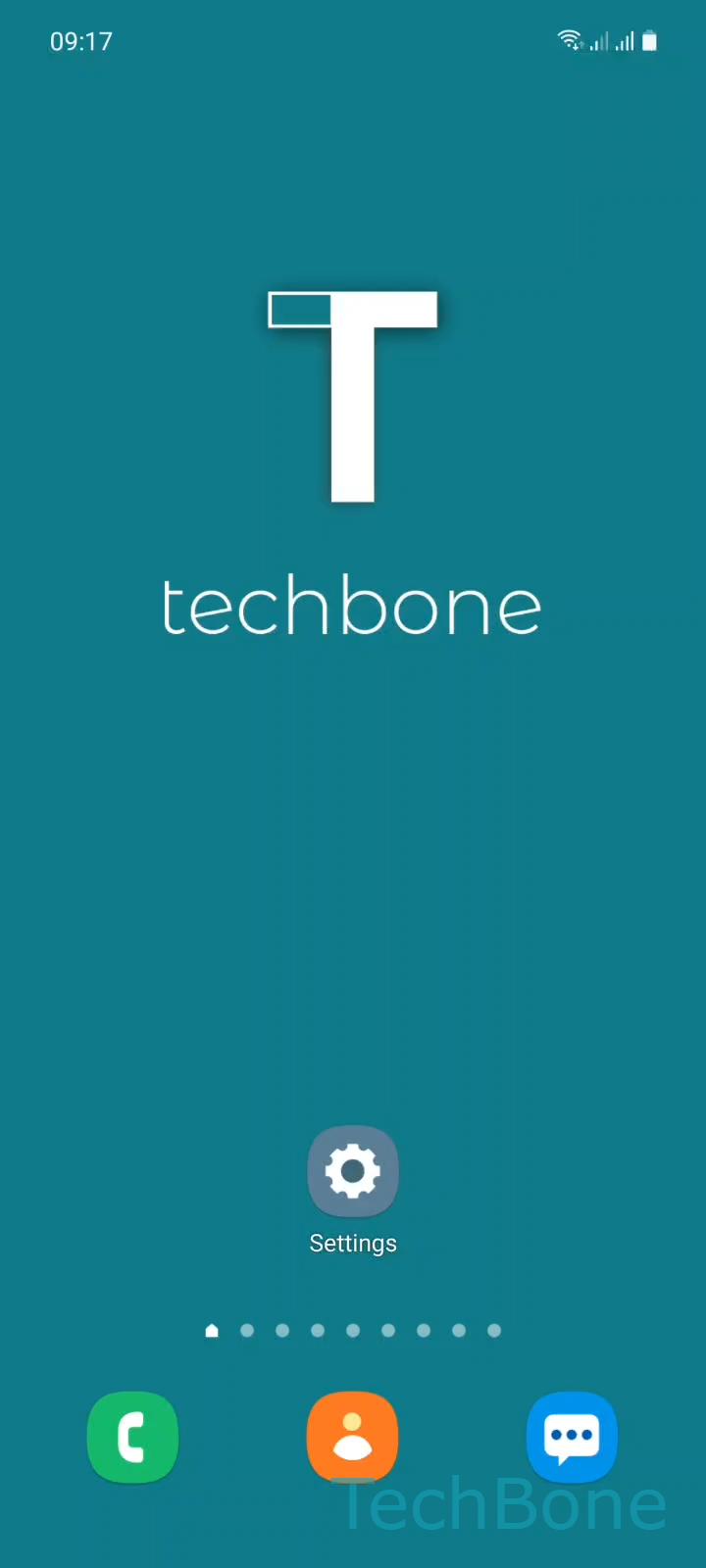
Step 1 of 5: Tap on **Settings**

1

Tap on Settings

Live simulator

Android 11 · One UI 3
Turn Autofill Service On or Off – One UI 3: step 1 – Tap on Settings
Tap on Settings
1 / 5

Scroll or use the buttons for the next step

Feedback

Was the guide correct?

Help others: confirm the path or report a problem.

25

Confirmations

Forum verified this path

Samsung

Turn Autofill Service On or Off auf Samsung

The Autofill service decides which app fills in fields like usernames, passwords, or delivery addresses across your Samsung phone. If two providers are active at once, or if the wrong one is selected, forms can show outdated entries or none at all.

Where to change it

Go to Tap on SettingsTap on General managementTap on Autofill serviceTap on Autofill serviceChoose None, Google or Autofill with Samsung Pass.

Select None to turn autofill off entirely for every app and browser. Select Google if you keep your passwords and addresses in your Google account. Select Autofill with Samsung Pass if you store logins and cards in Samsung's own vault instead.

Switching providers does not delete saved data, but only the active provider will offer suggestions going forward. If you use a separate password manager app, leaving this set to None usually avoids conflicting autofill prompts.

Frequently asked questions

Saved entries stay tied to the provider that created them. If you switch from Google to Autofill with Samsung Pass, older Google-based entries will not appear until you switch back or re-save them under the new provider.

Compatible devices

Tap your device — opens its hub with matching guides.

Android 11 · One UI 3

No compatible devices are listed for this version.