Skip to content
TechBone
Samsung

Samsung: Turn Off Automatic Hotspot 2.0 Wi-Fi Connection

If your Samsung phone keeps joining unfamiliar Wi-Fi networks in cafes, airports or train stations without asking, Hotspot 2.0 is doing its job in the background. The feature links you to certified public networks automatically, which can drain data or battery on networks you never chose yourself. You can switch this automatic behavior off in the Wi-Fi settings.

5 min6 steps
Version

Step by step

1 / 6

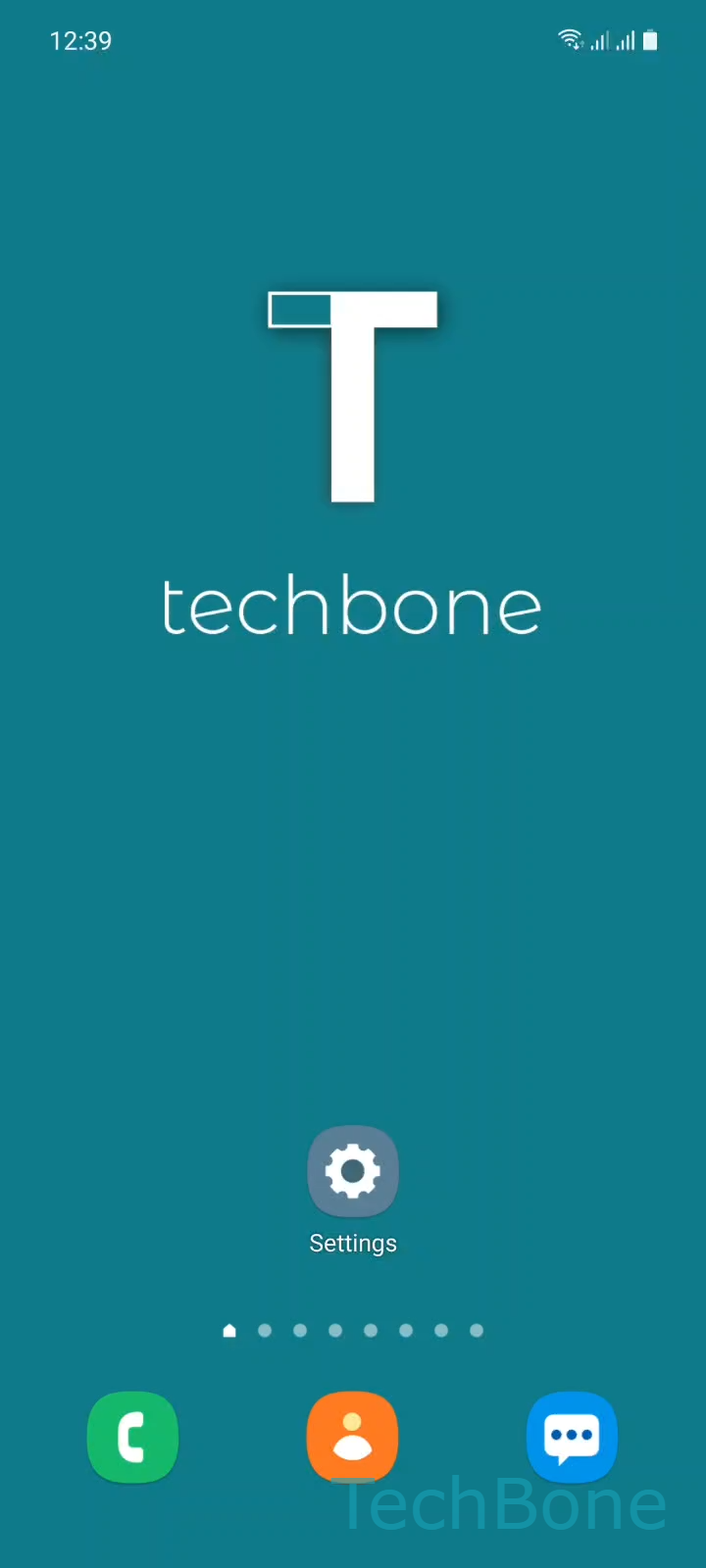
Step 1 of 6: Tap on **Settings**

1

Tap on Settings

Live simulator

Android 11 · One UI 3
Disable Automatic Hotspot 2.0 Wi-Fi Connection – One UI 3: step 1 – Tap on Settings
Tap on Settings
1 / 6

Scroll or use the buttons for the next step

Feedback

Was the guide correct?

Help others: confirm the path or report a problem.

34

Confirmations

Forum verified this path

Samsung

Disable Automatic Hotspot 2.0 Wi-Fi Connection auf Samsung

Hotspot 2.0 is a Wi-Fi standard built into Samsung phones running One UI. It lets your device recognize certified public networks and join them automatically, without showing a password prompt or asking for confirmation.

This is convenient in places like airports or shopping malls, but it also means your phone can connect to networks you never selected. Data usage, battery drain or unwanted background traffic on an unfamiliar network are common side effects once Hotspot 2.0 kicks in.

The setting sits inside the advanced Wi-Fi options and can be turned off in a few taps:

Tap on SettingsTap on ConnectionsTap on Wi-FiOpen the MenuTap on AdvancedEnable or disable Hotspot 2.0

Once disabled, your phone still shows available public networks, but it will no longer join them on its own. You then have to select and connect manually each time.

Keep the feature enabled if you frequently rely on trusted public hotspots and prefer not to reconnect manually every time you enter a covered area.

Frequently asked questions

No. Hotspot 2.0 only controls automatic joining of certified public networks. Networks you have manually connected to and saved, such as your home or office Wi-Fi, are not affected.

Compatible devices

Tap your device — opens its hub with matching guides.

Android 11 · One UI 3

No compatible devices are listed for this version.