Skip to content
TechBone
Samsung

Samsung: Allow or Restrict App Background Activity

If your Samsung phone loses battery fast even when you barely touch certain apps, background activity is often the reason. Some apps keep syncing, refreshing content or checking location while you are not using them, which quietly drains the battery between charges. You can turn this off for individual apps without disabling their notifications completely.

4 min5 steps
Version

Step by step

1 / 5

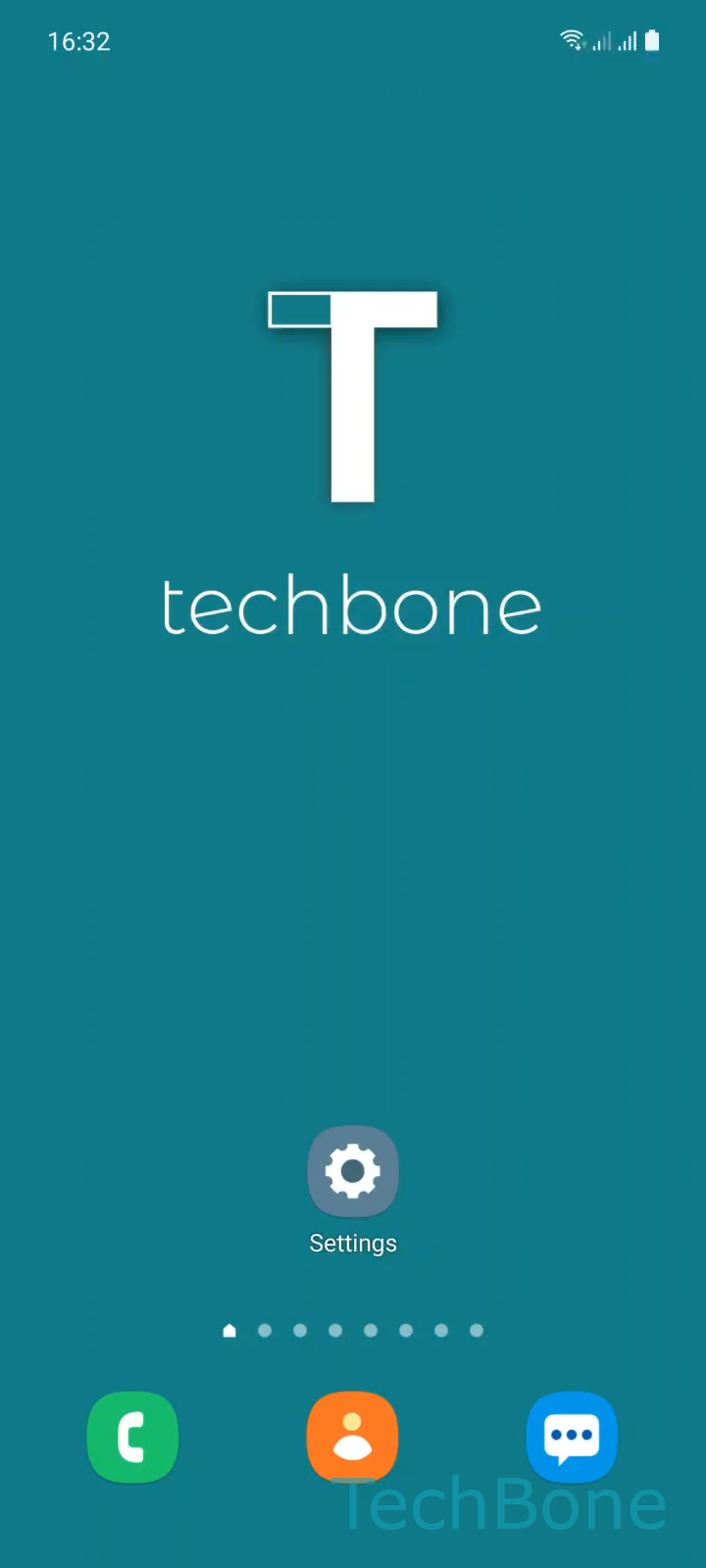
Step 1 of 5: Tap on **Settings**

1

Tap on Settings

Live simulator

Android 11 · One UI 3
Allow or Restrict Background Activity of Apps – One UI 3: step 1 – Tap on Settings
Tap on Settings
1 / 5

Scroll or use the buttons for the next step

Feedback

Was the guide correct?

Help others: confirm the path or report a problem.

17

Confirmations

Forum verified this path

Samsung

Allow or Restrict Background Activity of Apps auf Samsung

Background activity lets an app keep running tasks, sync data or refresh content even after you close it. On Samsung devices running One UI, this is controlled per app through the battery settings, not through one global switch.

When several apps run background tasks at the same time, battery drain increases even though the screen stays off. Samsung separates this permission from notification settings or app permissions like location and camera, calling it background activity in the battery menu.

To change it, go to Tap on SettingsTap on AppsChoose an AppTap on BatteryEnable or disable Allow background activity. Turning this off stops the app from running tasks once you leave it, which helps battery life but can delay notifications, message syncing or location updates from that app.

Restricting background activity works best for apps you open occasionally and do not need real-time updates from. For messaging or calendar apps that rely on instant sync, keep background activity enabled and look at other battery settings instead if drain is still an issue.

Frequently asked questions

Not always. Some apps still push notifications through a lightweight system channel even with Allow background activity turned off, but delivery can be delayed compared to when it stays enabled.

Compatible devices

Tap your device — opens its hub with matching guides.

Android 11 · One UI 3

No compatible devices are listed for this version.