Skip to content
TechBone
Samsung

Samsung: Turn Background Data Usage On or Off for Apps

If your Samsung phone burns through mobile data even when you are not actively using an app, background data usage is likely the cause. Apps rely on this setting to refresh content, sync accounts and push notifications while running in the background. Blocking it for specific apps can cut data usage, but it may also delay alerts or updates.

4 min5 steps
Version

Step by step

1 / 5

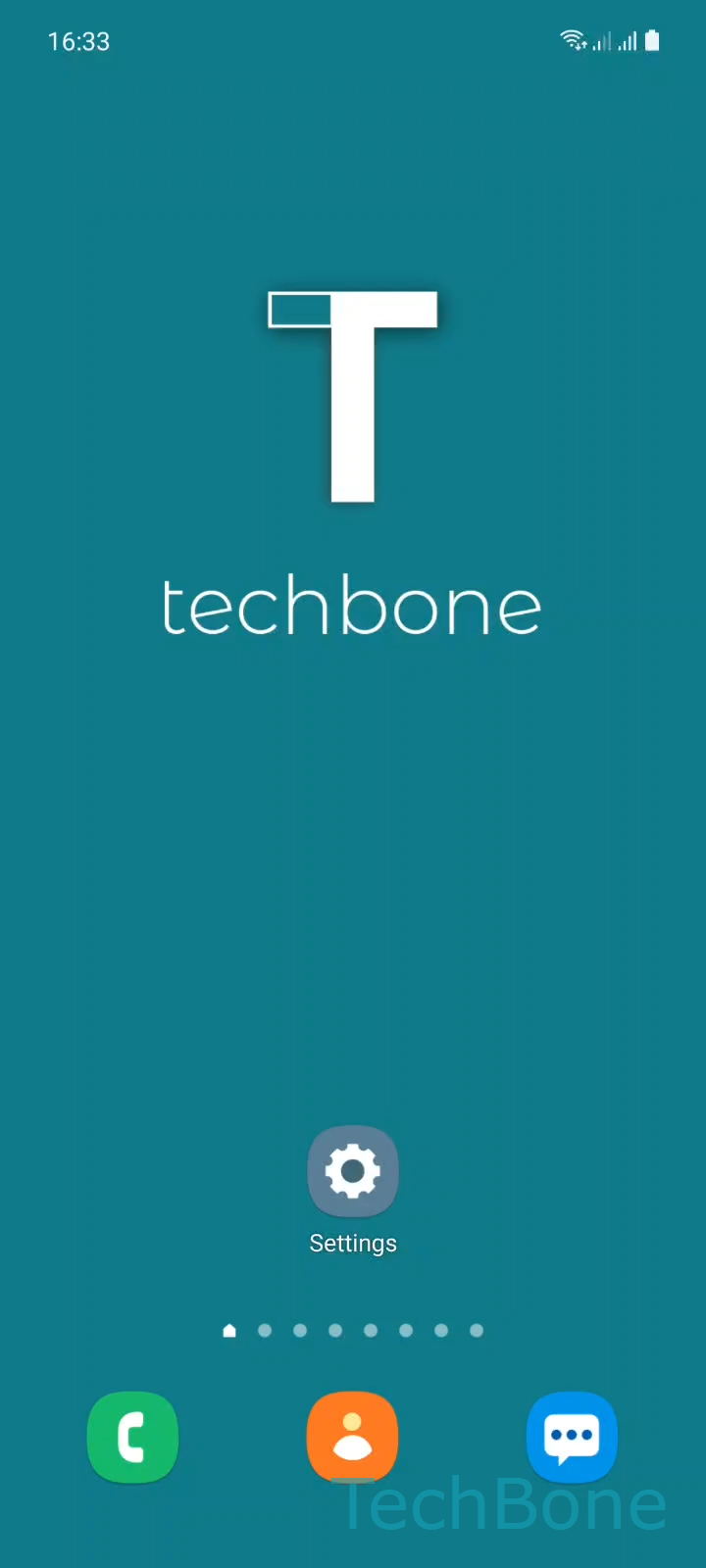
Step 1 of 5: Tap on **Settings**

1

Tap on Settings

Live simulator

Android 11 · One UI 3
Turn Background Data Usage On or Off – One UI 3: step 1 – Tap on Settings
Tap on Settings
1 / 5

Scroll or use the buttons for the next step

Feedback

Was the guide correct?

Help others: confirm the path or report a problem.

105

Confirmations

Forum verified this path

Samsung

Turn Background Data Usage On or Off auf Samsung

Background data lets an app exchange information with its servers even when you are not looking at the screen. This is how messaging apps deliver notifications instantly and how mail or cloud apps stay up to date without you opening them first.

On Samsung phones, this behavior is controlled per app in the system settings. Each app has its own toggle, so you can allow background data for apps you check often and block it for apps that only matter when opened, like games or rarely used tools.

To change it, go to SettingsAppsChoose an AppMobile dataAllow background data usage. Turn the toggle off to block that app from using mobile data in the background, or turn it on again to restore normal syncing.

Disabling background data reduces mobile data consumption and can extend battery life, since the app stops waking up on its own. The trade-off is delayed notifications and content that only updates when you manually open the app.

If your main goal is saving battery rather than data, check the app's battery settings instead, since aggressive background restrictions there can achieve a similar effect without touching data permissions app by app.

Frequently asked questions

Yes, in most cases. If an app needs a live connection to push alerts, disabling Allow background data usage under Mobile data can delay or block notifications until you open the app over Wi-Fi or with the toggle re-enabled.

Compatible devices

Tap your device — opens its hub with matching guides.

Android 11 · One UI 3

No compatible devices are listed for this version.