Skip to content
TechBone
Samsung

Samsung: Block Automatic Downloads in the Internet Browser

If websites start pulling files onto your phone the moment they load, the Samsung Internet browser might be letting those downloads through unchecked. This usually happens because a built-in security option stays switched off by default, leaving the door open for pages to push installers you never asked for. Malicious sites exploit exactly this gap to slip apps or tools onto your device that quietly access your personal data.

4 min5 steps
VersionAndroid 11 · One UI 3

Step by step

1 / 5

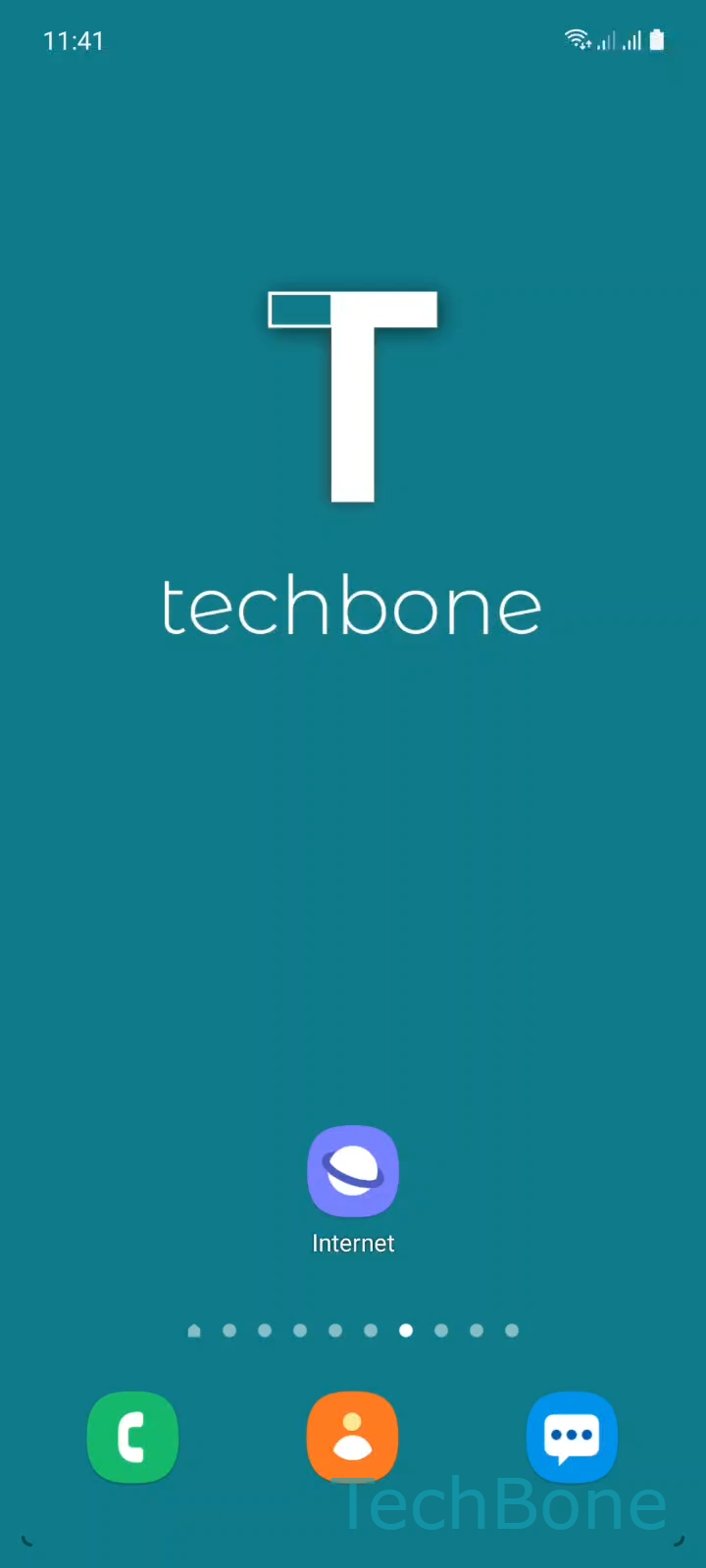
Step 1 of 5: Tap on **Internet**

1

Tap on Internet

Live simulator

Android 11 · One UI 3
Block Automatic Downloads in Samsung Internet – One UI 3: step 1 – Tap on Internet
Tap on Internet
1 / 5

Scroll or use the buttons for the next step

Feedback

Was the guide correct?

Help others: confirm the path or report a problem.

38

Confirmations

Forum verified this path

Samsung

Block Automatic Downloads in Samsung Internet auf Samsung

Samsung Internet can download files the instant a page loads, without asking you first. This happens because the browser trusts every download request by default unless you tell it otherwise.

The setting responsible for this sits in the browser's privacy area, separate from your general phone security settings. Once enabled, it filters download requests that a website triggers automatically, rather than ones you tap yourself.

To turn it on: Tap on InternetOpen the MenuTap on SettingsTap on Privacy and securityEnable or disable Block automatic downloads.

With the option enabled, the browser only allows downloads that you start directly, for example by tapping a download link or button. Anything a script or ad tries to push in the background gets stopped before it reaches your storage.

This setting will not help if a file already made it onto your phone before you turned the option on. In that case, check your Downloads folder and remove anything unfamiliar manually.

There is no real downside to leaving this enabled. Legitimate downloads you trigger yourself still work exactly as before, since the block only targets downloads a page starts on its own.

Frequently asked questions

Some websites run scripts that start a download automatically as soon as the page finishes loading. Without Block automatic downloads turned on, the browser treats that request the same as one you triggered yourself.

Compatible devices

Tap your device — opens its hub with matching guides.

Android 11 · One UI 3

No compatible devices are listed for this version.