Skip to content
TechBone
Samsung

Samsung: Enable or Disable the Eye Comfort Shield Blue Light Filter

If your Samsung screen still feels harsh on your eyes after dark or you struggle to fall asleep after scrolling before bed, the Eye comfort shield is probably switched off or set too weak. This built-in filter cuts the blue light your display emits, but its schedule and intensity settings are easy to overlook. Many people only notice the setting exists after eye strain or a restless night.

3 min3 steps
Version

Step by step

1 / 3

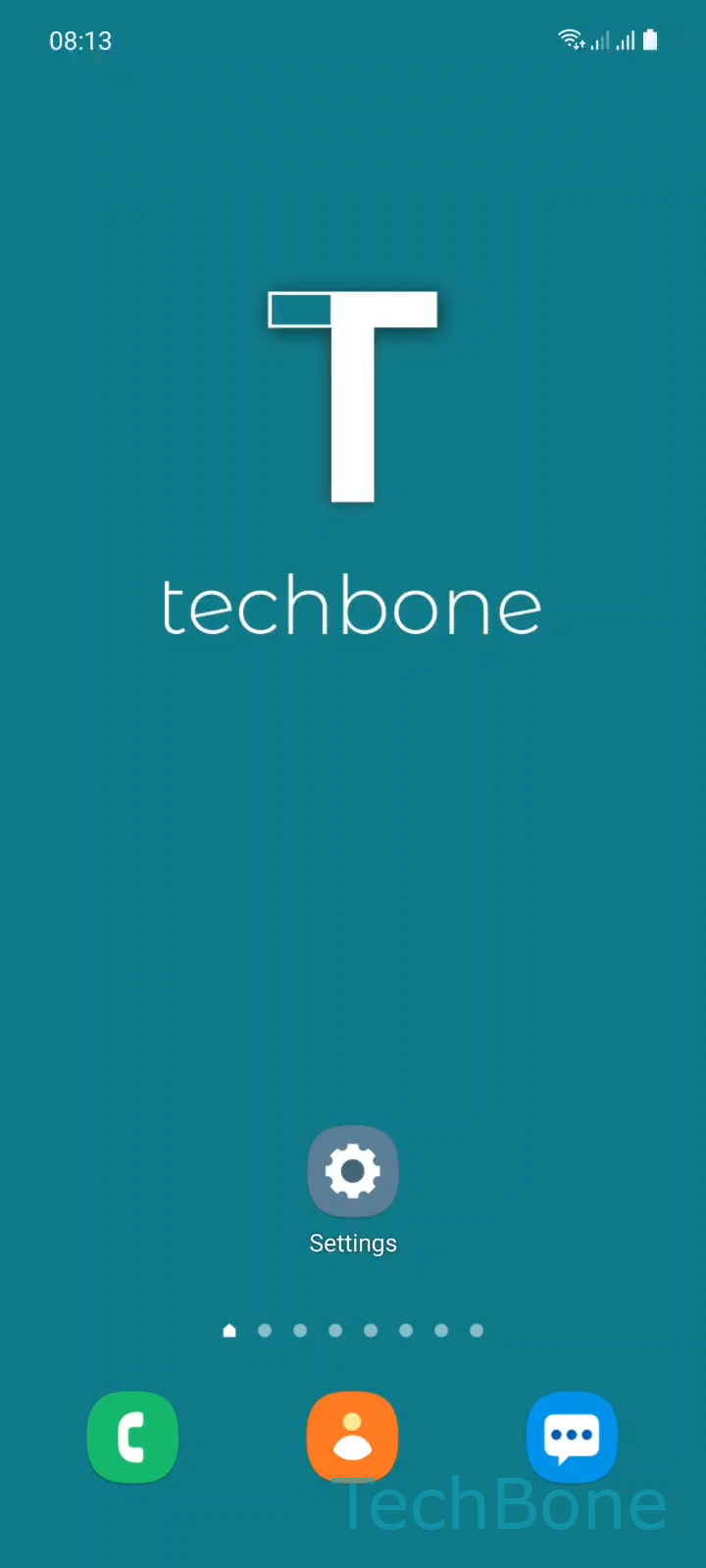
Step 1 of 3: Tap on **Settings**

1

Tap on Settings

Live simulator

Android 11 · One UI 3
Turn On or Off the Eye Comfort Shield (Blue Light Filter) – One UI 3: step 1 – Tap on Settings
Tap on Settings
1 / 3

Scroll or use the buttons for the next step

Feedback

Was the guide correct?

Help others: confirm the path or report a problem.

29

Confirmations

Forum verified this path

Samsung

Turn On or Off the Eye Comfort Shield (Blue Light Filter) auf Samsung

Blue light from a phone display suppresses melatonin and keeps your eyes working harder in low light. Samsung addresses this with the Eye comfort shield, a display filter that shifts the screen toward warmer tones and reduces the amount of blue light reaching your eyes.

The feature sits inside the display settings rather than accessibility settings, even though it is often searched for under that name. It can run permanently, on a fixed schedule, or only overnight, and you can adjust how strong the effect is.

Turn it on or off

Go to Tap on SettingsTap on DisplayEnable or disable Eye comfort shield. Toggling the switch applies the warmer tint immediately across the whole screen, including most apps.

If colors look washed out for photo editing or design work, disable the filter temporarily instead of lowering the intensity slider, since a partial filter still shifts colors slightly.

For sleep-related complaints, a scheduled activation in the evening hours is usually more effective than leaving the filter on all day, since your eyes only need the reduced blue light shortly before bedtime.

Frequently asked questions

No. Dark mode changes background and text colors for lower brightness, while Eye comfort shield only shifts the color temperature to reduce blue light. You can use both from Tap on SettingsTap on Display at the same time.

Compatible devices

Tap your device — opens its hub with matching guides.

Android 11 · One UI 3

No compatible devices are listed for this version.