Skip to content
TechBone
Samsung

Samsung: Turn Bold Font On or Off

If every app on your Samsung suddenly looks like its letters gained extra weight, the system-wide Bold font toggle is likely active. This setting thickens all text, including fonts that are already bold, such as Gothic Bold, which can make some layouts look cramped or hard to scan. It sits separately from font size, so changing text size alone will not fix it.

3 min4 steps
Version

Step by step

1 / 4

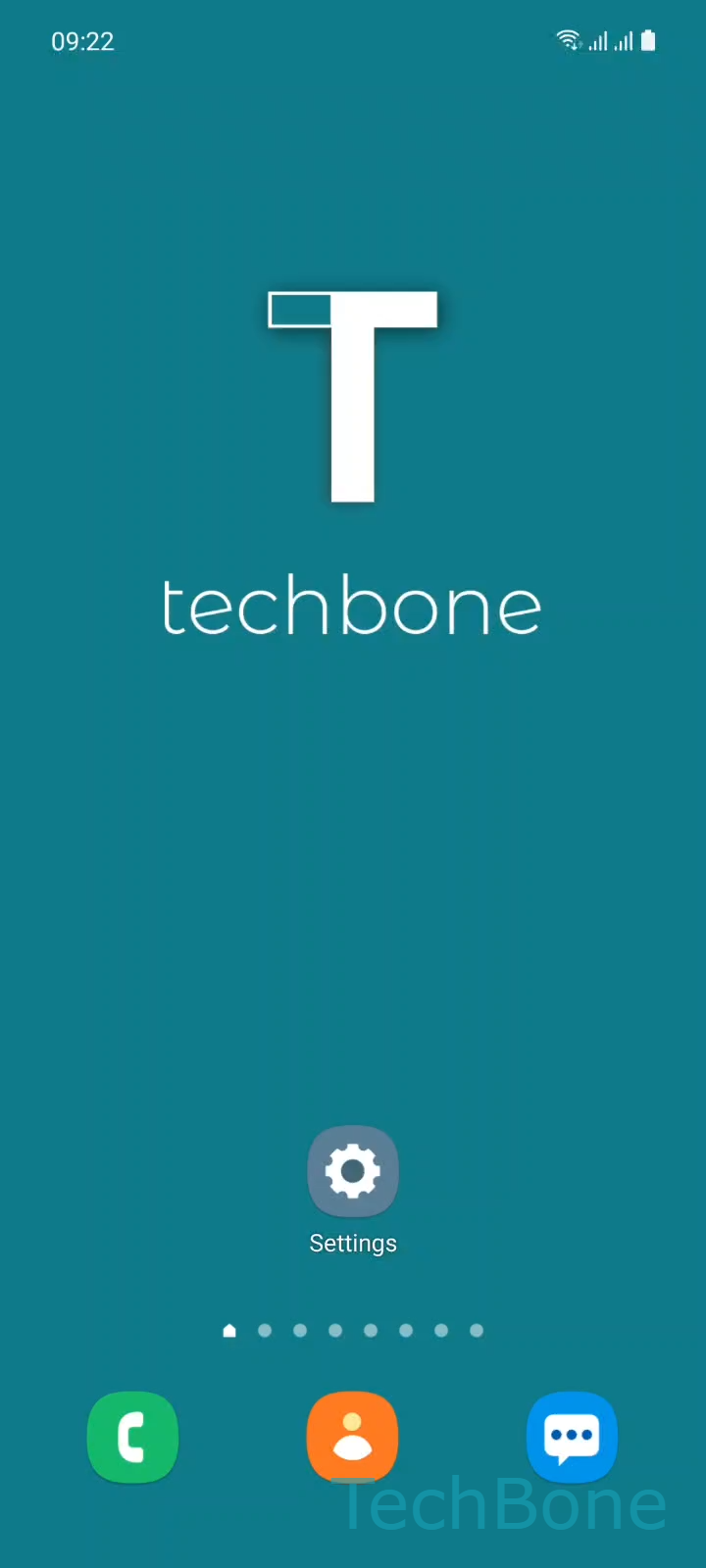
Step 1 of 4: Tap on **Settings**

1

Tap on Settings

Live simulator

Android 11 · One UI 3
Turn On/Off Bold Font – One UI 3: step 1 – Tap on Settings
Tap on Settings
1 / 4

Scroll or use the buttons for the next step

Feedback

Was the guide correct?

Help others: confirm the path or report a problem.

55

Confirmations

Forum verified this path

Samsung

Turn On/Off Bold Font auf Samsung

Samsung phones running One UI let you switch every on-screen font to a bold weight with a single toggle. This is a display-wide setting, separate from font size, so it affects menus, notifications, and most apps at once.

Some users enable it for better readability in bright light or with smaller text sizes. Others find it turned on by accident and want the original, regular-weight fonts back.

The toggle also affects fonts that are already bold by design, such as Gothic Bold. In that case, the system pushes the weight further, which can make letters look cramped or blur together on smaller displays.

Where to find the setting

Go to Tap on SettingsTap on DisplayTap on Font size and styleEnable or disable Bold font. The switch applies immediately, so you can preview the change before leaving the screen.

If text still looks too thick or too thin after toggling this, check the font size slider on the same screen. Size and weight are controlled independently, and adjusting both together usually gives the most comfortable result.

Frequently asked questions

No. Bold font only changes the stroke weight of letters. Text size is controlled separately on the same Font size and style screen.

Compatible devices

Tap your device — opens its hub with matching guides.

Android 11 · One UI 3

No compatible devices are listed for this version.